Quick summary
The Klaviyo Google Ads integration lets you sync customer data directly from Klaviyo to Google Ads, enabling smarter audience targeting and more effective ad campaigns. You can set up the connection in just a few clicks from the Klaviyo Integrations hub.
Steps
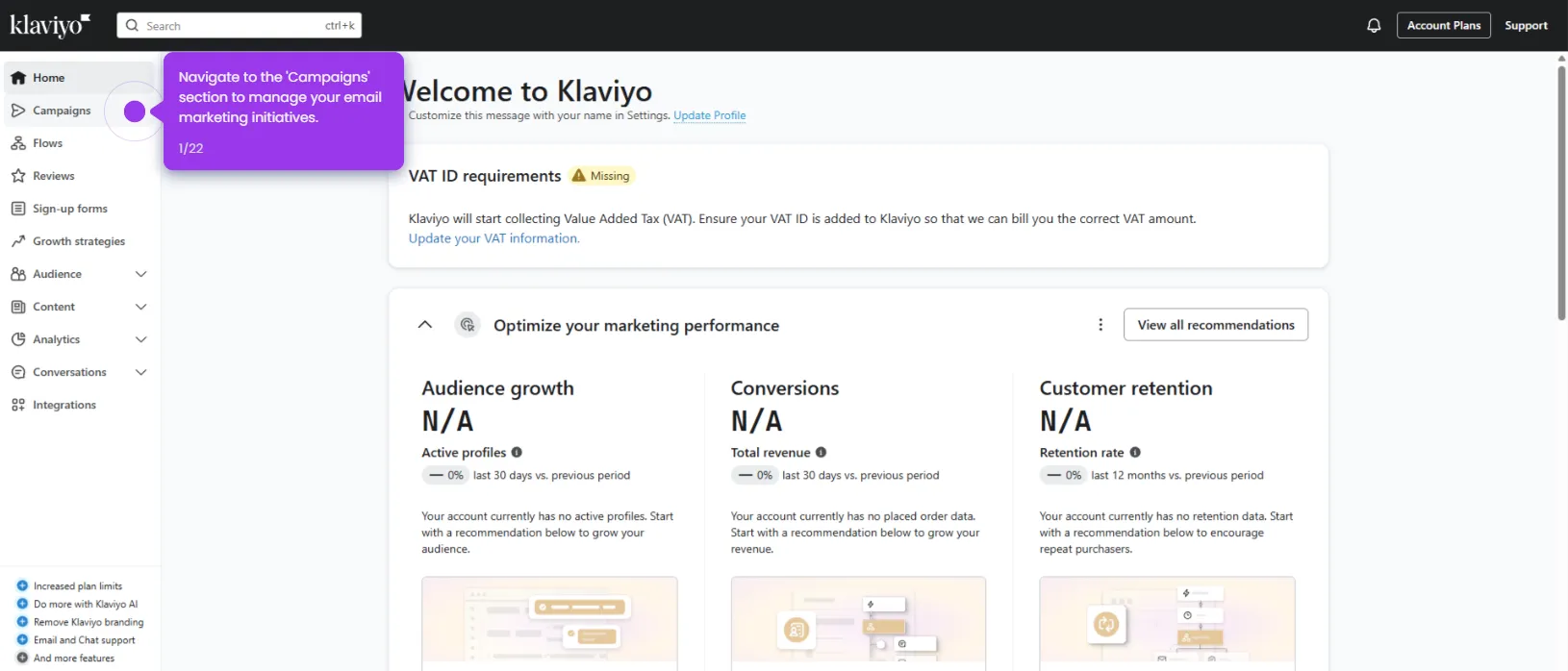
- Navigate to the Integrations hub in Klaviyo, where you can access 200+ platforms that work seamlessly with Klaviyo.
- Click Explore integrations to browse the full integration marketplace and expand your marketing capabilities.
- Use the search bar and enter Google Ads to find the integration quickly.
- Select the Google Ads integration card (built by Klaviyo) to sync customer data and optimize your ad campaigns.
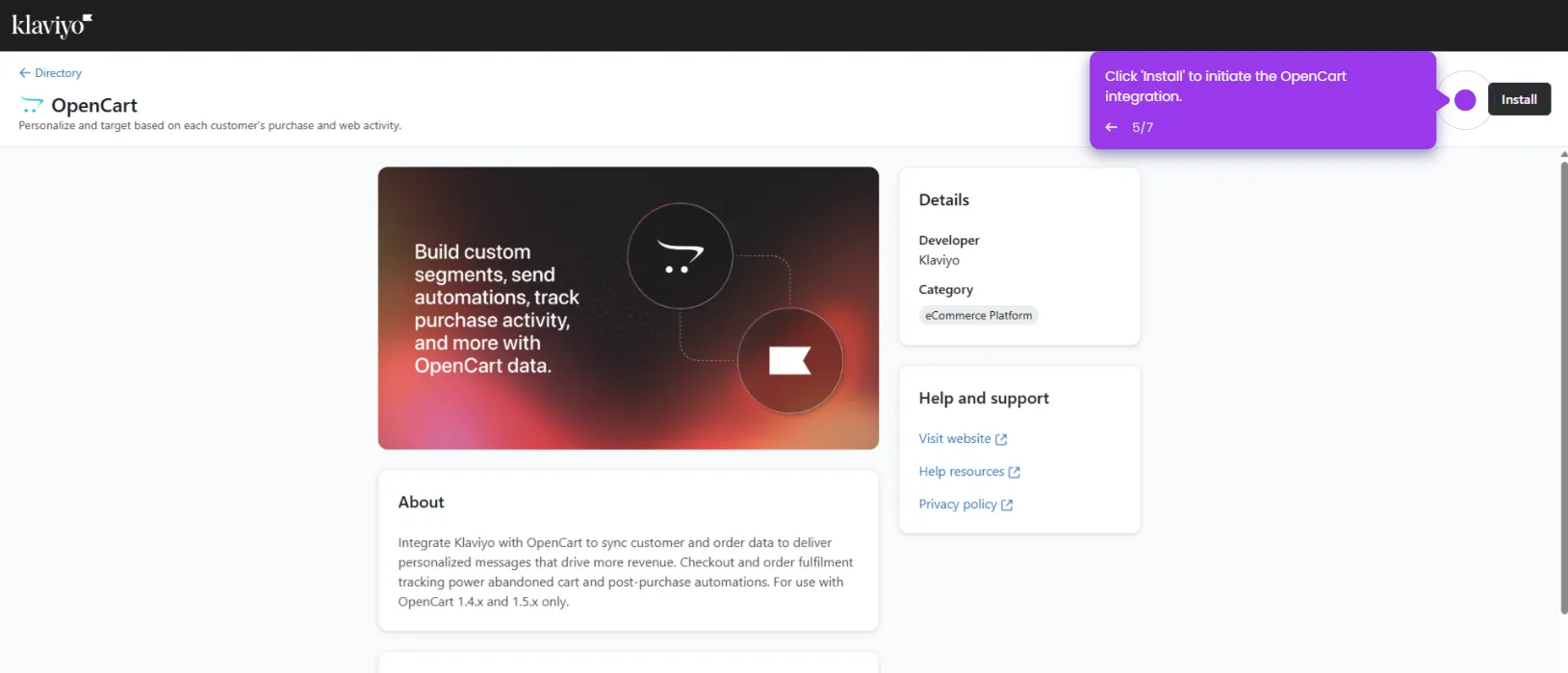
- Click the Install button to add the Google Ads integration to your Klaviyo account in one click.
- Click Connect to Google to complete setup and start leveraging customer insights for more effective Google ad campaigns.