
.svg)
Storylane for
Product Managers
Turn every release into a moment that lands
Storylane helps product teams drive feature adoption, accelerate onboarding, and keep users coming back — without adding to the engineering backlog.


Trusted by 5,000+ Teams

Features at a glance
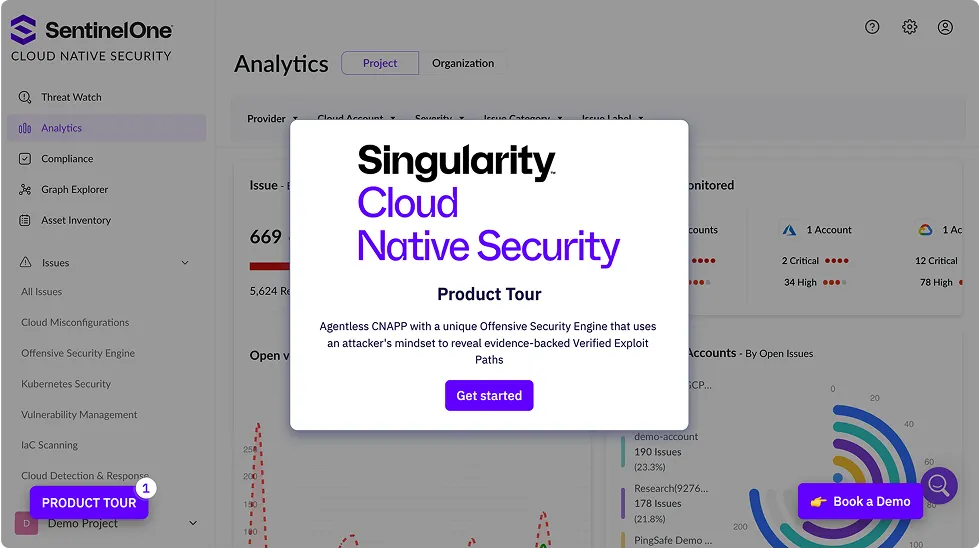
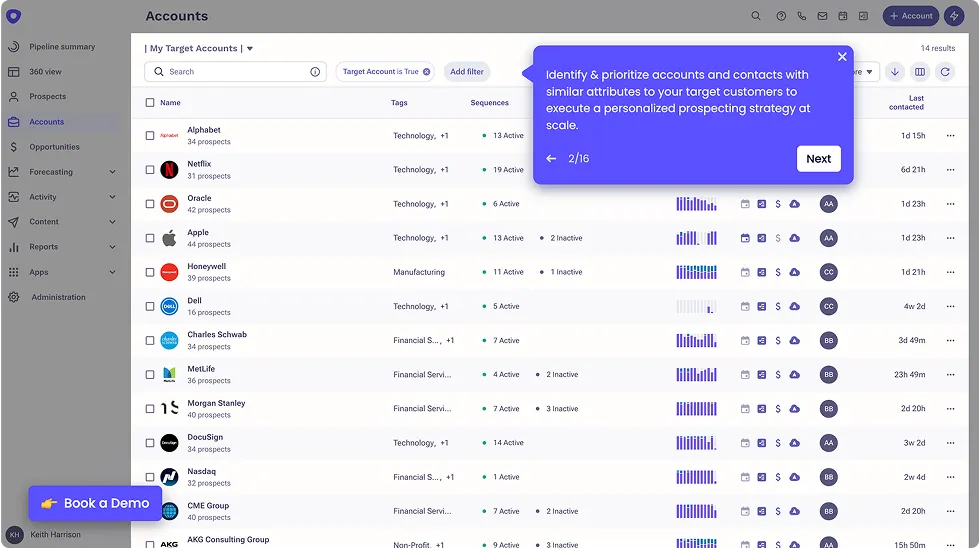
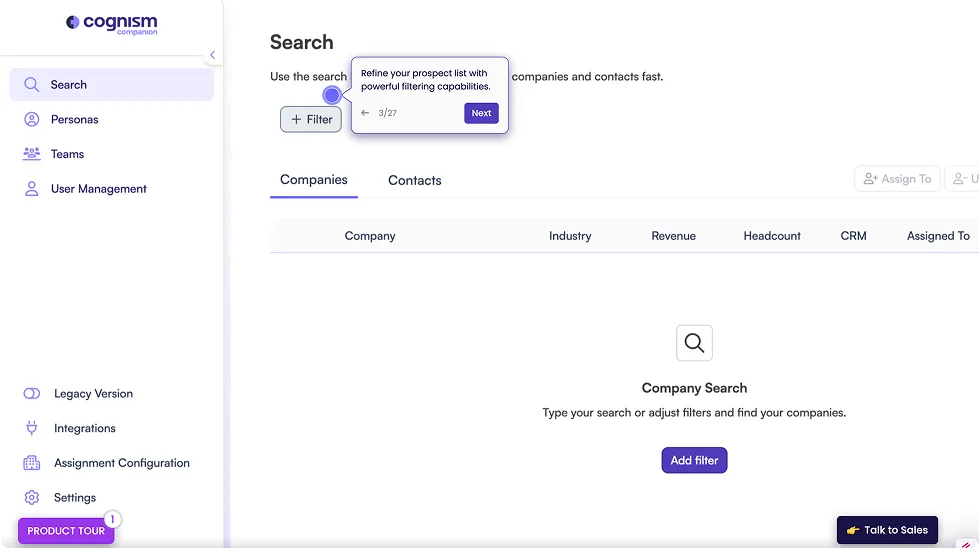
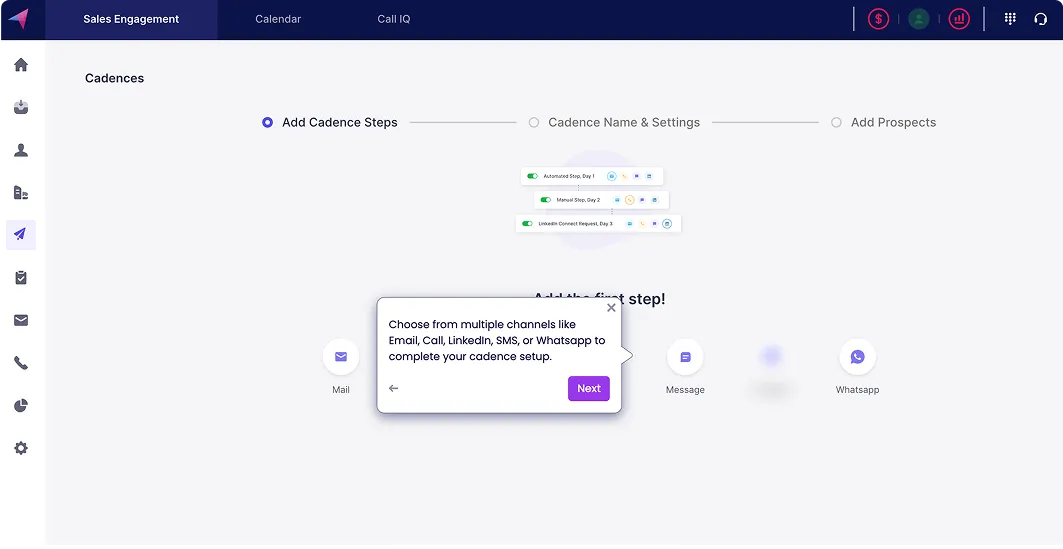
Guided demos
Build product demos for launches, onboarding, and docs
Code-free editor
Publish and update demo content without touching engineering
Sandbox demos
Create safe, hands-on environments for training, QA, and beta rollouts
Create with AI
Generate walkthroughs, tooltips, and feature guides in minutes with AI.
Personalization
Build role-specific onboarding paths from a single demo template.
Easy sharing
Embed in your product, docs, help centre, or LMS in one line of code.
Deal intelligence
Track who's engaging with your demos and where they drop off.
Hub
Bundle release notes, demos, and docs into one link for internal rollouts.
Explain better, drive adoption
Stop shipping features users never discover. Build and publish interactive walkthroughs with no engineering lift.
Build and publish demos without touching code
Embed directly into your product, docs, or help centre
Update content in minutes when features change
.avif)
Make onboarding stick
First impressions drive retention. Replace static tooltips and passive videos with hands-on, self-paced demos
Guide new users through key workflows step by step
Create role-specific onboarding paths from a single demo
Track completion and identify where users drop off

Build a living knowledge base
Docs go stale. Storylane demos show exactly how the product works — updated in minutes, not sprints.
Embed interactive demos alongside written docs
Create chapter-based walkthroughs for complex features
Share directly from your knowledge base, LMS, or help desk
.avif)
Align the team on what you've built
Sales, support, CS, and partners all need to know what shipped. Make sure they actually do.
Send feature demos to internal teams on launch day
Create sandbox environments for training and QA
Track engagement to see who's actually watched
.avif)
Unlock enterprise excellence
Ensure industry-standard security practices, professional services, and privacy compliance
Custom Domain URL for your demos
Single-Sign On (SSO) and Universal Login
Demo Whitelabel for branding
SOC2 compliant
Used by fortune 1000 companies
Hear from our customers
#1 Demo Automation Software
The UX is fantastic — but what really drew us was the innovation
.svg)
.webp)
Intuitive, powerful, and easy to use platform.
Matt Slotten
Marketing
The interactive demo influenced our biggest deal yet!

.webp)
It’s actually kind of shocking how fast it was for us.
Edward Smith
Sr. Solutions Consultant
35%
increase in pipeline
Tom Josephson
Solutions Consulting
.svg)
Revolutionized our demo process. The AI tools are incredibly powerful.
Edward Smith
Sr. Solutions Consultant
The UX is fantastic — but what really drew us was the innovation
Intuitive, powerful, and easy to use platform.
Matt Slotten
Marketing
The interactive demo influenced our biggest deal yet!
It’s actually kind of shocking how fast it was for us.
Edward Smith
Sr. Solutions Consultant
35%
increase in pipeline
Tom Josephson
Solutions Consulting
Revolutionized our demo process. The AI tools are incredibly powerful.
Edward Smith
Sr. Solutions Consultant
Storylane's by far the easiest and most reliable out of other competitors.
Martin Kurowski
Product Marketing Manager

Great and super easy to use for quick shareable demo's
Tamar S.
Marketing
$1.3M
Pipeline directly attributed to the interactive demo
.svg)

Our executive team continues to rave about how well Storylane visualizes our own tool!
Emily Elizabeth
VP Marketing
My Go-To Tool for showing how our platform works — so simple to use!
Christion Parker
Sales Manager
35
demos in 3 weeks
Michael DeMarco
Product Marketing Manager
Storylane's by far the easiest and most reliable out of other competitors.
Martin Kurowski
Product Marketing Manager
Great and super easy to use for quick shareable demo's
Tamar S.
Marketing
$1.3M
Pipeline directly attributed to the interactive demo
Our executive team continues to rave about how well Storylane visualizes our own tool!
Emily Elizabeth
VP Marketing
My Go-To Tool for showing how our platform works — so simple to use!
Christion Parker
Sales Manager
35
demos in 3 weeks
Michael DeMarco
Product Marketing Manager
Over 200k demos created on Storylane
.png)
Demos and AI SDRs for the modern buying journey
Frequently asked questions
Can I track where users drop off in a guided walkthrough?
How do I embed a product tour directly inside my product?
Can I track where users drop off in a guided walkthrough?
How do I keep demo content current when the UI changes?
How do I create a sandbox environment for beta testing or internal QA?


