Quick summary
The Jira and Intercom integration lets support teams create, link, and comment on Jira issues without leaving Intercom. Install Jira Cloud from the Intercom App Store in minutes by authorizing access through your Atlassian account.
Steps
- On the Intercom main dashboard, navigate to the left-side panel and click 'Settings'.
- Tap 'Integrations' to proceed to the integrations menu.
- Click 'App Store' to open the Intercom App Store.
- Find and select 'Jira Cloud' from the available app collection.
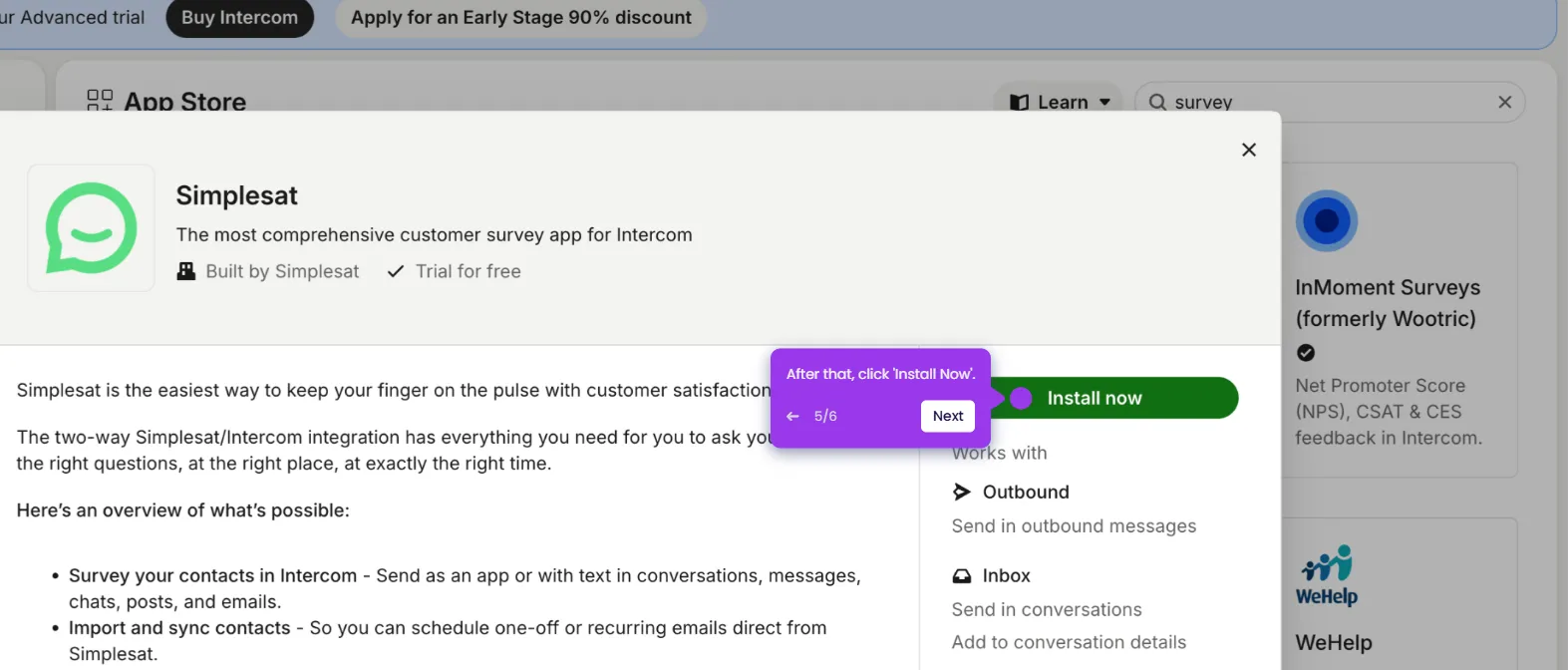
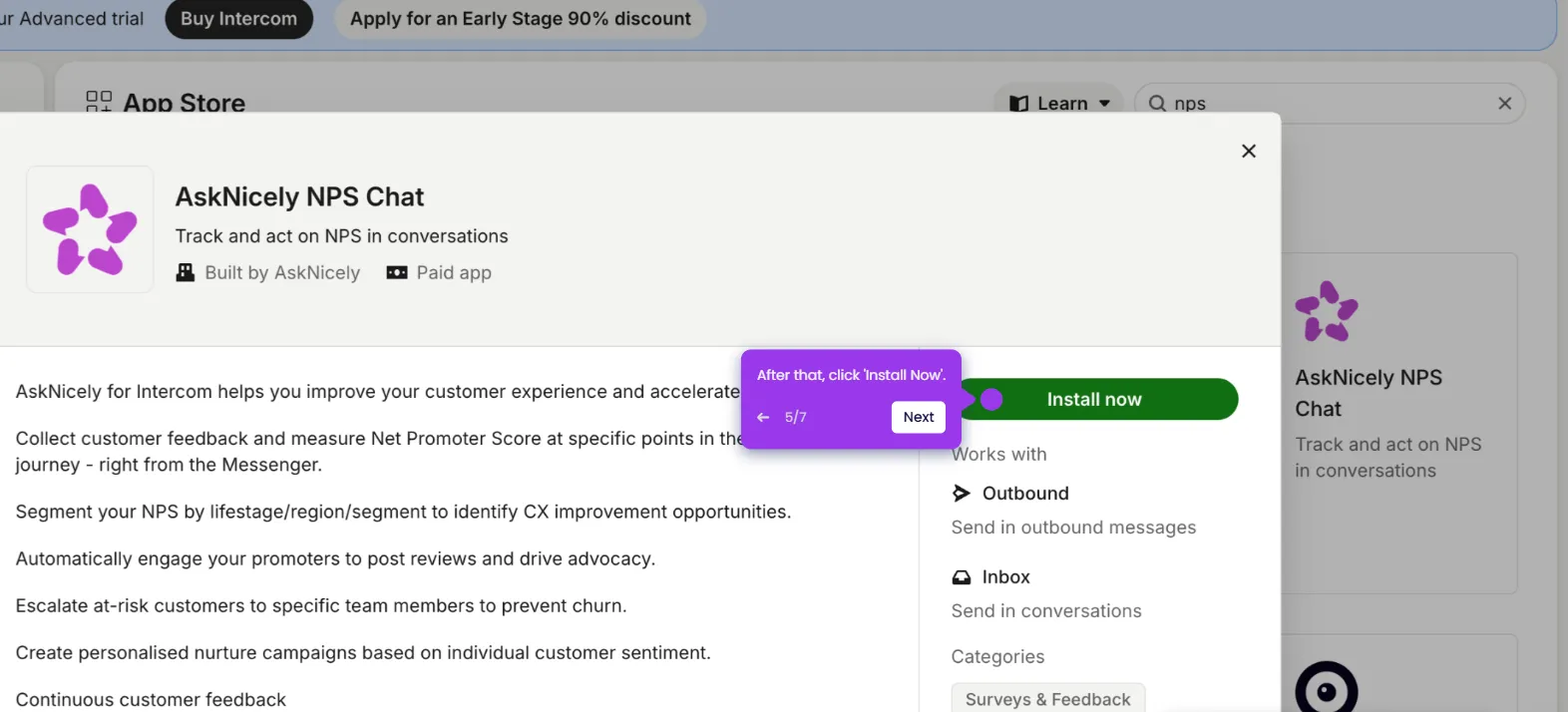
- Click 'Install Now' to begin the installation process.
- Click 'Authorize Access' and then log in to your Jira account.
- Click 'Accept' to grant the necessary permissions to complete the connection.
- Your Jira account will now be fully integrated with Intercom.