Quick summary
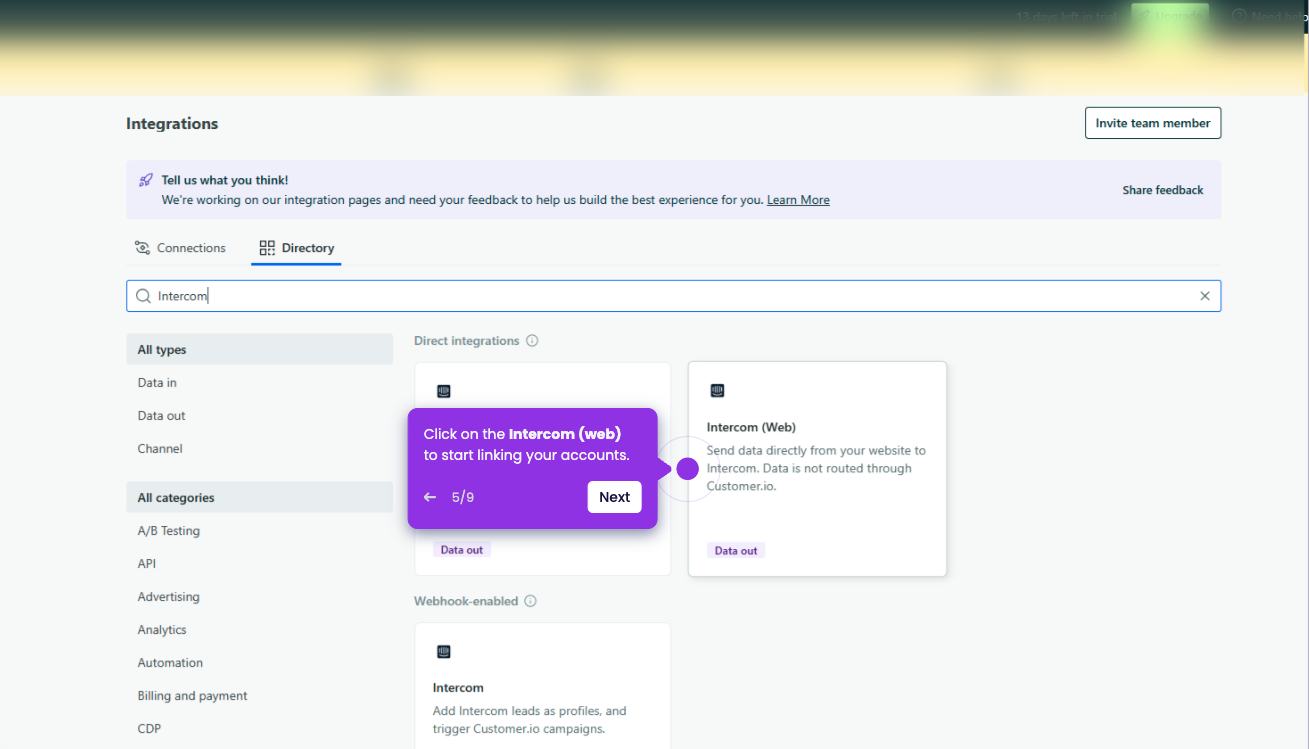
Integrating Intercom with a survey app lets support teams automatically collect customer feedback directly within their existing inbox workflow. This step-by-step process uses the Intercom App Store to find, install, and authorize a survey integration without any coding.
Steps
- Go to the left-side panel and click Settings.
- Select Integrations from the list of options.
- Click App Store to proceed to the integrations marketplace.
- Search for Survey and select the survey app you want to integrate.
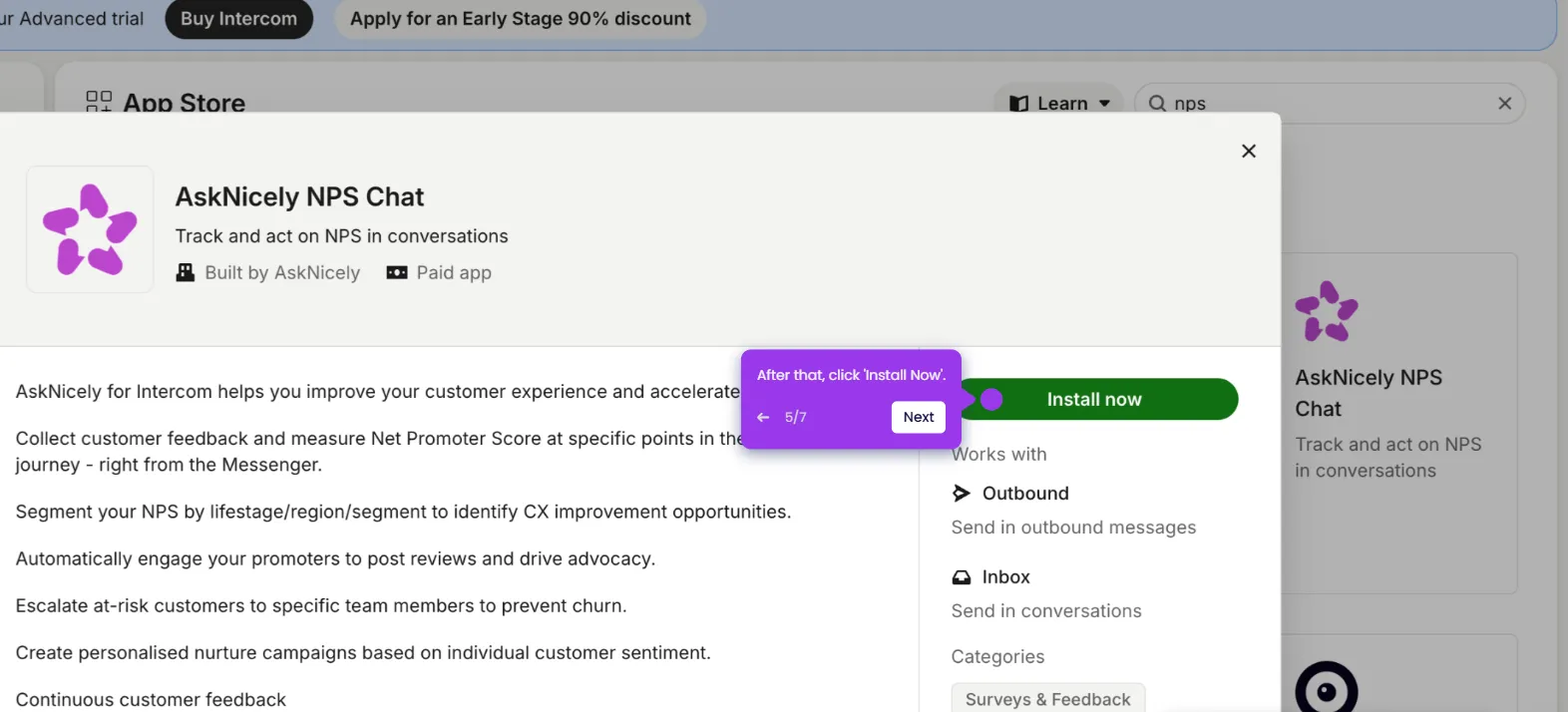
- Click Install Now to begin the installation.
- Click Authorize Access and log in to your account to enable the integration.