Quick summary
This tutorial shows how to integrate an NPS app with Intercom by navigating to Settings, opening the App Store, and authorizing the connection through AskNicely NPS Chat.
Steps
- Head over to the left-side panel and click Settings.
- Choose Integrations from the list of options.
- Tap App Store to proceed.
- Search for NPS and select the app you want to integrate.
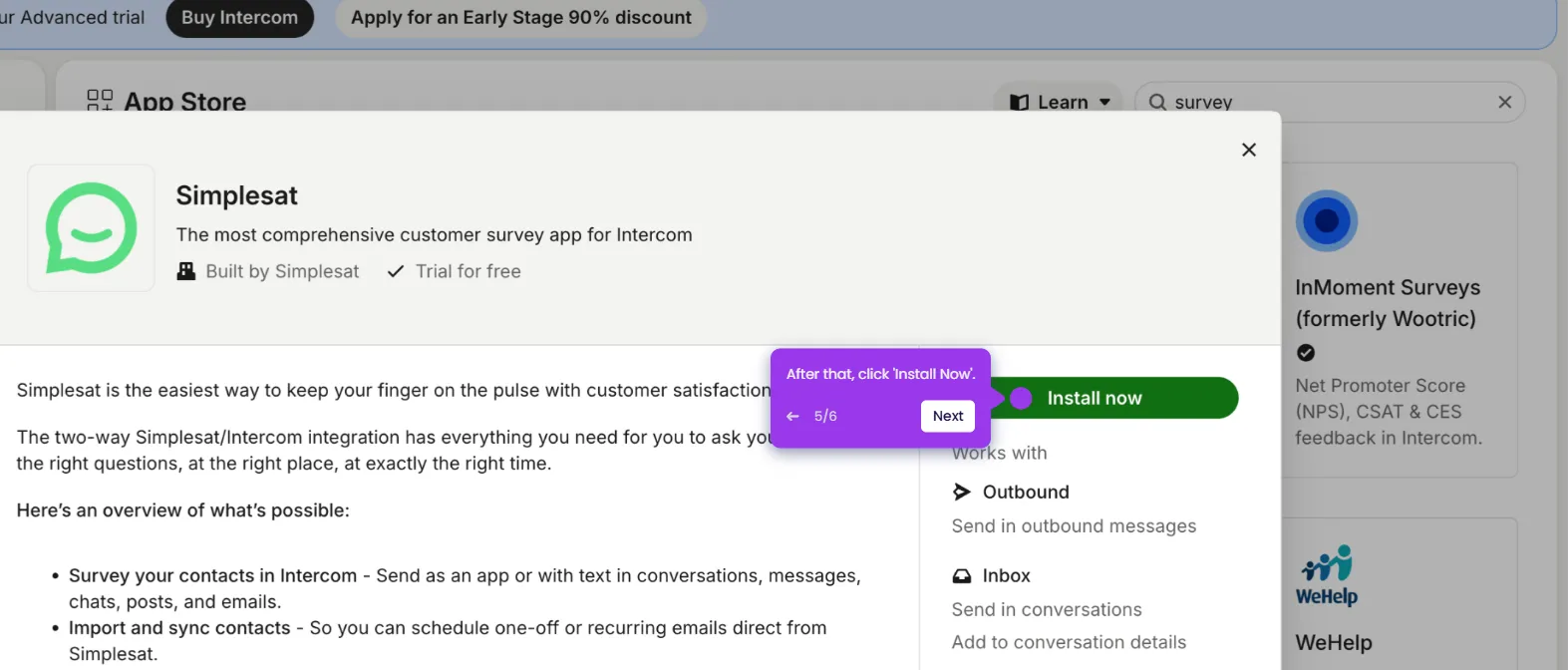
- Click Install Now to begin the installation.
- Read the terms, then click Authorize Access to agree and proceed.
- Enter your user credentials into their respective fields, tap Login, and select the account you want to integrate with Intercom.