.svg)
.gif)
.svg)



Integrating Intercom as a destination allows you to sync your Customer.io data (like user attributes and events) directly into Intercom so your support team has the latest context.
- On your Customer.io main dashboard, click Data & Integrations in the left sidebar.
- Select Integrations from the submenu.
- Click the Add Integration button located at the top right of the page.
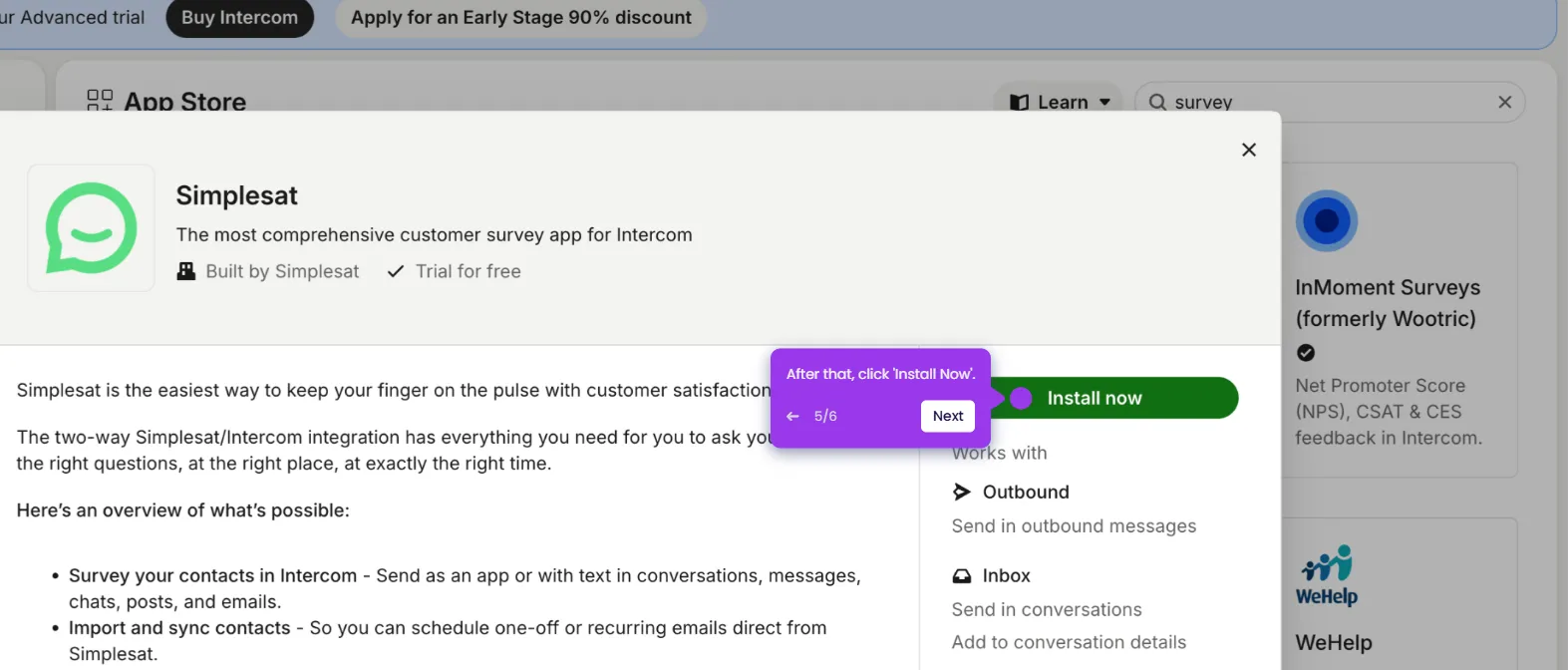
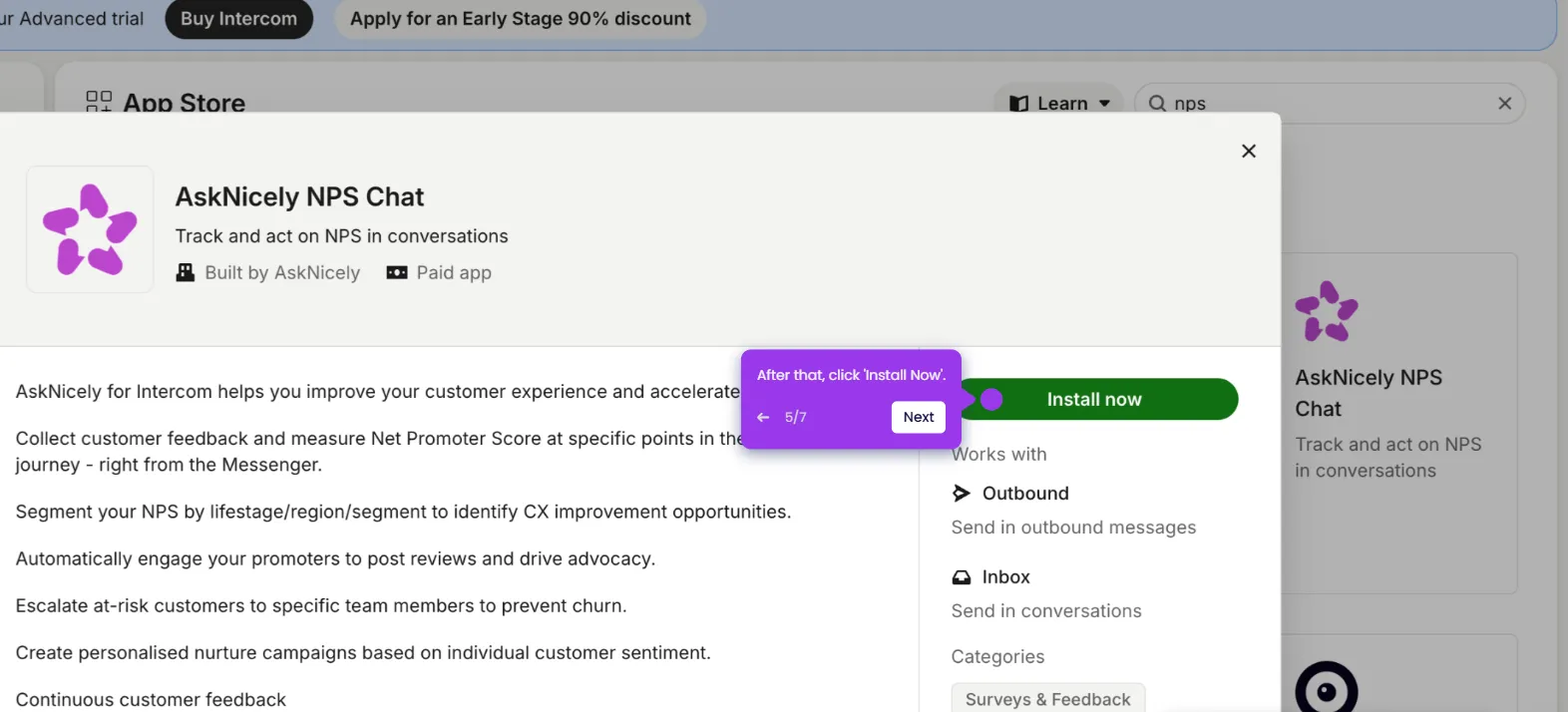
- Scroll down or search for Intercom in the integration catalog.
- Click on the Intercom (web) to start linking your accounts.
- Enter your App ID here—you'll find it in your Intercom account's web address.
- Click Next: Configure Data to map fields and finalize the connection.
- Click Add a integration or Skip & Add Integrations Later.
- All set! Click here to view your active integrations and start automating.