Quick summary
The Intercom–Typeform integration lets you install Typeform directly from the Intercom App Store, then authorize both platforms so form responses automatically flow into your Intercom workspace. The entire setup process takes less than five minutes and requires no code.
Steps
- Open the left-side panel in Intercom and click Settings.
- Select Integrations from the settings menu options.
- Tap App Store to browse available integrations.
- Search for Typeform and select it from the recommended matches.
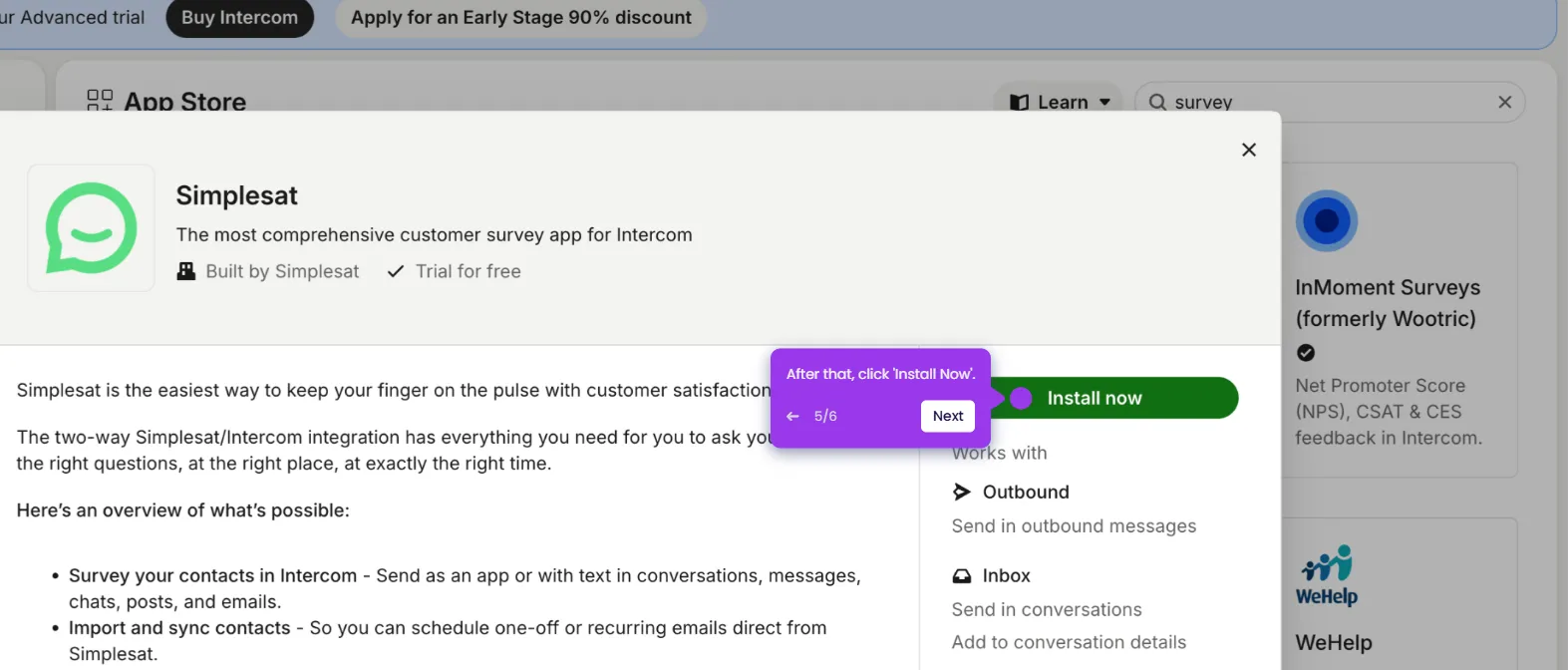
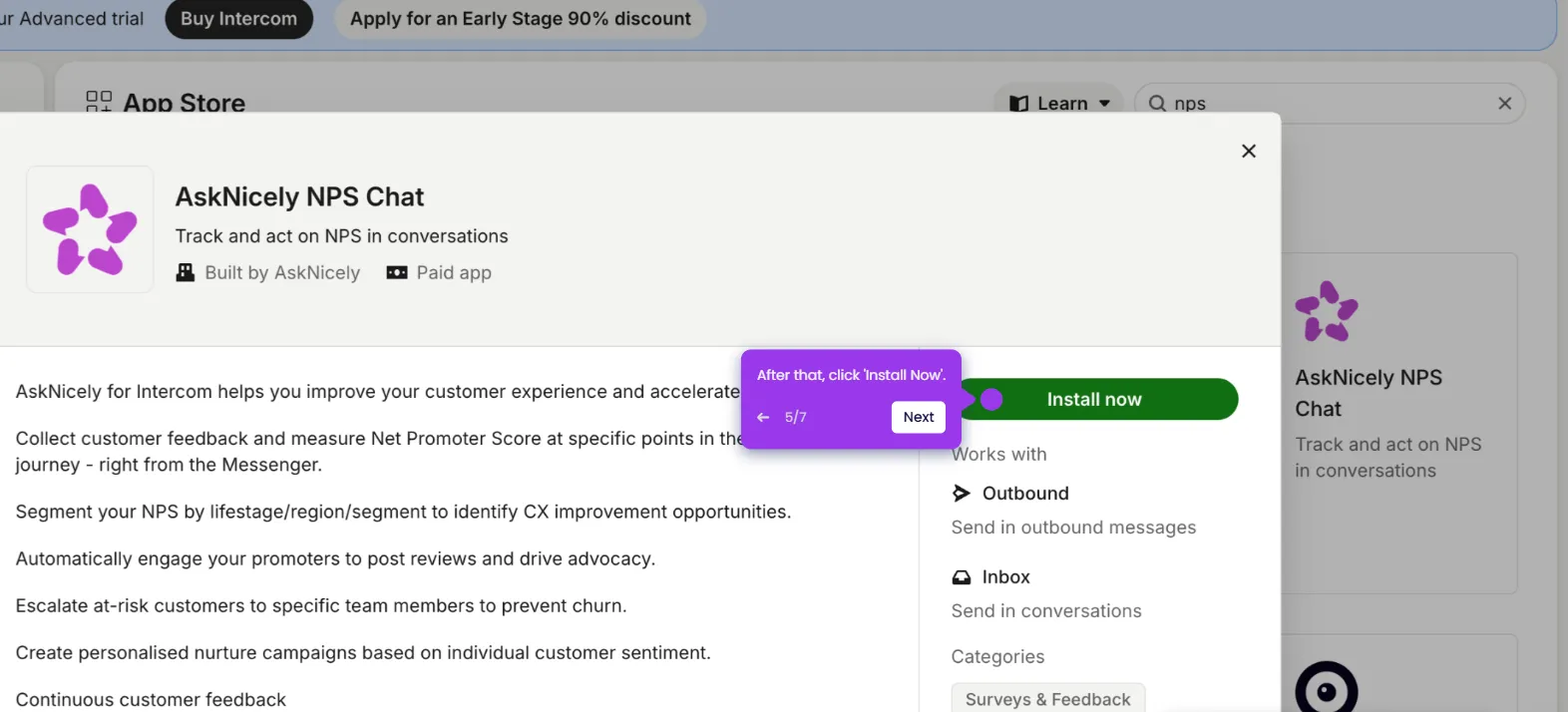
- Click Install Now on the Typeform app listing.
- Click Authorize Access to accept the terms and grant the required permissions.
- Click Login With Typeform and sign in to your active Typeform account.
- Click Accept to confirm the OAuth permissions for Typeform.
- Your Intercom account is now fully integrated with Typeform and ready to use.