Quick summary
The Appcues-Intercom integration lets you sync user data between both platforms by connecting them through the Integrations Connections settings in Appcues Studio. Once linked, teams can use Intercom event and user data to trigger or personalize Appcues in-app experiences.
Steps
- On the Appcues main dashboard, hover over your Profile tab and click Settings.
- Choose Integrations from the list of options.
- Click Connections to proceed to the integrations connections page.
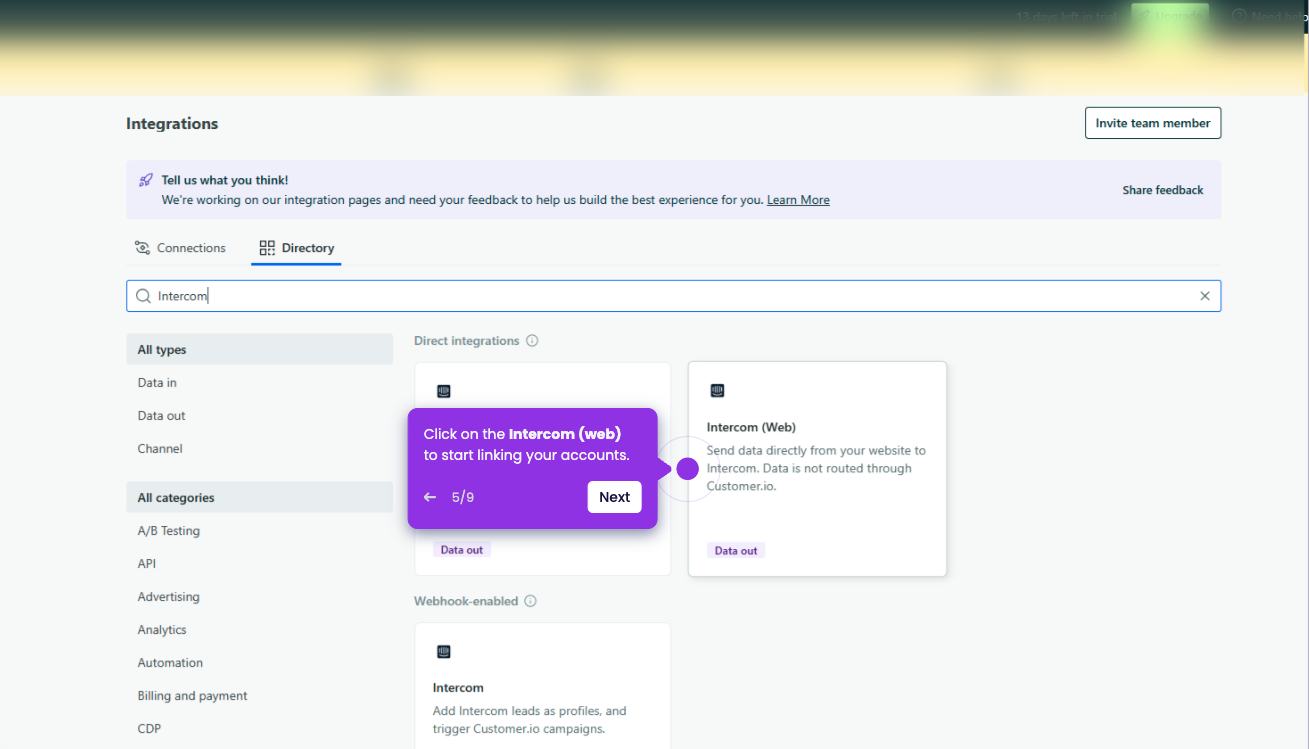
- Find and select Intercom from the available integration options.
- Click the Connect button to initiate the connection.
- Once completed, your Appcues account will be fully integrated with Intercom.