Quick summary
The Wistia Pardot integration lets you connect your video platform directly to your marketing automation workflows by authorizing the connection through the Wistia Integrations settings. Once linked using your Pardot Business Unit ID, video engagement data can flow into your Pardot campaigns automatically.
Steps
- Click your profile icon in the top right corner and select "Integrations".
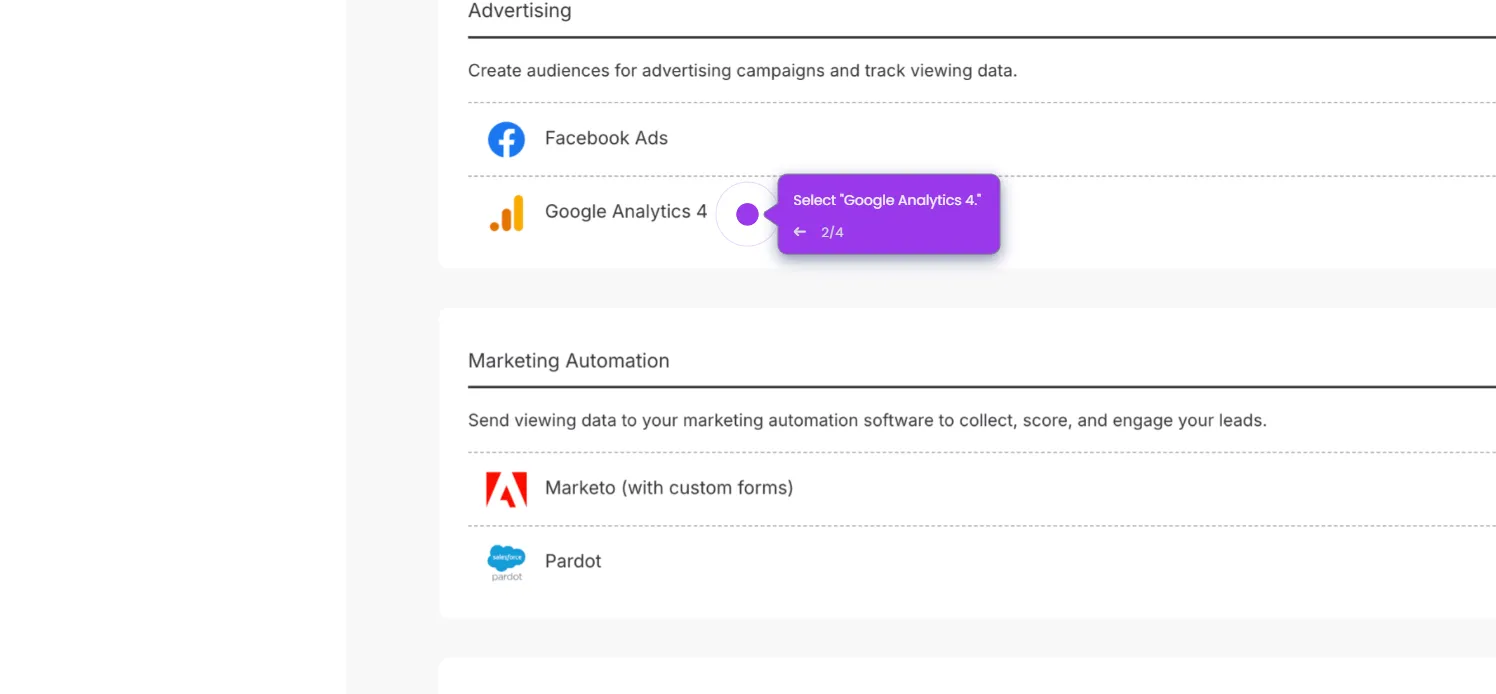
- Select "Pardot" and follow the prompts to authorize the connection.
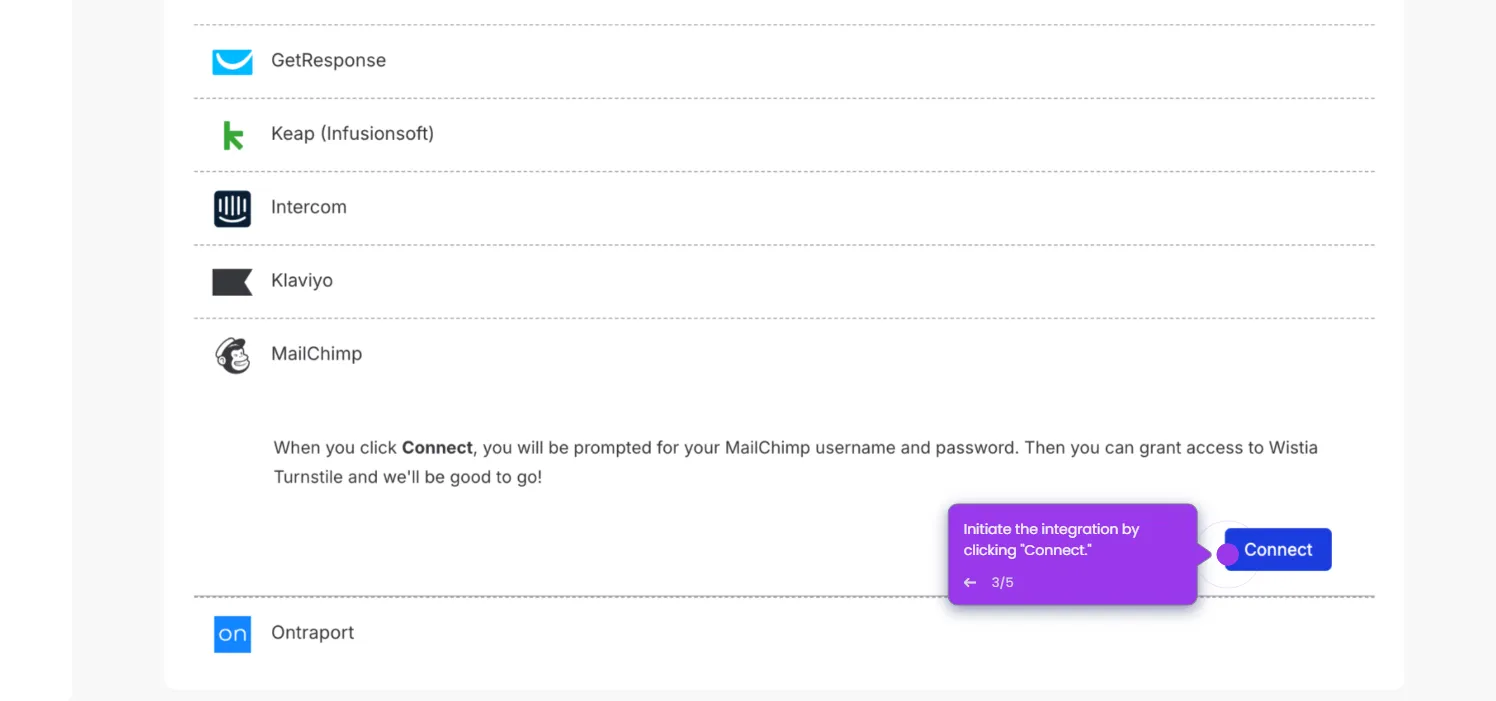
- Enter your Pardot Business Unit ID, then click "Connect" to complete the integration.