Quick summary
The ManyChat OpenAI integration lets you connect your ChatGPT account to ManyChat by adding your OpenAI API key through the Integrations settings, enabling AI-powered automation across all your messaging flows.
Steps
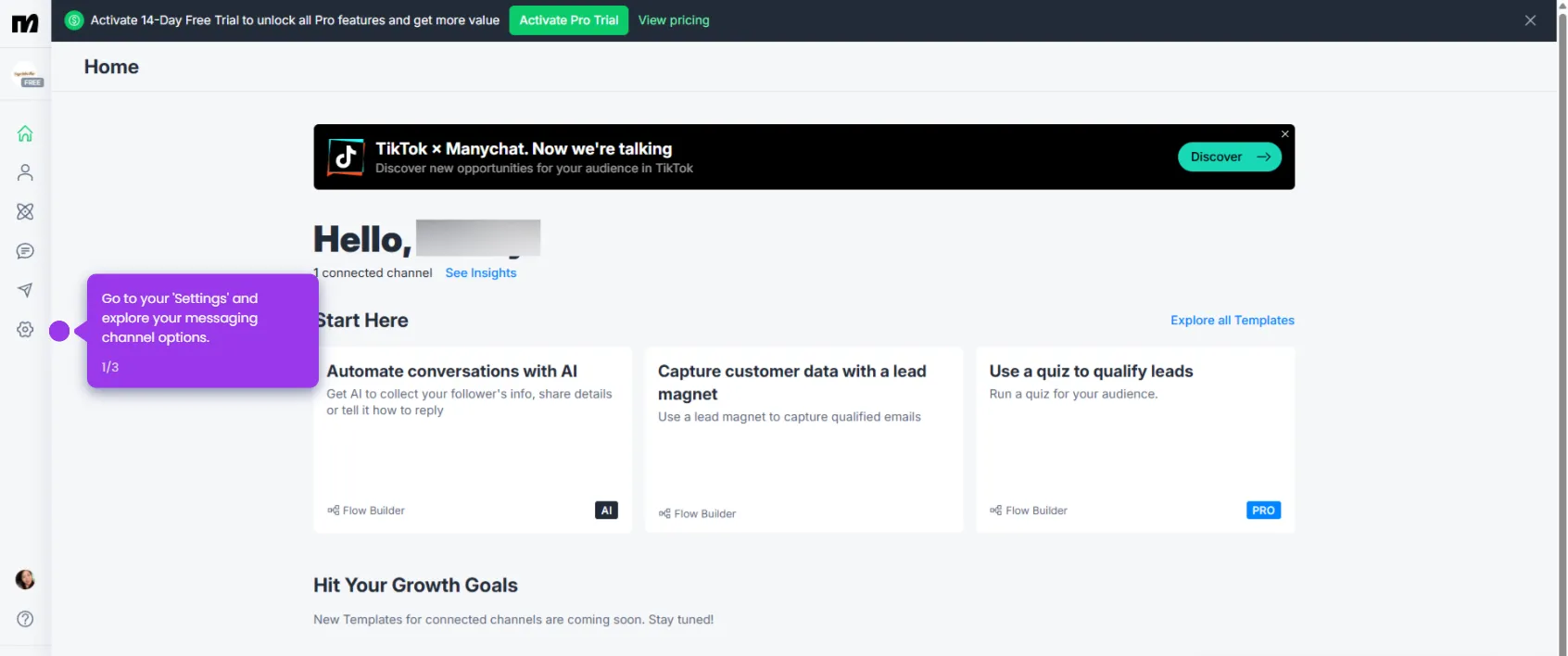
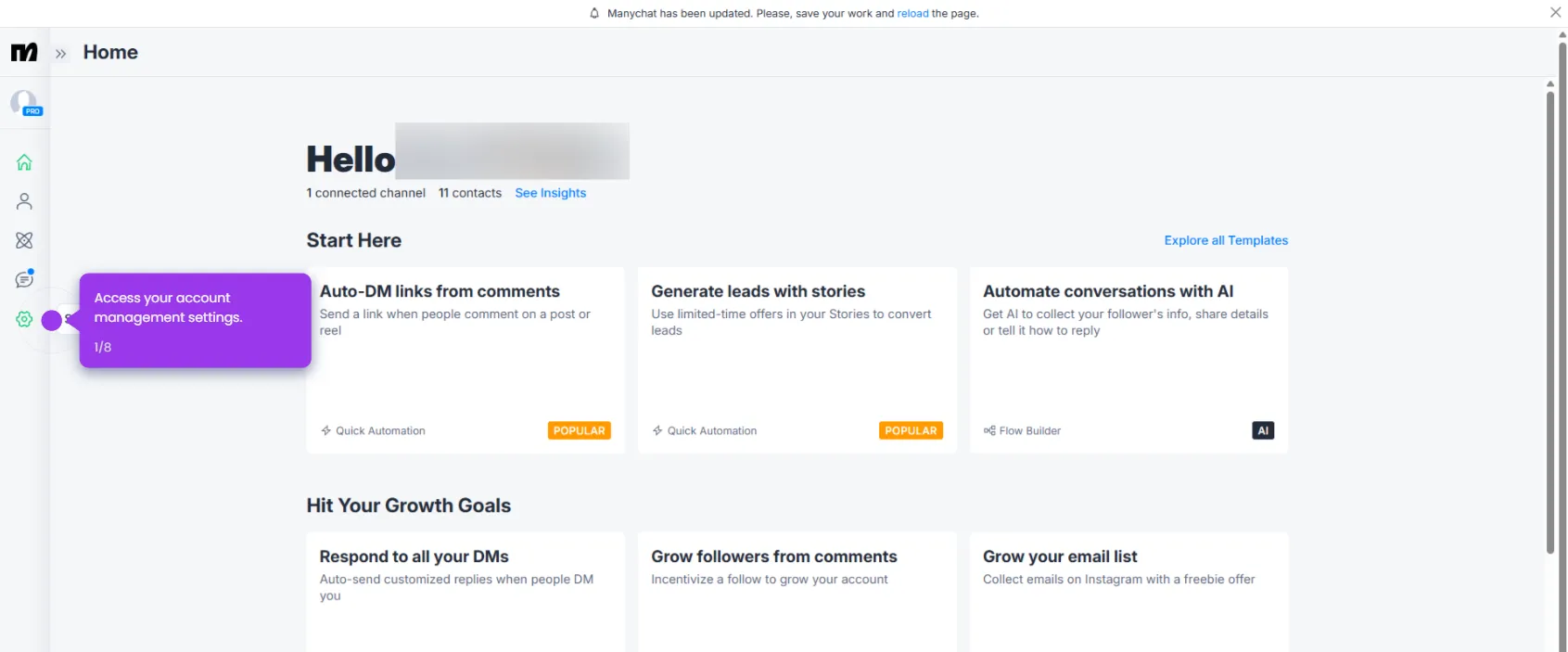
- Click on Settings in your ManyChat dashboard to access integration options.
- Navigate to the Integrations hub to view all available third-party connections including OpenAI.
- Paste your OpenAI API key into the designated field to establish the connection with your account.
- Click Connect ChatGPT Account to link OpenAI's capabilities directly to your ManyChat flows.
- Verify your OpenAI connection status — a green indicator confirms the integration is active and ready to use.