Quick summary
This demo walks you through how to set up SMS marketing in ManyChat by navigating to Settings and connecting an SMS channel to enable automated text message campaigns at every stage of your funnel.
Steps
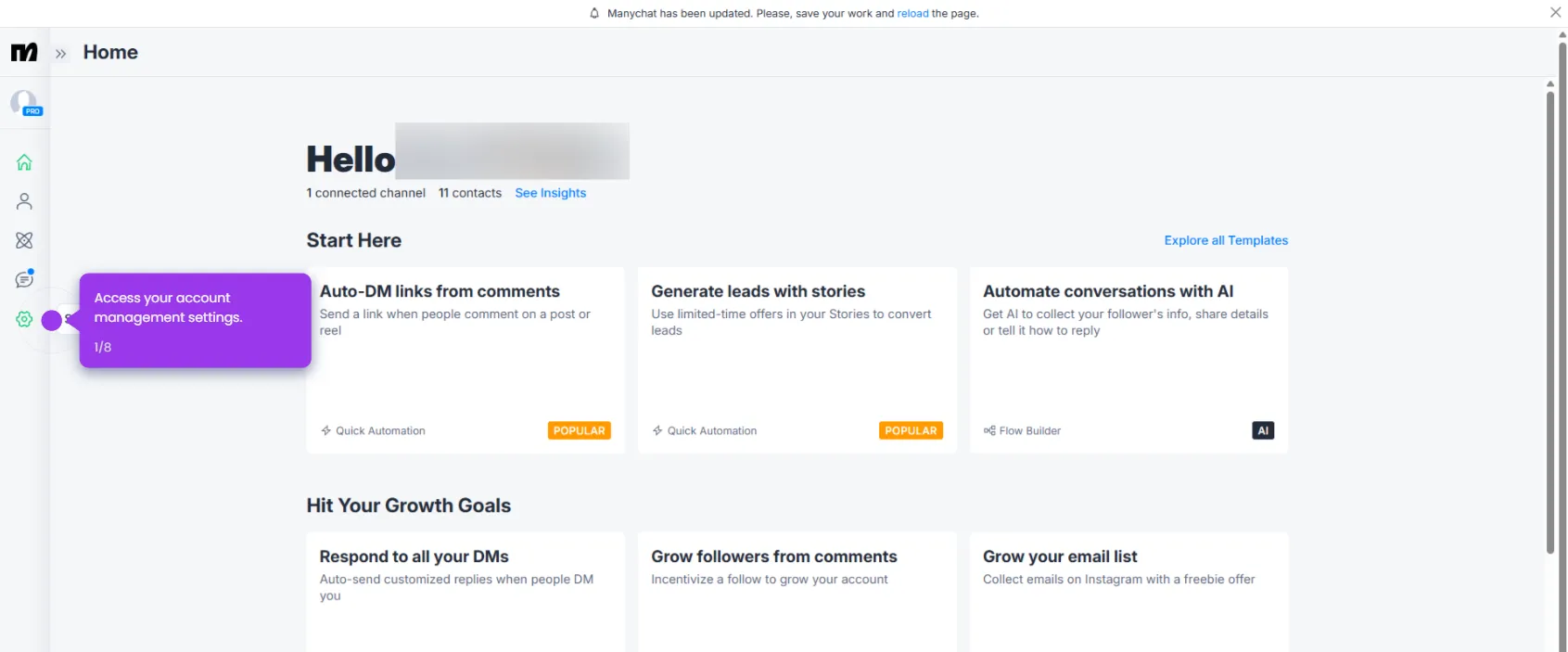
- Go to your Settings and explore your messaging channel options.
- Select SMS to set up text message automation for your customers.
- Establish your first messaging channel by selecting Connect.