This interactive demo was created free with Storylane in 2 minutes. Create your own demo
Start free
All Tutorials /Manychat

ManyChat ChatGPT Integration

Updated on:
May 13, 2026
By:
Madhav Bhandari
Use this interactive demo to learn how to connect ChatGPT to your ManyChat account.

Quick summary

The ManyChat ChatGPT integration lets you authenticate and connect your ChatGPT account directly inside ManyChat's Settings, enabling AI-powered responses across your chatbot flows. Once linked, you can manage your ChatGPT connection status and disconnect at any time from the Integrations hub.


Steps

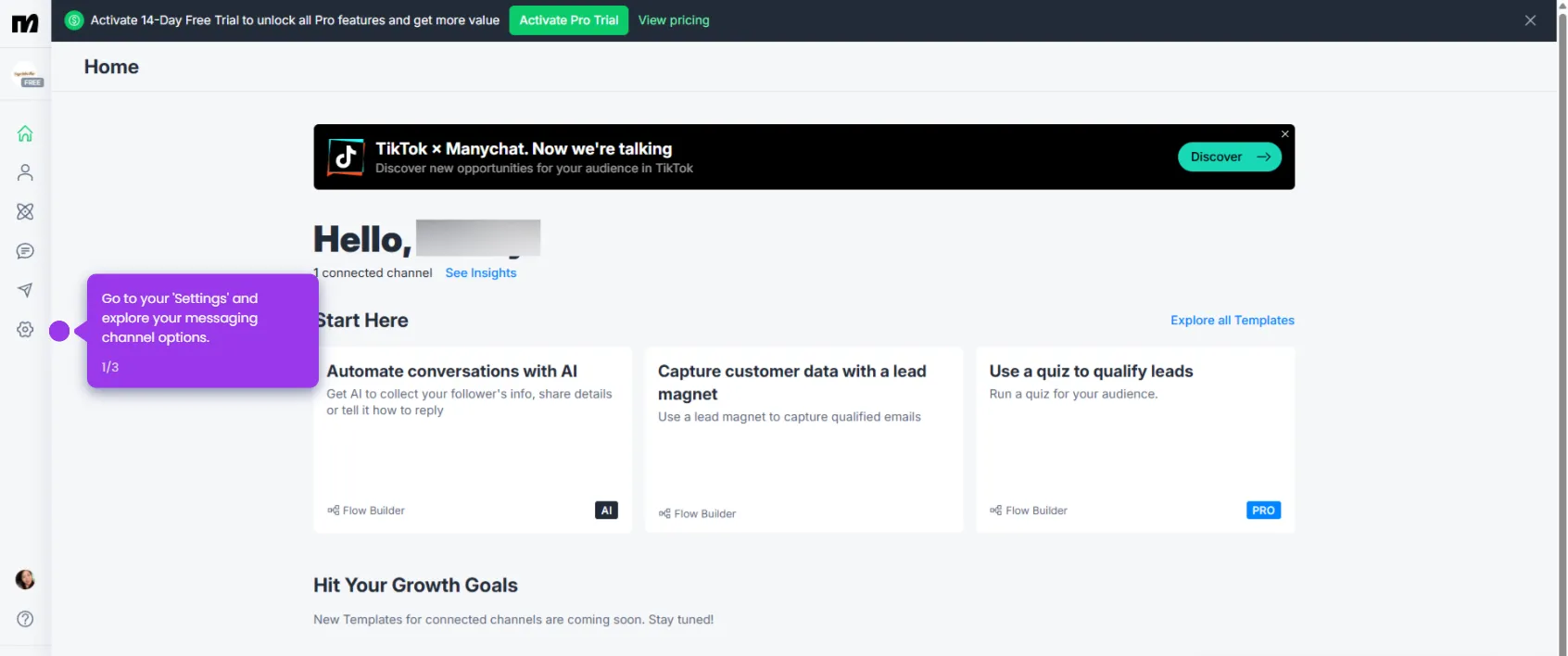
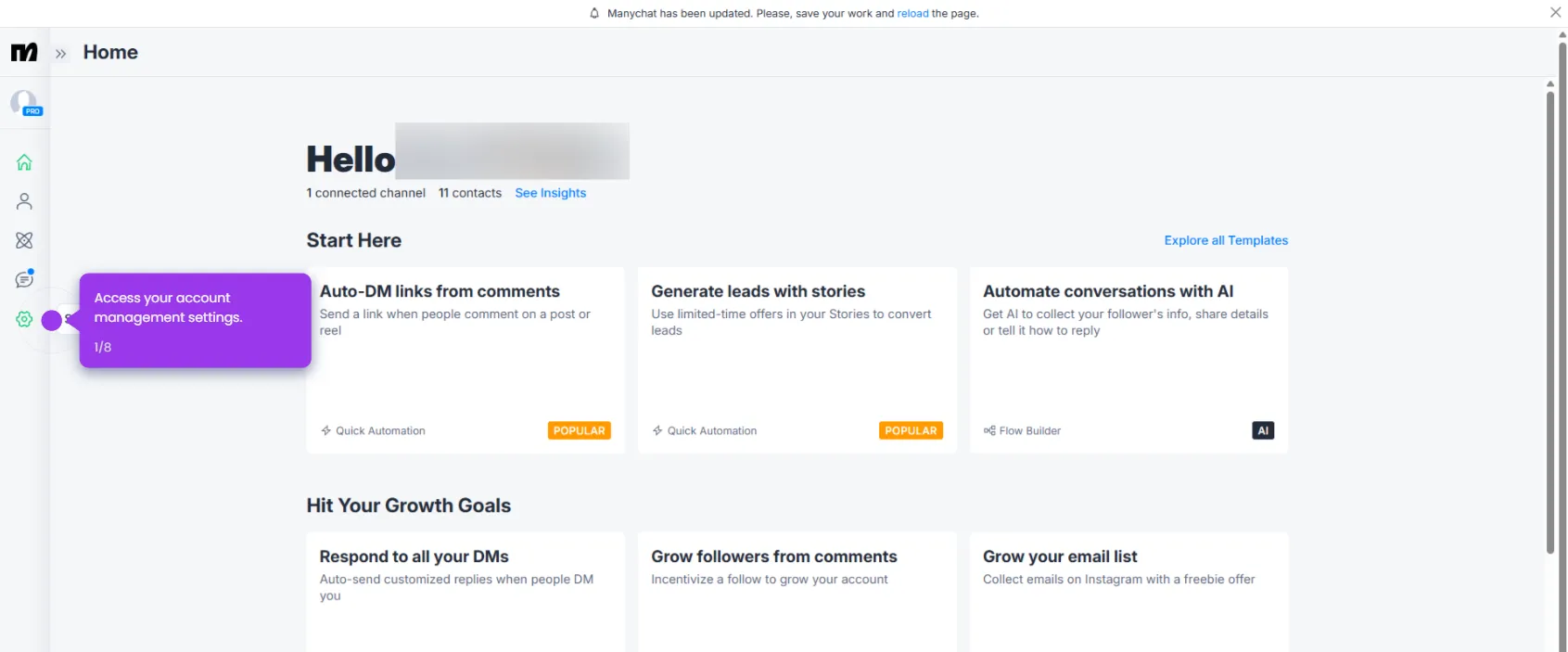
  1. Navigate to the Settings tab of your ManyChat dashboard.
  2. Open the Integrations hub to view all available tool connections.
  3. Enter your ChatGPT API Secret to authenticate the connection.
  4. Click Connect ChatGPT Account to initiate the integration and enable advanced AI capabilities in your chatbots.
  5. Review your ChatGPT connection status and manage or disconnect your linked account as needed.
📌 Why this matters

Connecting ChatGPT to ManyChat allows businesses to power their chatbot automations with advanced AI-generated responses, enabling more natural and intelligent conversations at scale. This integration is critical for teams that want to automate customer support, lead qualification, and engagement across Instagram, Facebook Messenger, and SMS without manual intervention. By linking a ChatGPT API key directly inside ManyChat's Integrations hub, marketers and growth teams can deploy AI-driven messaging workflows in minutes. The result is faster response times, higher engagement rates, and a more personalized experience for every contact in your funnel.
Your product deserves an interactive demo
Start free
Similar Articles
Manychat

How to Create a Flow in ManyChat

Madhav Bhandari
Director of Marketing @ Storylane
Manychat

How to Do SMS Marketing at Every Stage of Your Funnel ManyChat

Madhav Bhandari
Director of Marketing @ Storylane
Manychat

How to Cancel ManyChat Subscription

Madhav Bhandari
Director of Marketing @ Storylane
No items found.
Platform
Interactive Demos
Sandbox Demos
Buyer Hub
RepX
Integrations
Solutions
Product Marketers
Growth & Demand Gen
Sales Reps & AEs
Presales & SEs
Customer Success
Product Managers
Customers
Demo Showcase
Customer Stories
Finer Demos Club
Features
Demo Signals
Personalization
Deal Intelligence
Resources
Blog
The Plot
Tutorials
Events & webinars
Help Docs
What’s New
Demo Dundies
Company
Careers
Pricing
Partners
Contact
Trust Center
Backed by
Chrome Extension Icon
Chrome extension
Download
Desktop app
Download
Built in San Francisco Bay Area - ©2026 Storylane
Privacy PolicyTerms & Conditions
X Corp (formerly Twitter)LinkedIn
This website uses cookies to ensure you get the best experience on our website. Learn More
Got it
This website uses cookies to ensure you get the best experience on our website. Learn More
Got it