Quick summary
The Klaviyo Segment integration lets you unify customer data from Segment directly into Klaviyo, enabling more precise audience targeting and personalized marketing campaigns. This step-by-step walkthrough shows you exactly how to install and configure the Segment integration inside your Klaviyo dashboard.
Steps
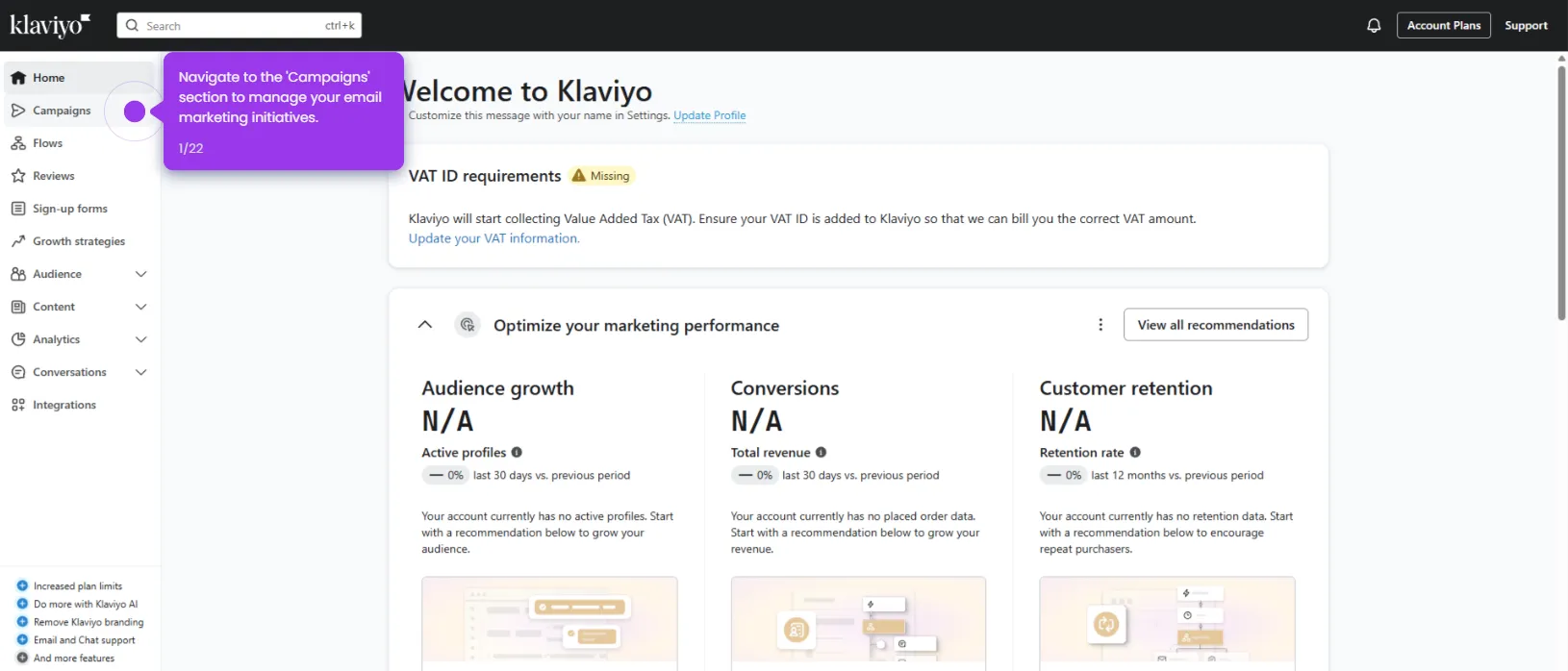
- Navigate to the Integrations hub in your Klaviyo dashboard where all available connection options are listed.
- Click Explore integrations to browse the full catalog of partner platforms compatible with Klaviyo.
- Use the search bar to quickly find the integration you need.
- Search and select Segment from the results to unify your customer data across platforms for deeper marketing insights.
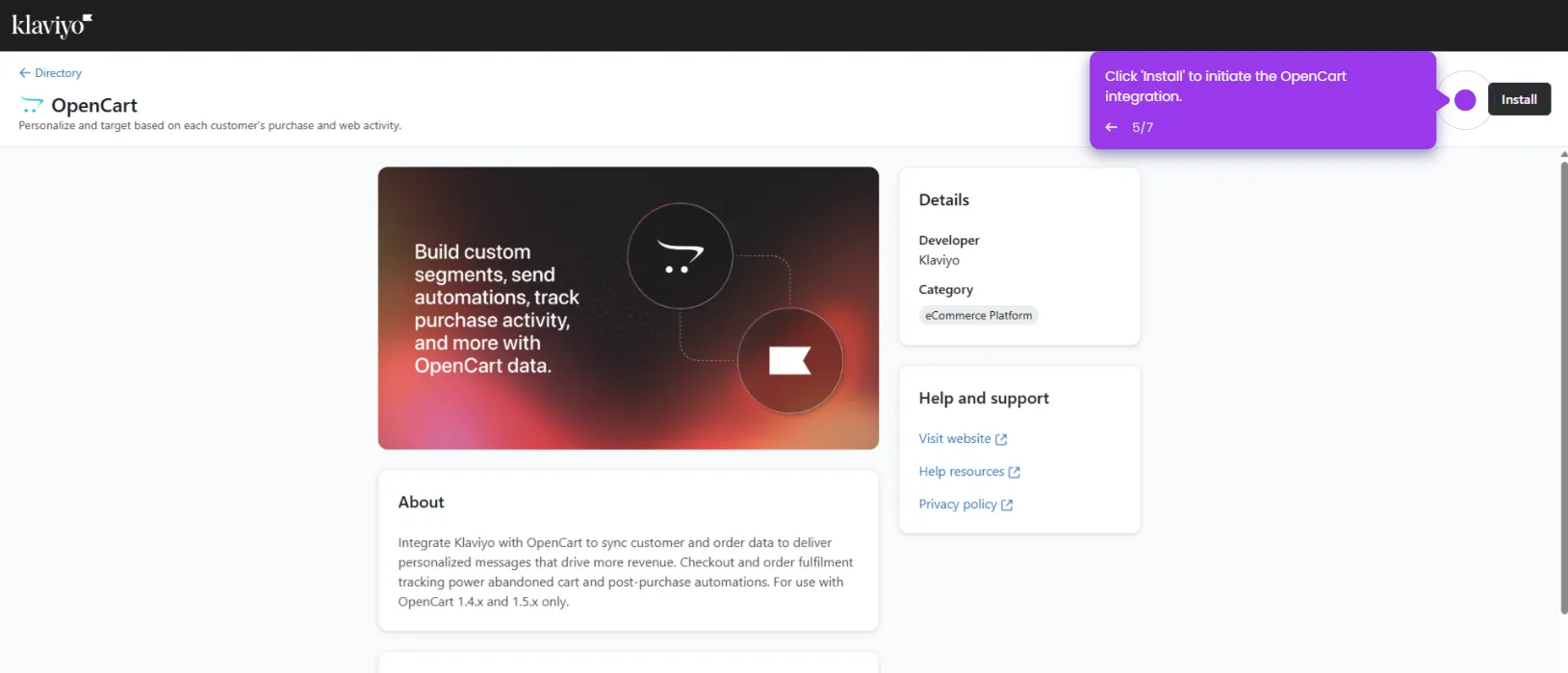
- Click Install to begin connecting Segment and power personalized marketing campaigns with centralized data.
- Enter your Write key and click Connect to Segment to establish the data connection.
- Click Complete setup to finalize the integration configuration.
- Your Klaviyo and Segment integration is now live and ready to sync customer data.