Quick summary
This tutorial shows how to web crawl a site using Screaming Frog SEO Spider in Spider mode, letting you audit URLs, titles, and headers across your entire website. Once the crawl completes, you can export the results in your preferred format for deeper SEO analysis.
Steps
- Open Screaming Frog once it is installed on your computer.
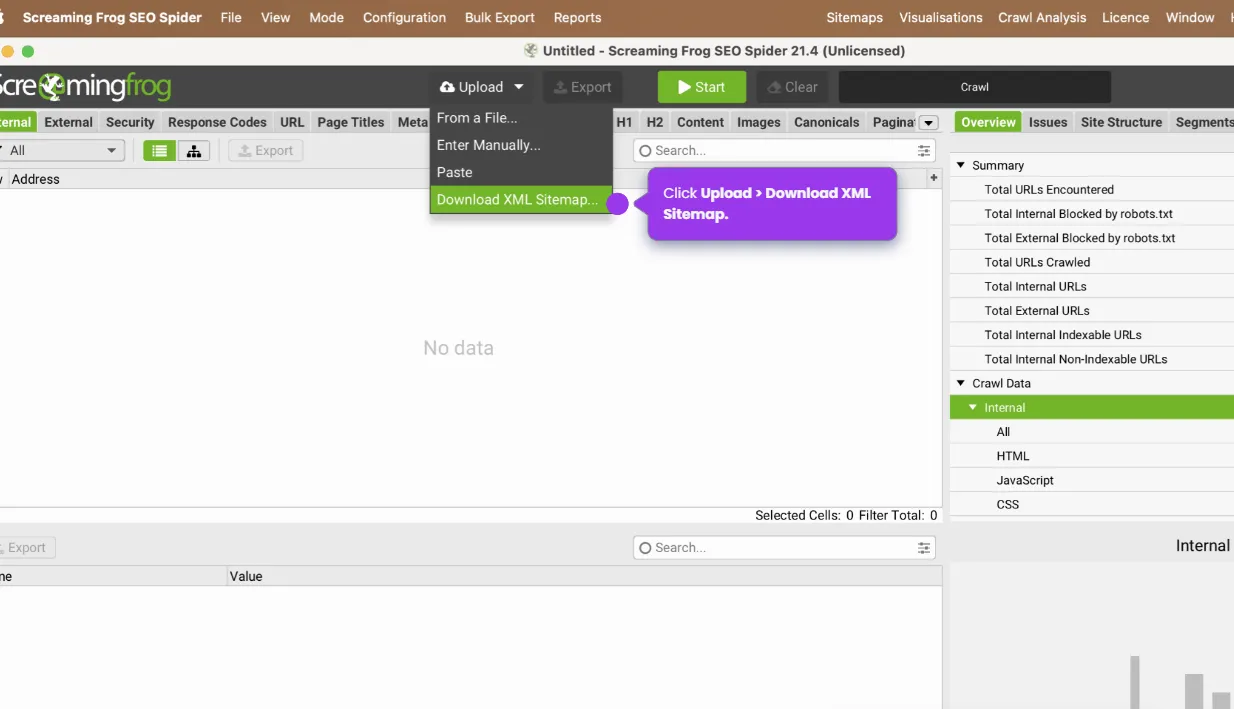
- In the top bar, locate the Mode selector and confirm it is set to Spider mode for website crawling.
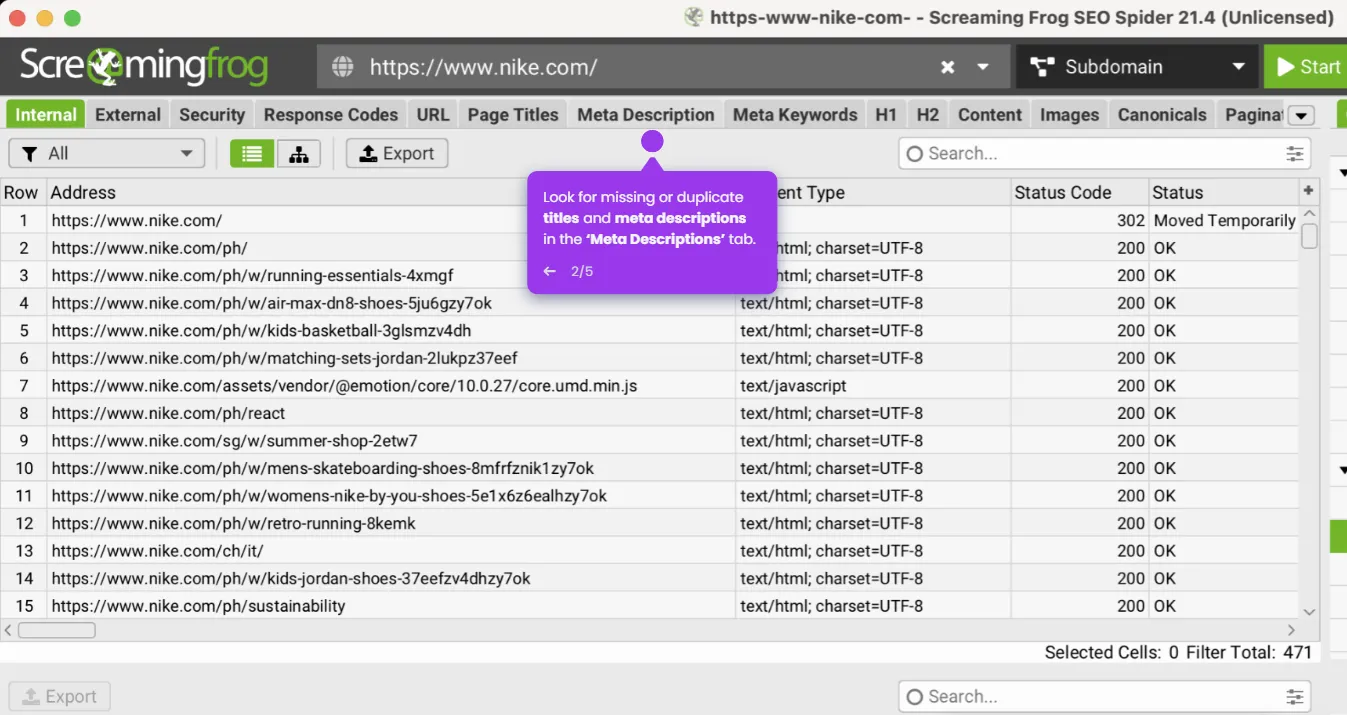
- Enter the URL you want to crawl in the field at the top of the window, including the full address (e.g., https://example.com).
- Click the green Start button to begin the crawl.
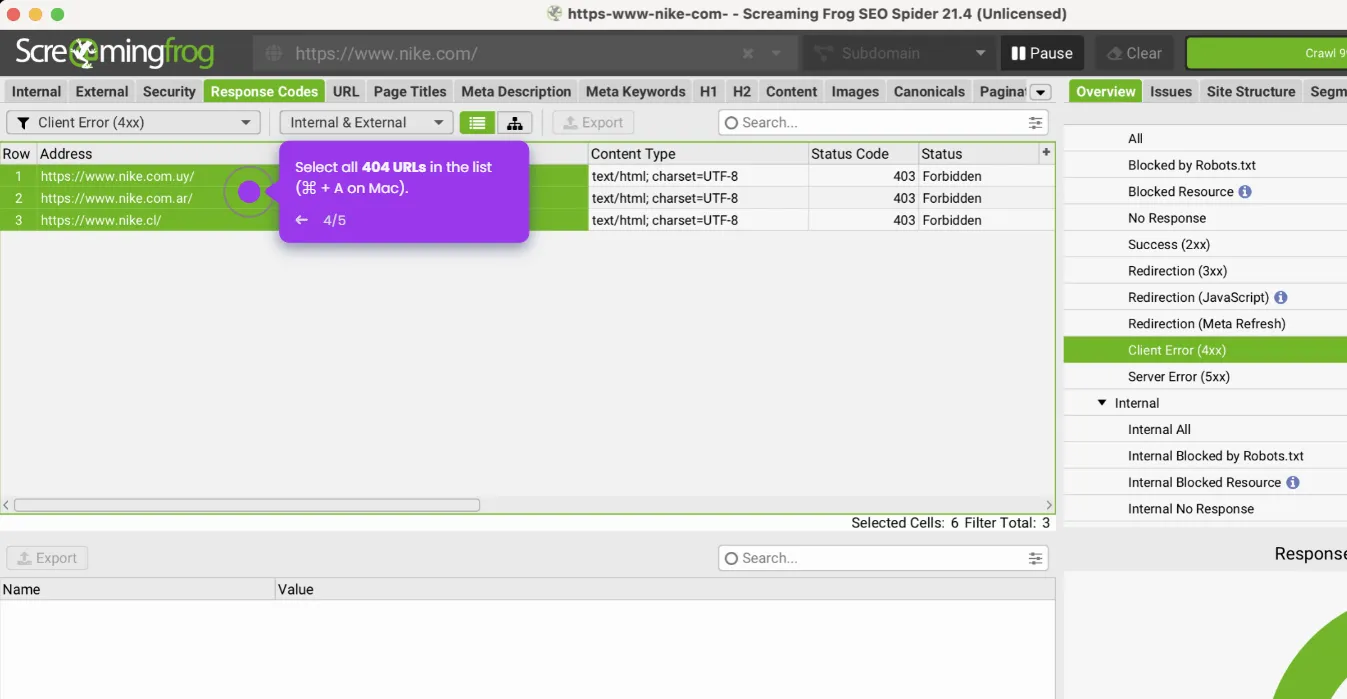
- Once the crawl is complete, navigate through the available tabs to analyze your site's URLs, titles, and headers.
- To save your results, go to File > Export and choose your preferred format.