Quick summary
Removing 404 pages in Screaming Frog involves running a crawl, filtering for Client Error (4xx) responses, and deleting those URLs from your workspace. This process helps SEO professionals quickly identify and eliminate broken pages that harm crawl efficiency and search rankings.
Steps
- Run a crawl as usual in Screaming Frog SEO Spider.
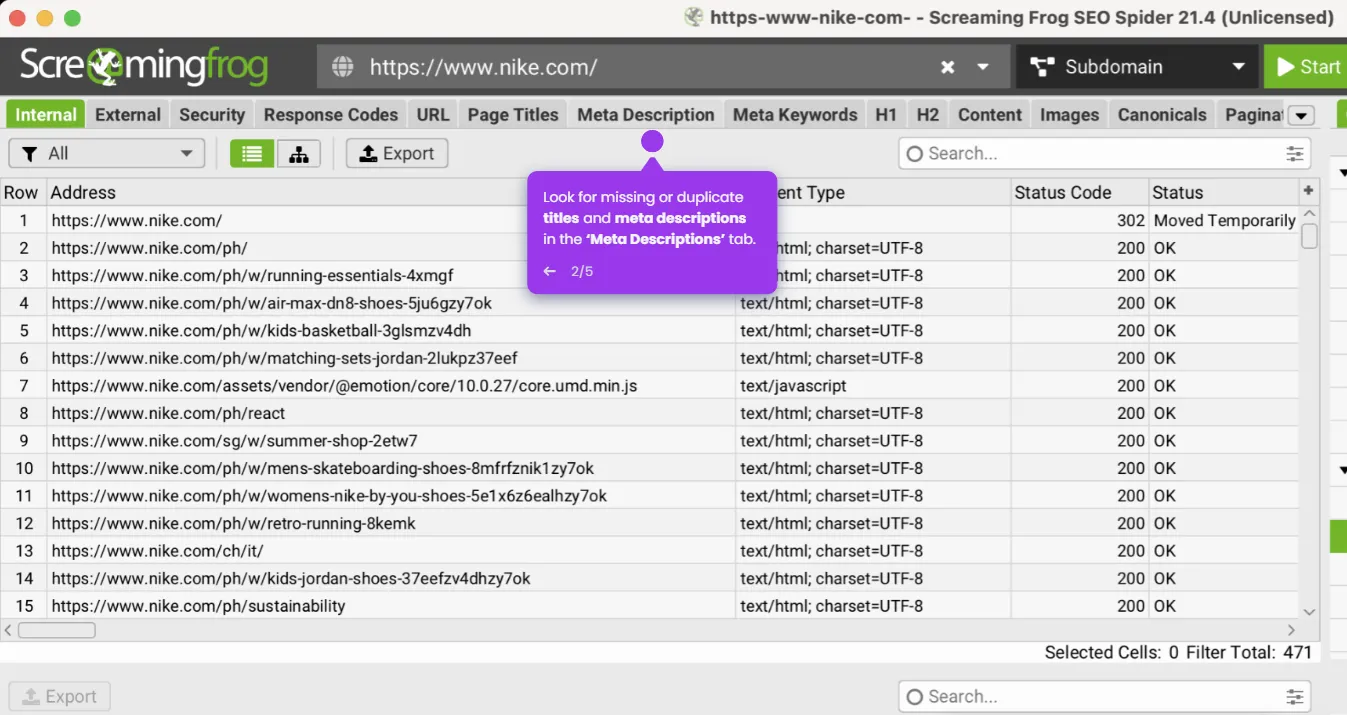
- Go to the Response Codes tab in the results panel.
- Use the Filter dropdown at the top and select Client Error (4xx) to isolate all 404 pages.
- Select all 404 URLs in the list using ⌘ + A on Mac.
- Right-click the selected URLs and choose Remove to remove them from the workspace.