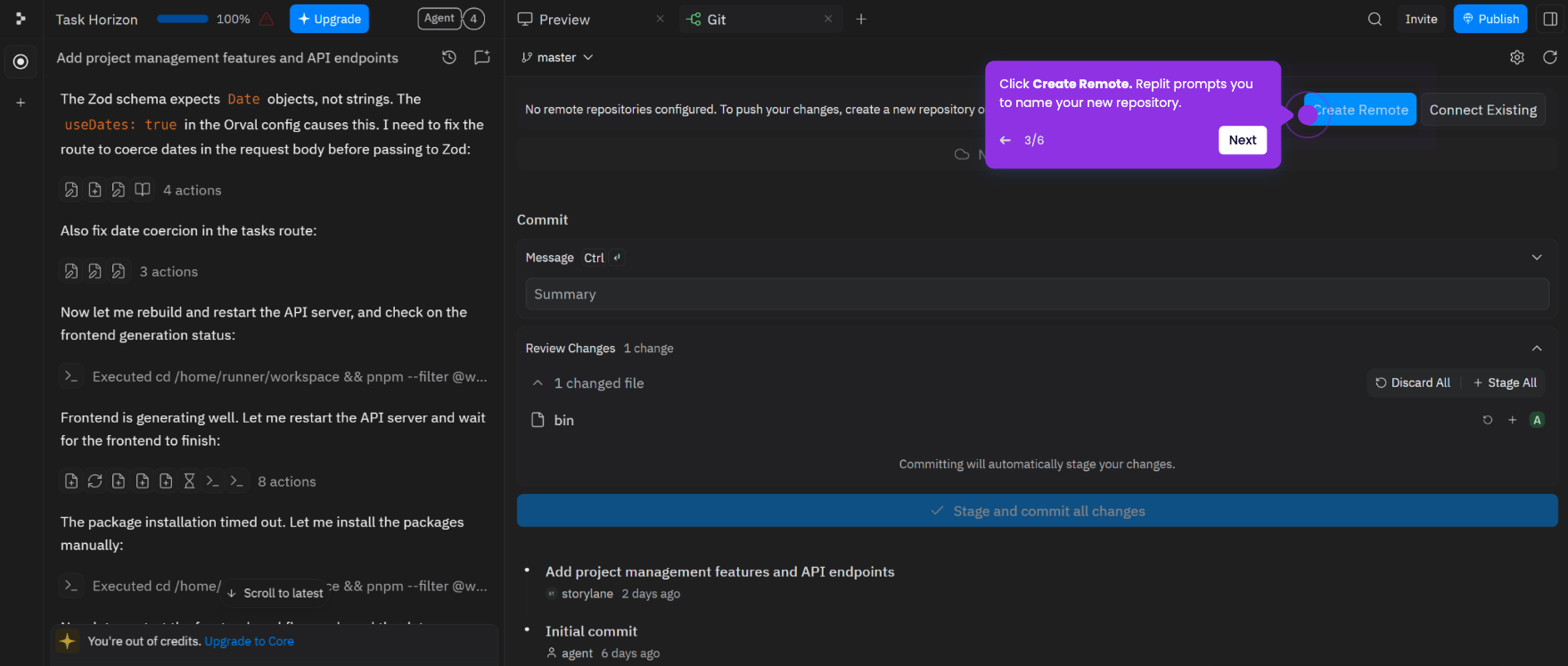
This tutorial shows how to commit your changes and push updates from your Replit project to an existing GitHub repository.
Note: You need a Replit account with a connected GitHub account and an existing project already linked to a GitHub repository. If you haven't done this yet, see How to Connect Replit to GitHub and How to Export a Replit Project to GitHub first.
- Sign in at replit.com and open your project from the dashboard.
- In your workspace, click the Git tab in the left sidebar (the source control icon).
- Review the list of changed files. Confirm the changes you want to push are listed.
- Enter a commit message in the text field - for example, "Add the weekly summary command to the file for review."
- Click Sync Changes. Replit commits your changes and pushes them to your connected GitHub repository.
- Visit your GitHub repository to confirm the latest commit appears with your message.