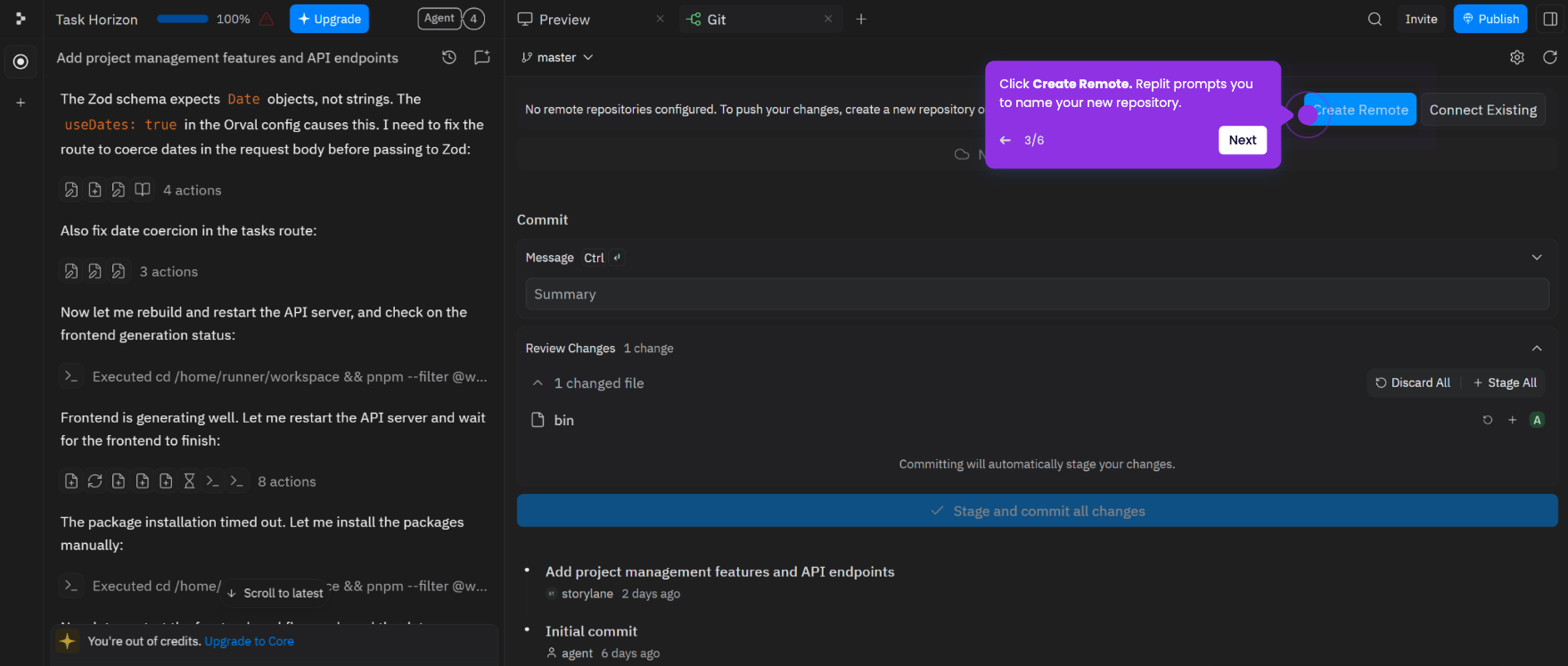
This tutorial shows how to link your GitHub account to Replit so you can push, export, and import projects between the two platforms.
Note: You need a Replit account and a GitHub account to get started. Sign up at replit.com if you don't have one yet. You only need to do this once - once connected, your GitHub account stays linked across all your Replit projects.
- Sign in at replit.com and open any project from the dashboard.
- In your workspace, click the + icon, then select the Git tab (the source control icon).
- Go to Settings, then click Sign in to authenticate and link your GitHub account with Replit.
- Click Connect to GitHub. Replit redirects you to GitHub to authorize the connection.
- Sign in to your GitHub account if prompted, then click Authorize Replit integrations to grant access.
- Once authorized, Replit redirects you back to your workspace. Your GitHub account is now connected and ready to use across your projects.