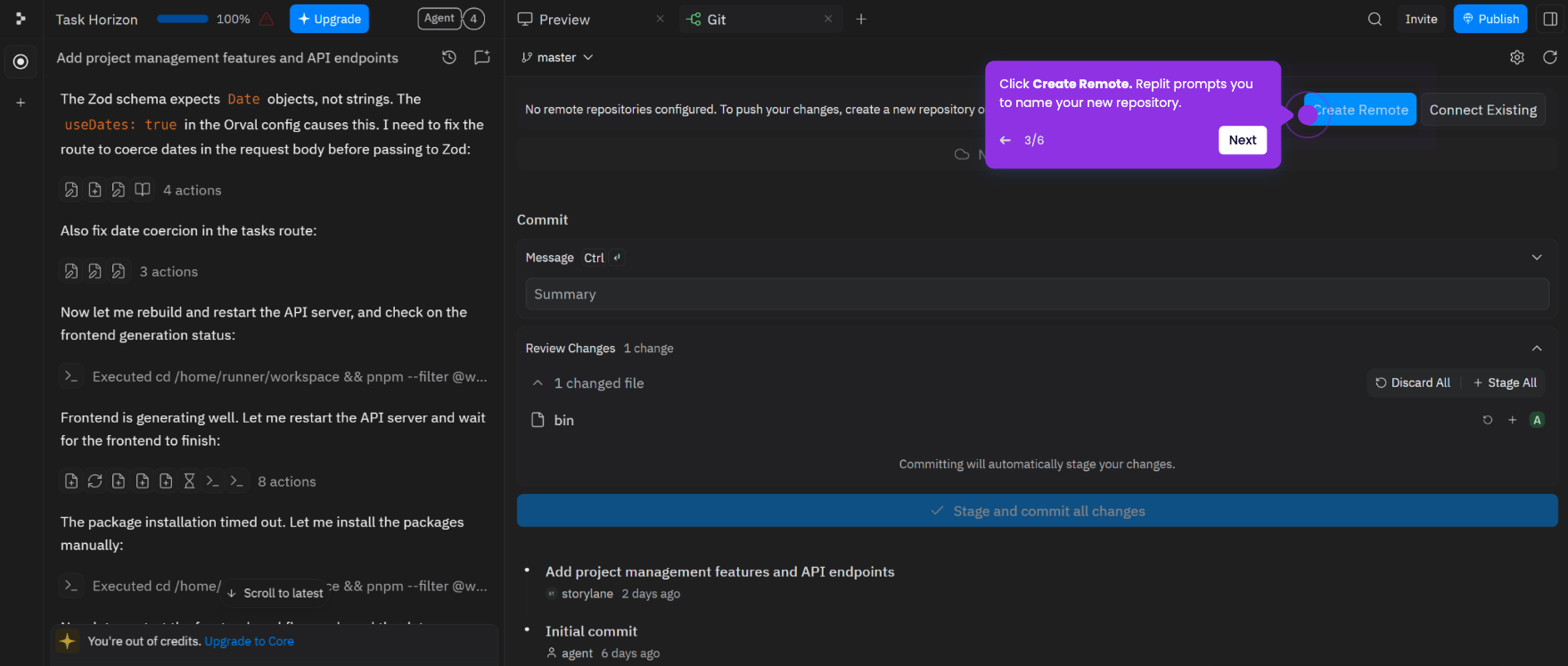
This tutorial shows how to bring an existing GitHub repository into Replit as a new project so you can edit and run it in the cloud.
Note: You need a Replit account and a connected GitHub account. If you haven't linked your GitHub account yet, see How to Connect Replit to GitHub first.
- Sign in at replit.com and go to your dashboard, then click Import code or design.
- On the Import to Replit page, select GitHub.
- Browse or search for the GitHub repository you want to import and select it.
- Choose whether to make the project Public or Private, then click Import from GitHub. Replit clones the repository and sets up the environment automatically.
- Once the import completes, your project opens in the workspace and is ready to run and edit.