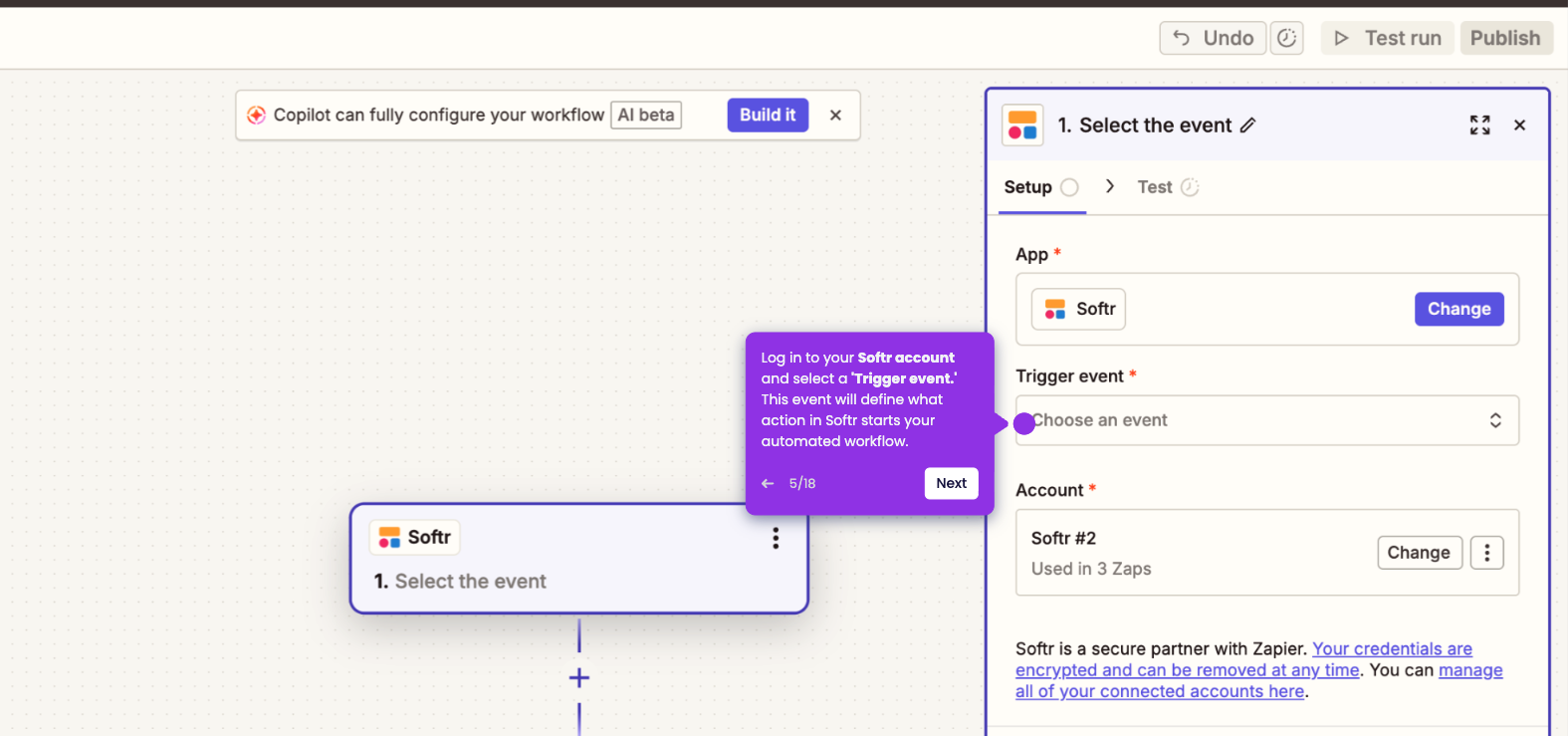
This is a step-by-step guide on how to integrate Softr with Supabase using Zapier:
- Access your Softr dashboard and click 'Integrations.'
- To initiate new integration with external services, click 'Connect now.'
- Select Supabase from the available choices.
- Click the 'Connect' button to proceed.
- Fill in all necessary details required.
- Once done, to finish connecting to Supabase and unlock its powerful features, click 'Continue.'