.svg)
.svg)
.gif)


Quick summary
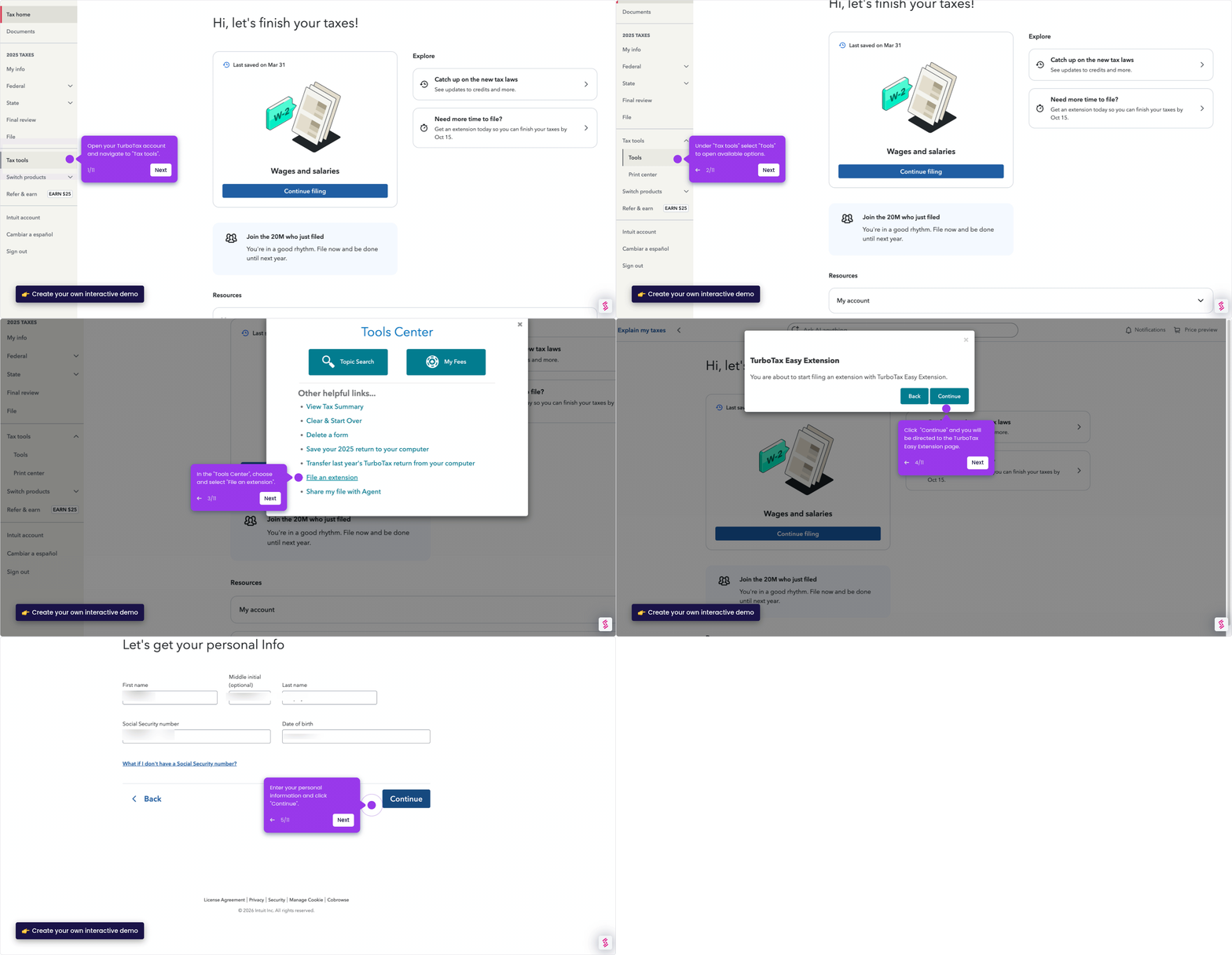
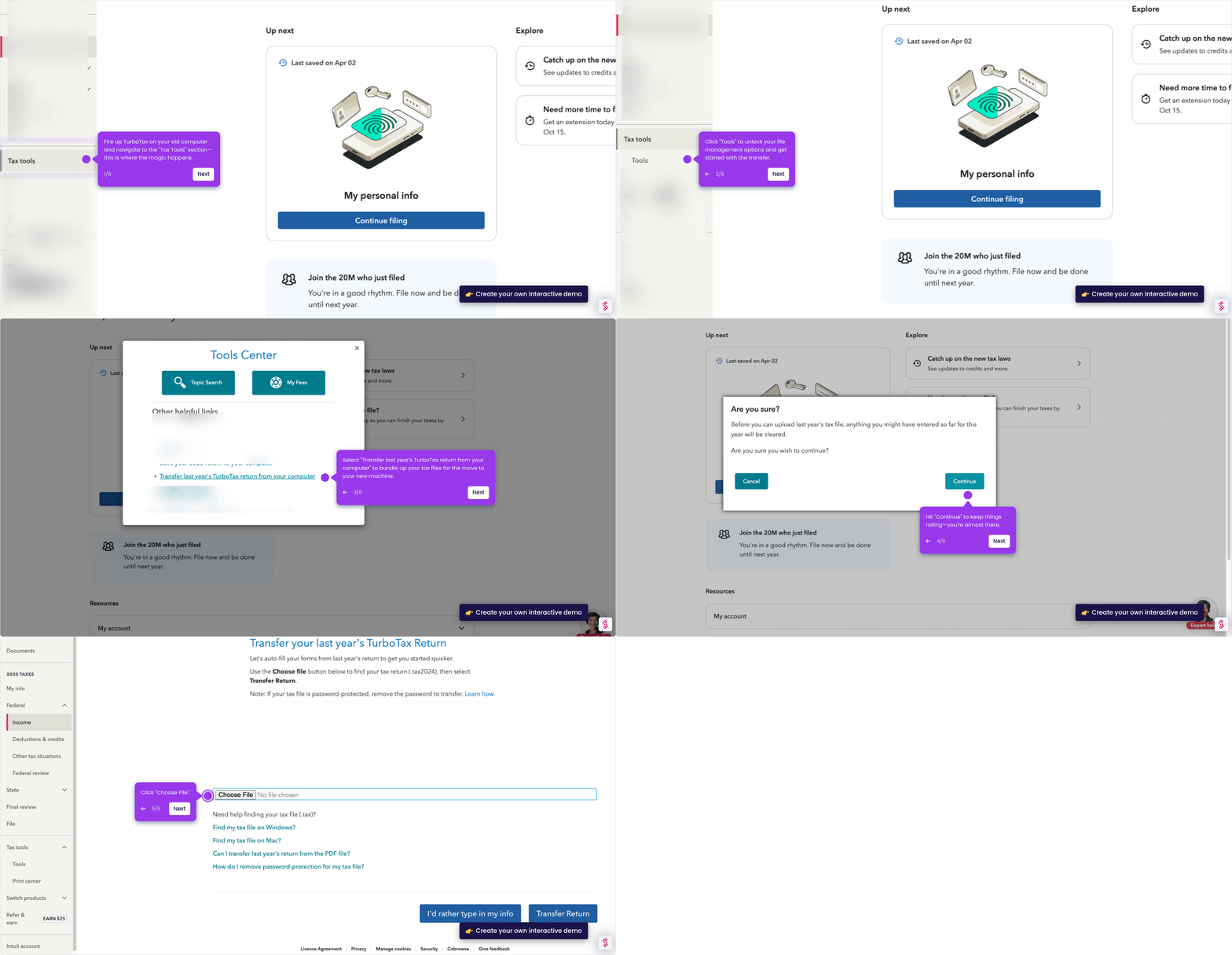
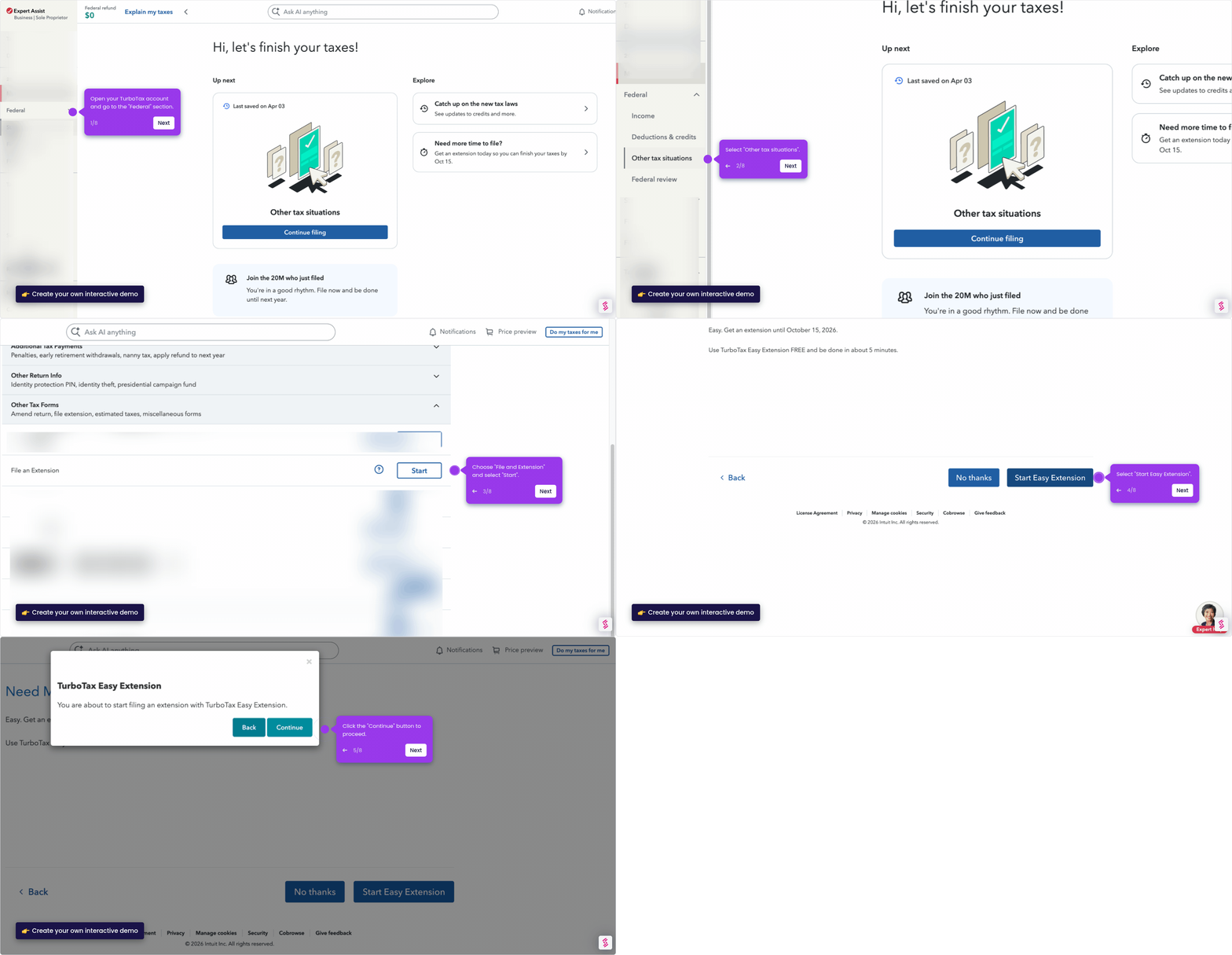
This interactive demo walks you through installing TurboTax on a Windows PC step by step, from downloading the software on the official website to launching and activating it. Follow each screen to complete your TurboTax setup quickly and without errors.
Steps
- Head to the TurboTax official website and select "Download TurboTax software".
- Browse and select the TurboTax account you would like to purchase.
- Choose "Windows" as your operating system.
- Mark "I accept the terms of the license agreement" to move forward with the installation process.
- Hit "Install" to confirm and proceed with the installation.
- Once installed, launch TurboTax and activate the software.