
.svg)
Demo Suite
.svg)
Interactive Demos
Beautiful interactive demos, built from a sentence
Prompt to capture, build, and analyze interactive demos. AI generates the data, guides, videos, and voiceovers.


Trusted by 5,000+ Teams

Don’t just build demos, prompt them


Explore Storylane MCP
Create with AI
Capture your product flow once and AI generates the guides, steps, and media
Media to Demo
Turn existing product videos and images into interactive demos with AI
AI HTML Editor
Chat to describe your changes and AI makes them across the demo
Storylane MCP
Create, share, and analyze demos straight from Claude, ChatGPT, Copilot
AI Personalization
Personalize names and logos with a single prompt. Translate to 27+ languages.
Videos & Voiceovers
Generate life-like AI avatars and voiceovers or record your own presenter content
Share Anywhere
Share demos as links, website embeds, videos, GIFs, docs, and even offline
Track Buyer Activity
Capture leads, see the companies engaging, and attribute demos to pipeline
Interactive demos
that build themselves
Capture your product, describe changes, generate guides, and hit send.
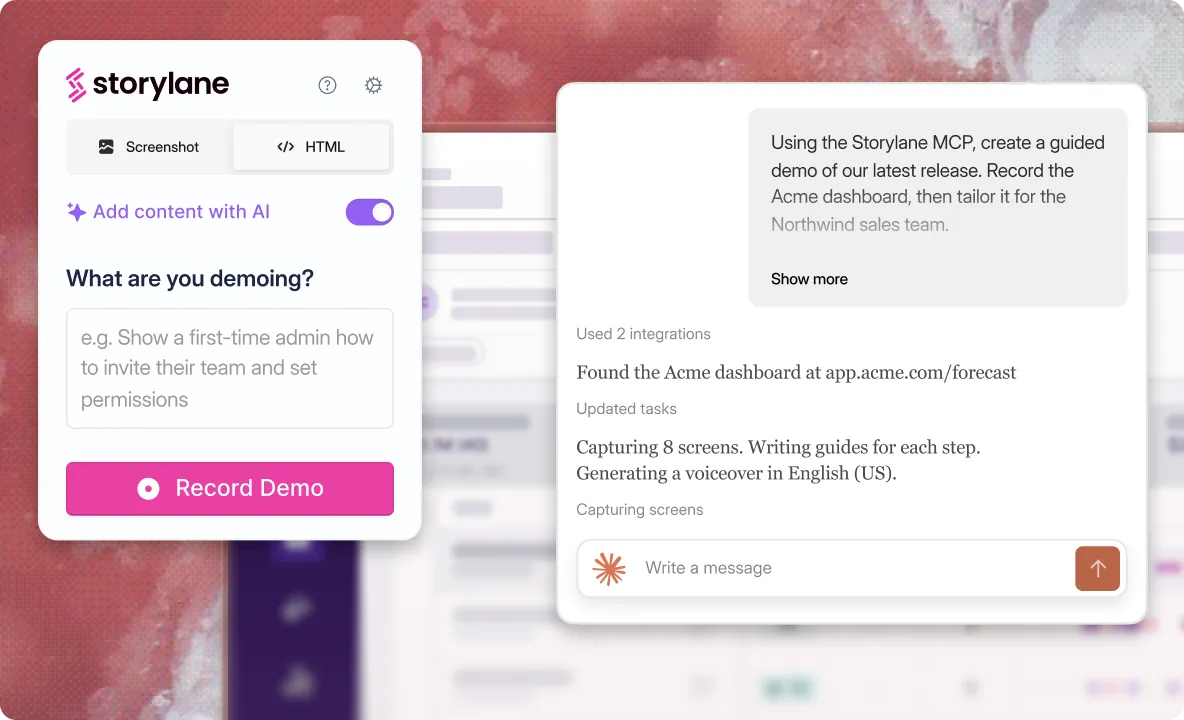
“Create a demo of our latest feature release”
Generate demos via the extension, app, or MCP. AI adds guides as you click through your product.
Capture product screenshots, HTML, and video
Set context and AI adds guide content to match
Screens, buttons, and menus link automatically
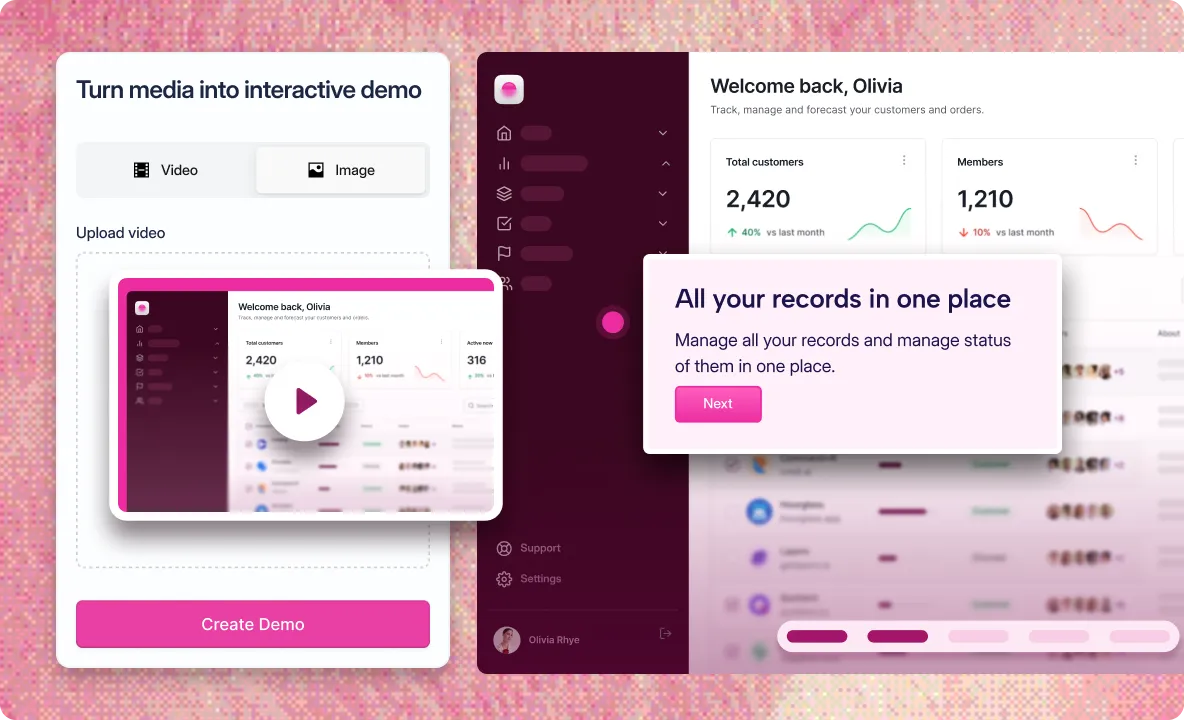
“Turn this walkthrough video into an interactive demo”
Upload or just ask. AI repurposes the product videos and images you already have into guided demos.
Reuse Looms, webinars and screen recordings
AI splits steps and adds guides at key moments
Insert lead forms and CTAs videos can't carry
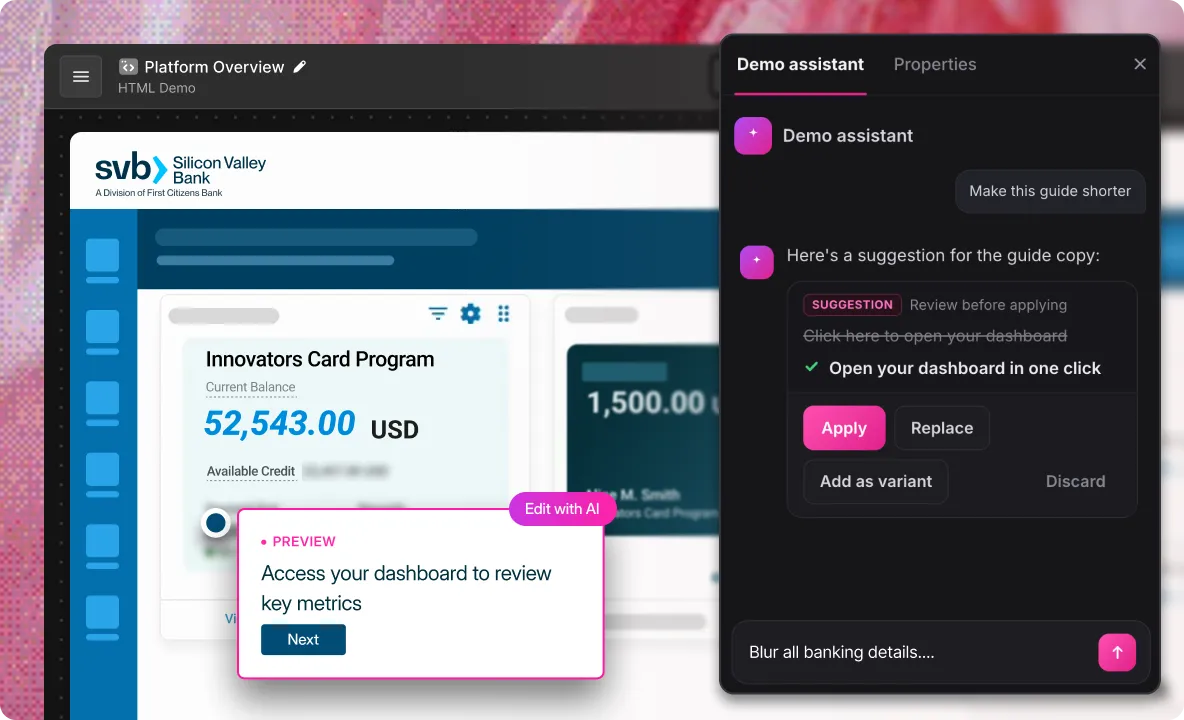
“Populate every screen with realistic user data”
Just prompt to build, edit, and publish demos in-app or from Claude, ChatGPT, and Copilot via MCP.
Rewrite copy, edit charts, populate data by prompt
Chat to update demo steps, avatars, and styling
Review and approve every AI edit before it goes live
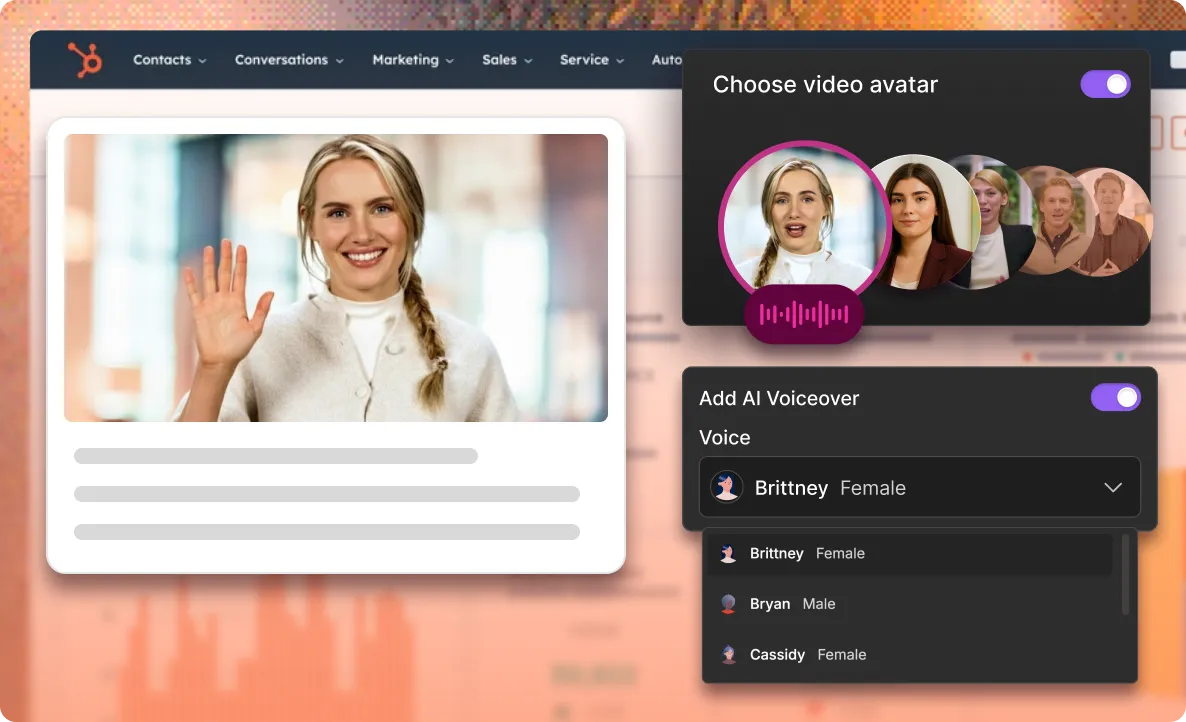
"Add an intro video specific to the buyer's language"
Generate life-like video avatars and voiceovers in seconds — no camera or edits needed. Or record your own.
Add Loom-style videos and voiceovers to steps
Pick from 60+ avatars and voices in 27+ languages
Quick swap intro videos to personalize each demo
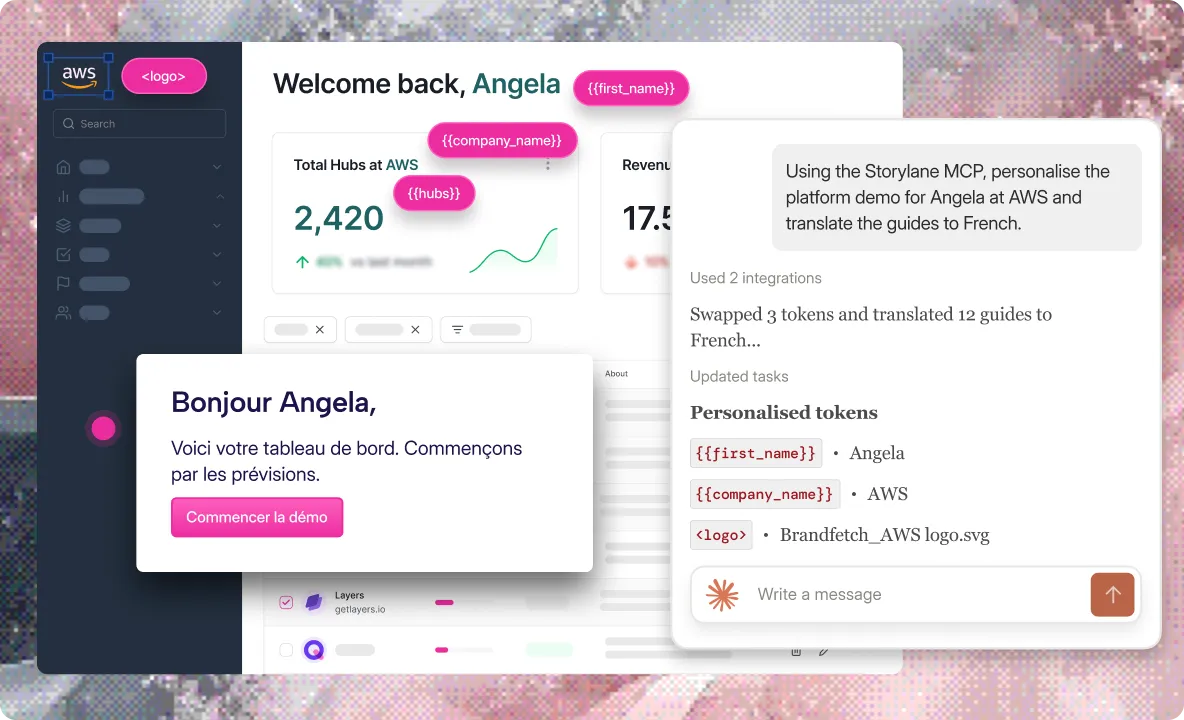
“Set this demo up for Angela from AWS, in French”
Say who the demo is for and AI personalizes demo content, swaps in relevant data, and translates the whole thing.
Swap names, logos, currencies with smart tokens
Publish once, let buyers pick from 27+ languages
Secure demos by password, expiry or email domain
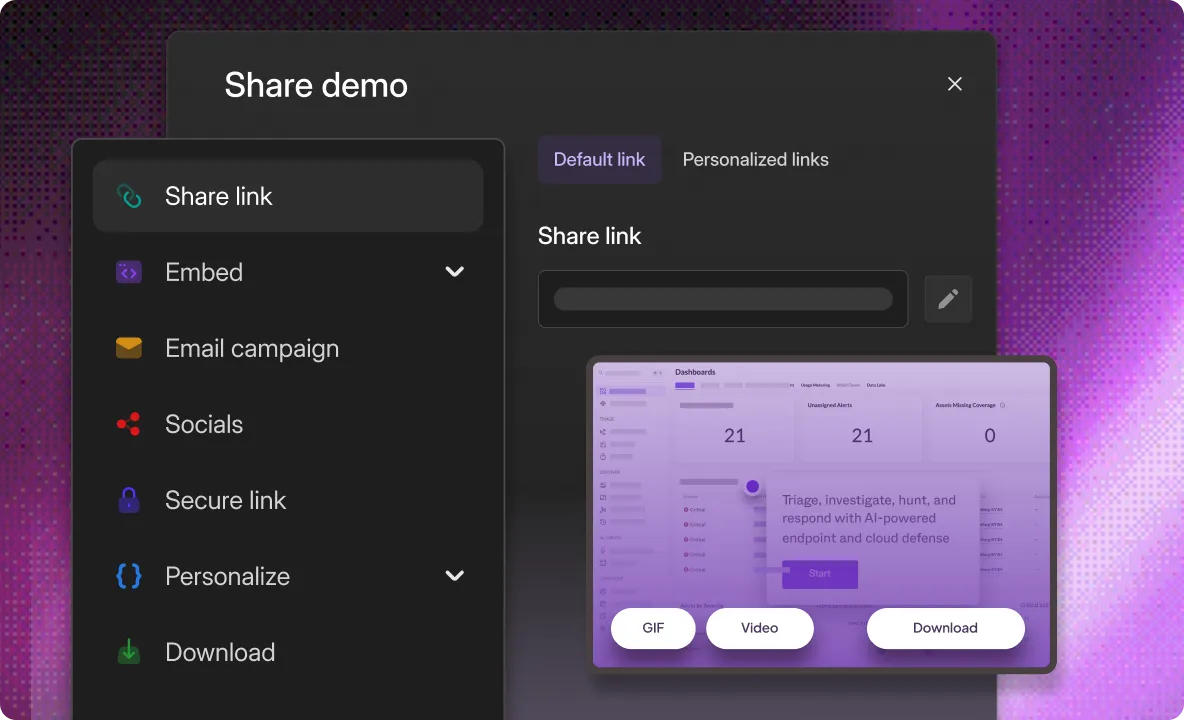
Share demos from anywhere, across multiple formats
Send demos straight from the app, extension, CRM, or your preferred AI via MCP. No tab switching, no hunting for links.
Embed on your website, in email, or on G2
Create unique tracked links per rep or campaign
Export as video, GIF, PDF, Word or Markdown
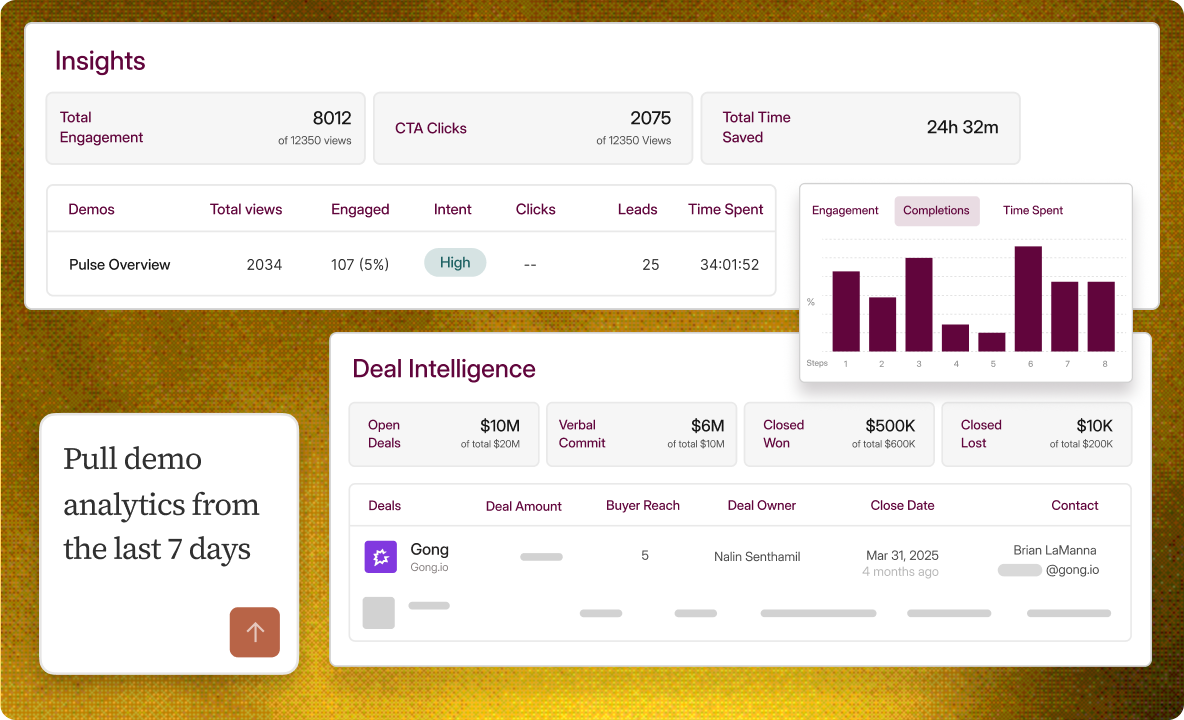
“Pull my demo analytics from the last 7 days”
Just ask, or open the dashboard. Track buyer activity, intent levels, and demo engagement and tie it back to pipeline.
Connect demo sessions to open deals in HubSpot or Salesforce
A/B test demo variants and promote the version that converts best
Track engagement, forms, completion, time-spent, and drop-offs
Unlock enterprise excellence
Ensure industry-standard security practices, professional services, and privacy compliance
Custom Domain URL for your demos
Single-Sign On (SSO) and Universal Login
Demo Whitelabel for branding
SOC2 compliant
Used by fortune 1000 companies
Hear from our customers
#1 Demo Automation Software
The UX is fantastic — but what really drew us was the innovation
.svg)
.webp)
Intuitive, powerful, and easy to use platform.
Matt Slotten
Marketing
The interactive demo influenced our biggest deal yet!

.webp)
It’s actually kind of shocking how fast it was for us.
Edward Smith
Sr. Solutions Consultant
35%
increase in pipeline
Tom Josephson
Solutions Consulting
.svg)
Revolutionized our demo process. The AI tools are incredibly powerful.
Edward Smith
Sr. Solutions Consultant
The UX is fantastic — but what really drew us was the innovation
Intuitive, powerful, and easy to use platform.
Matt Slotten
Marketing
The interactive demo influenced our biggest deal yet!
It’s actually kind of shocking how fast it was for us.
Edward Smith
Sr. Solutions Consultant
35%
increase in pipeline
Tom Josephson
Solutions Consulting
Revolutionized our demo process. The AI tools are incredibly powerful.
Edward Smith
Sr. Solutions Consultant
Storylane's by far the easiest and most reliable out of other competitors.
Martin Kurowski
Product Marketing Manager

Great and super easy to use for quick shareable demo's
Tamar S.
Marketing
$1.3M
Pipeline directly attributed to the interactive demo
.svg)

Our executive team continues to rave about how well Storylane visualizes our own tool!
Emily Elizabeth
VP Marketing
My Go-To Tool for showing how our platform works — so simple to use!
Christion Parker
Sales Manager
35
demos in 3 weeks
Michael DeMarco
Product Marketing Manager
Storylane's by far the easiest and most reliable out of other competitors.
Martin Kurowski
Product Marketing Manager
Great and super easy to use for quick shareable demo's
Tamar S.
Marketing
$1.3M
Pipeline directly attributed to the interactive demo
Our executive team continues to rave about how well Storylane visualizes our own tool!
Emily Elizabeth
VP Marketing
My Go-To Tool for showing how our platform works — so simple to use!
Christion Parker
Sales Manager
35
demos in 3 weeks
Michael DeMarco
Product Marketing Manager
Over 200k demos created on Storylane
.png)
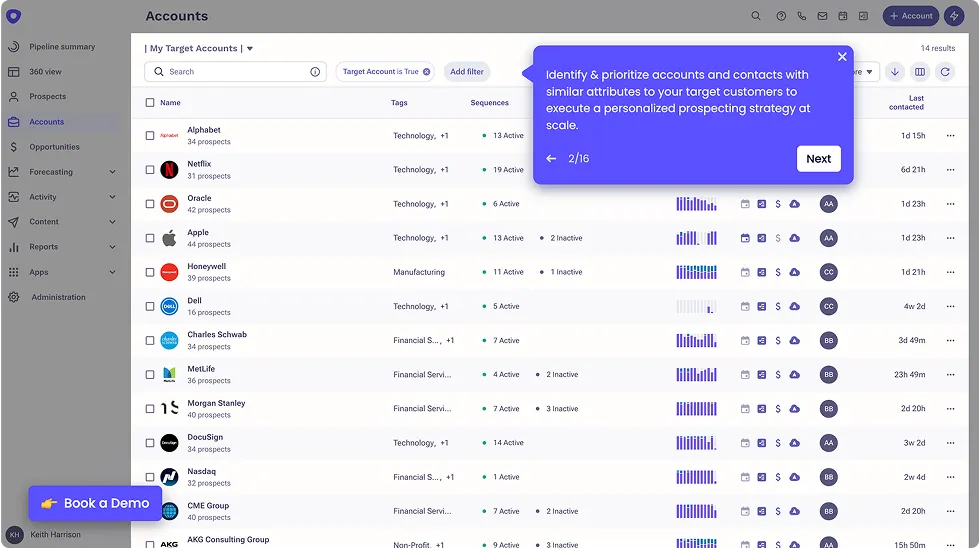
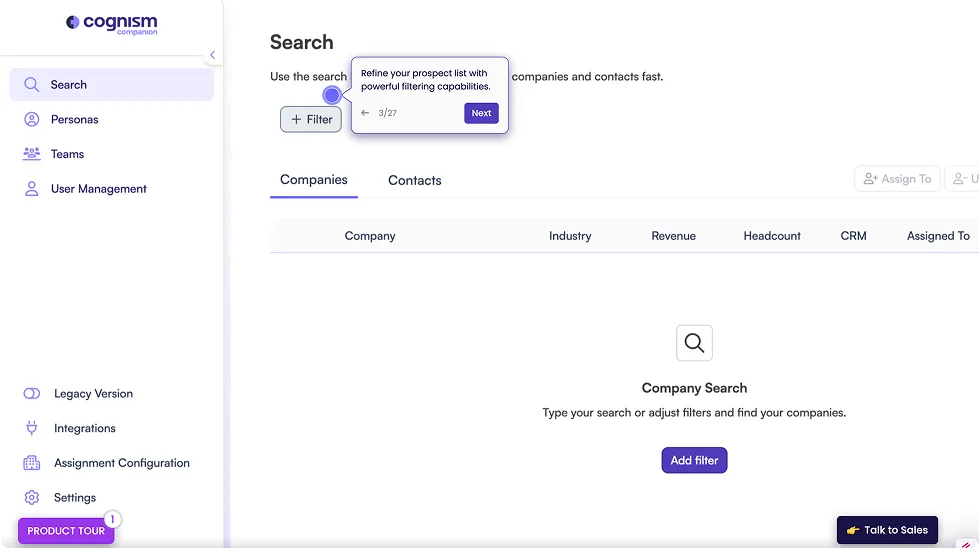
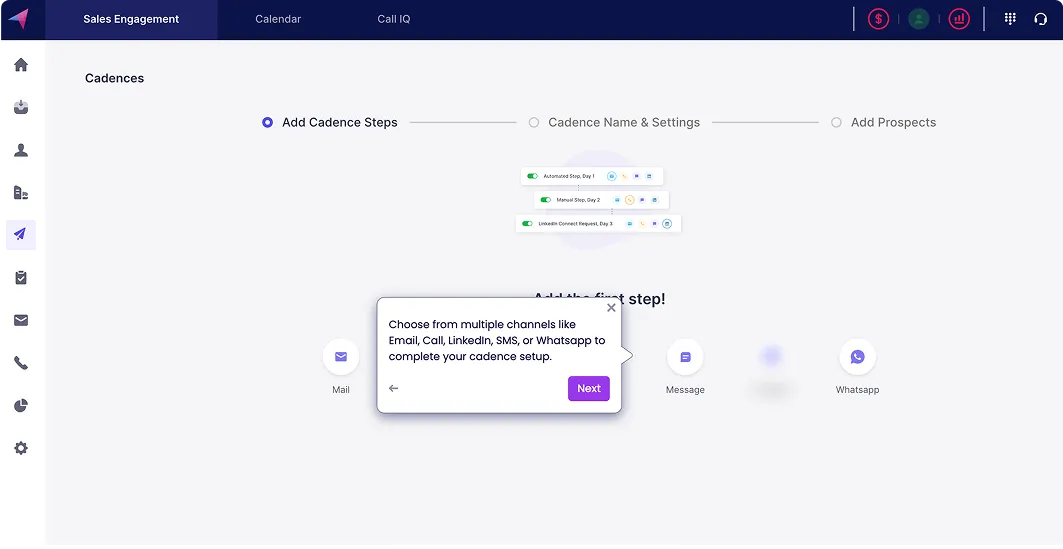
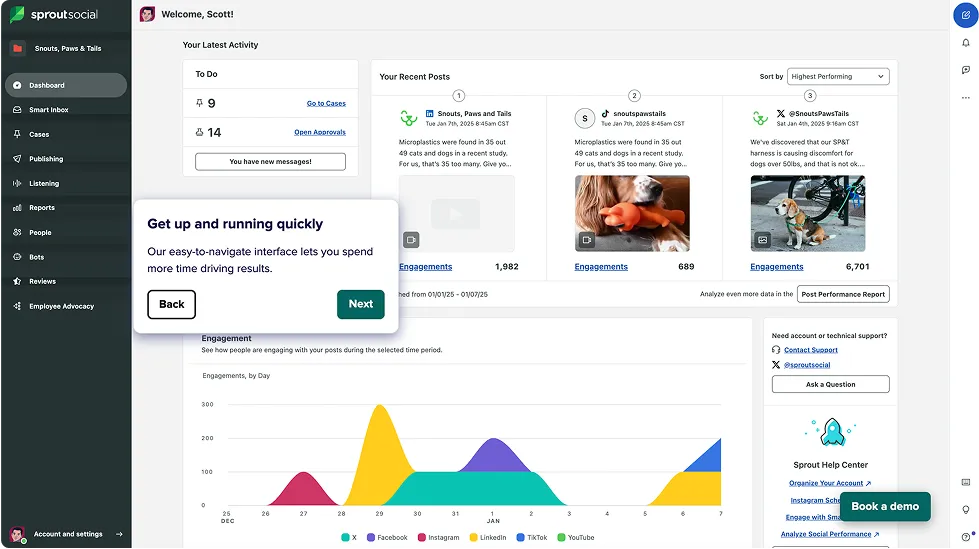
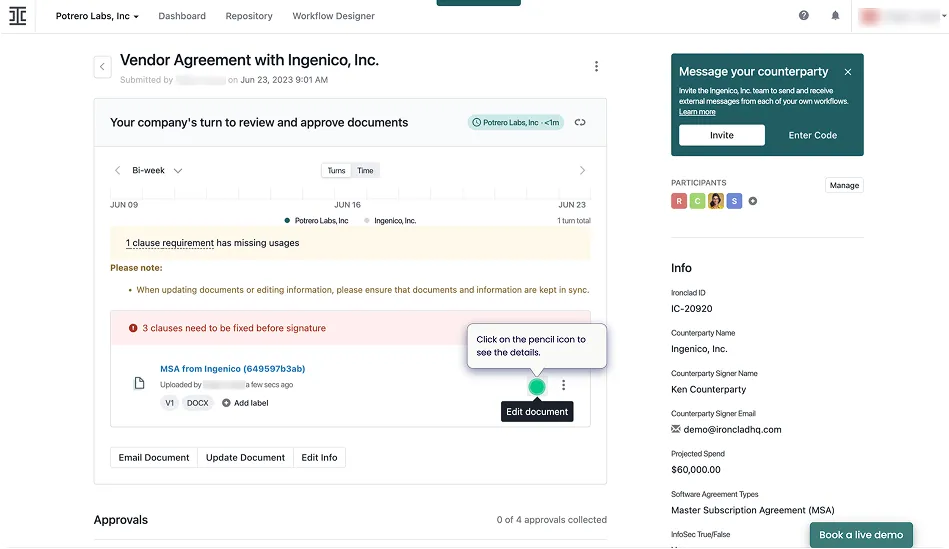
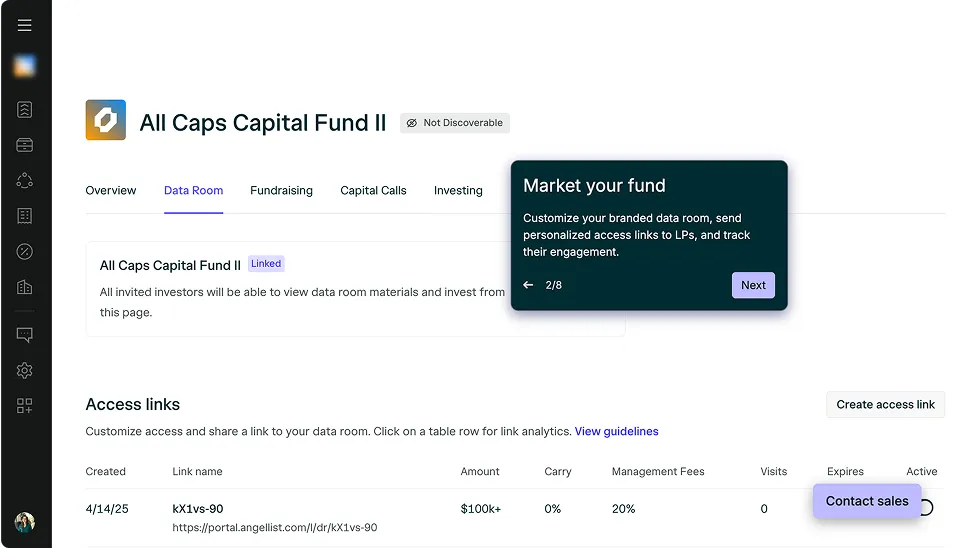
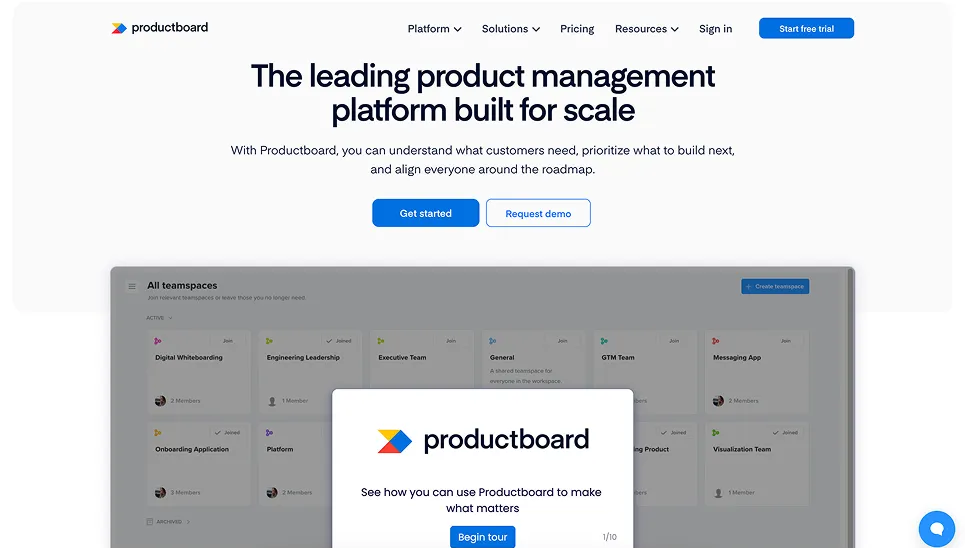
Demos and AI SDRs for the modern buying journey
Frequently asked questions
What is an interactive product demo?
How long does it take to build an interactive demo?
Can I turn an existing product video into an interactive demo?
Can interactive demos be personalized for each buyer?
Where can interactive demos be embedded?
How does AI know what to write in each guide?


