.svg)
.svg)
.gif)


Quick summary
This demo shows how to transfer TurboTax tax return files from an old computer to a new one using the built-in Tax Tools transfer feature. The process takes just a few clicks inside TurboTax Online and requires no third-party tools.
Steps
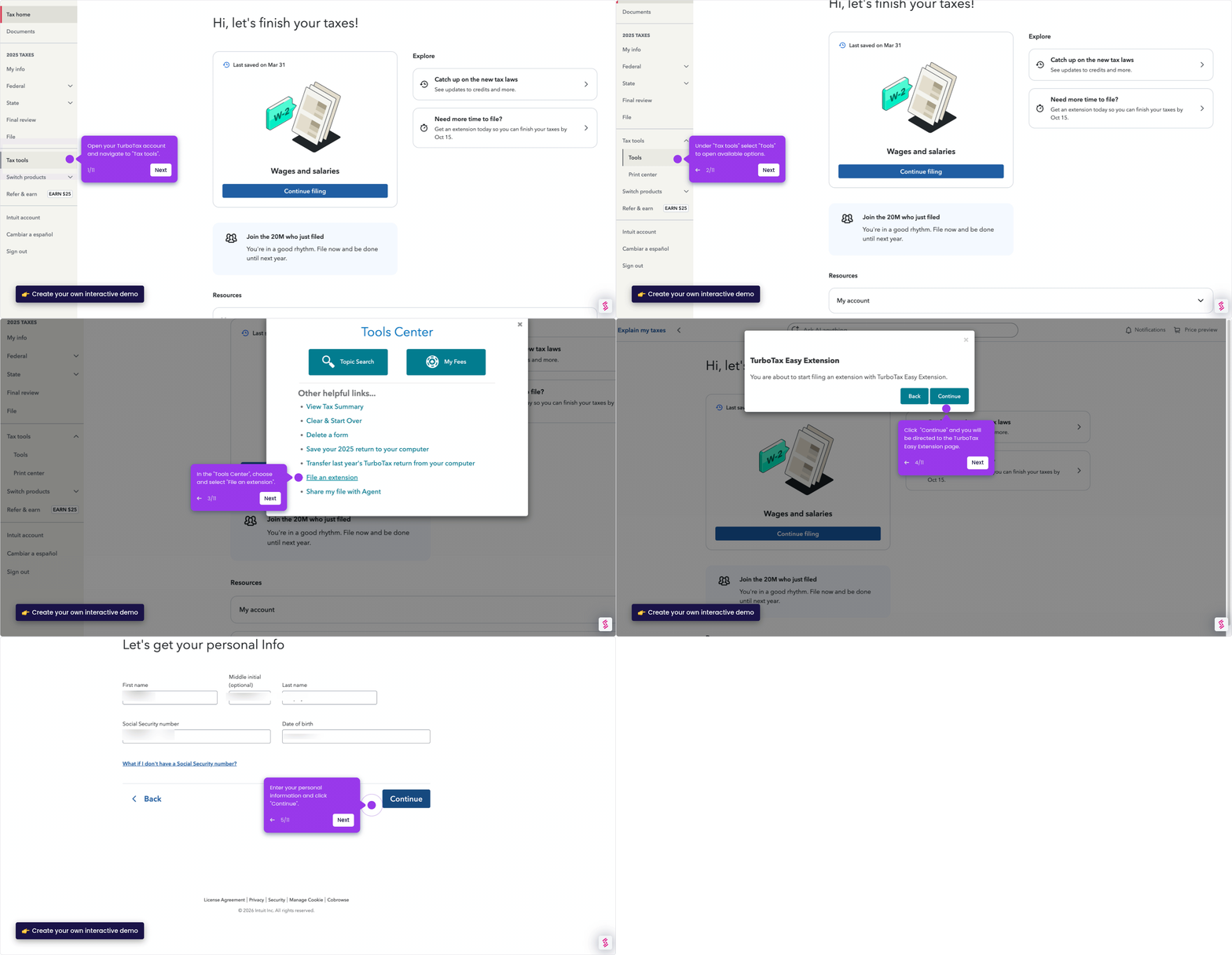
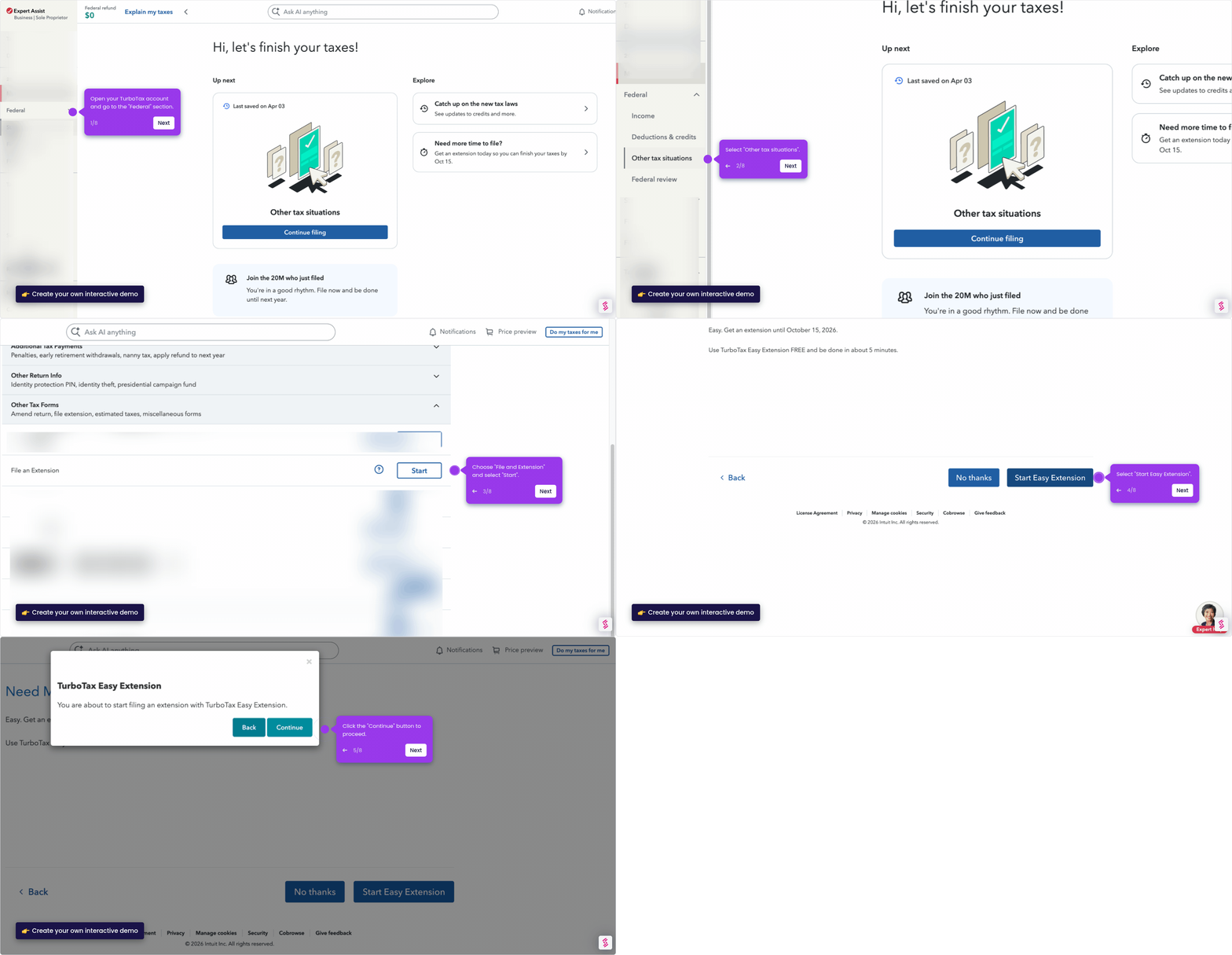
- Open TurboTax on your old computer and navigate to the Tax Tools section to begin the file transfer process.
- Click Tools to unlock the file management options available for your return.
- Select "Transfer last year's TurboTax return from your computer" to package your tax files for the move to your new machine.
- Click Continue to proceed to the next step of the transfer workflow.
- Click Choose File to locate and select the tax return file you want to transfer.
- Tap Transfer Return to complete the export, then move the file to your new computer and import it when ready.