.svg)
.svg)
.gif)


Quick summary
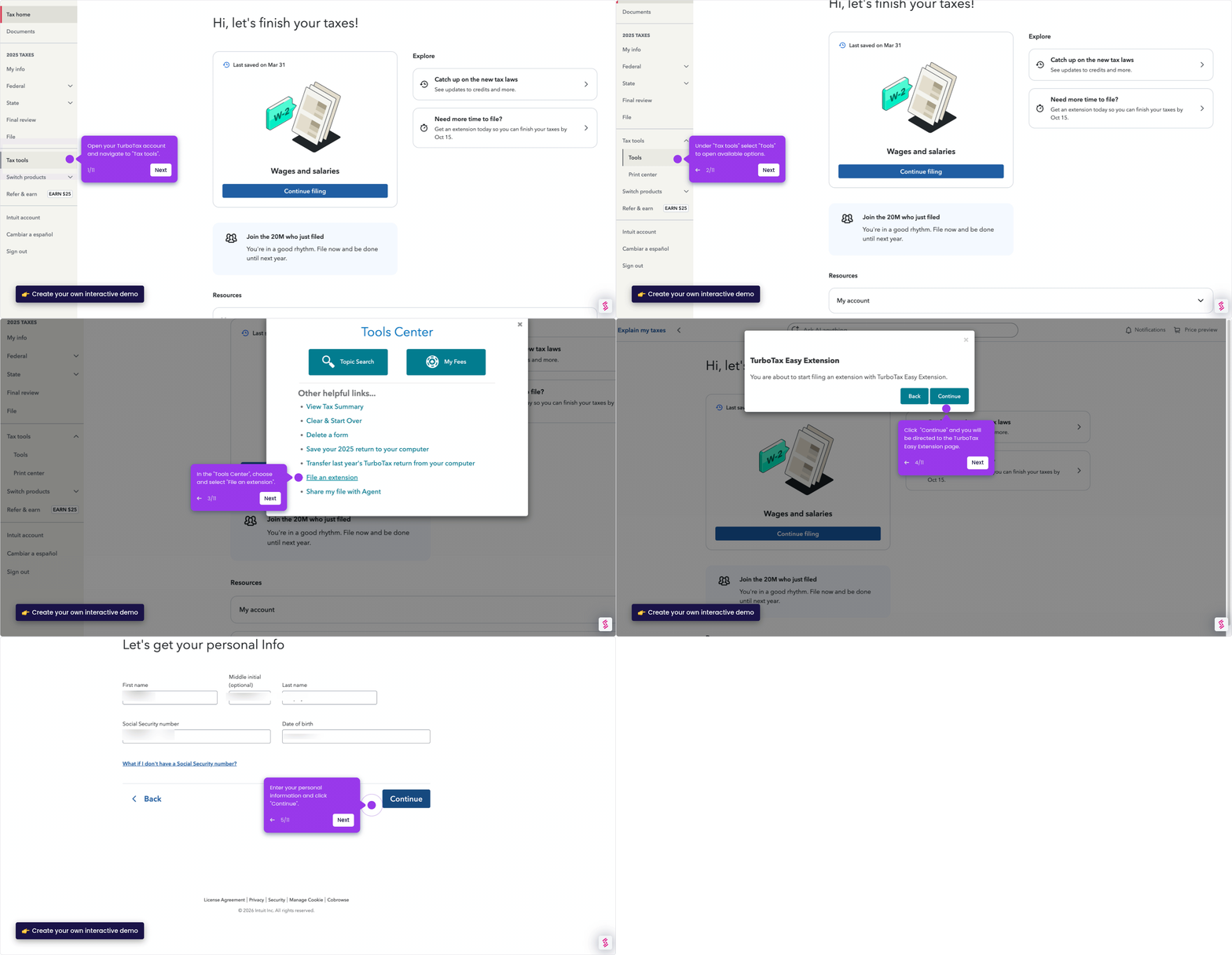
This demo shows how to import a W-2 into TurboTax Online step by step, from navigating the Federal Income section to entering employer details and submitting your wage information. Whether you snap a photo, import directly, or type it in manually, TurboTax guides you through every field accurately.
Steps
- Click Federal in the TurboTax navigation to start the W-2 import process.
- Select Income from the Federal menu to access wage-related sections.
- Find Wages and Salaries (W-2) and click Start to begin entering your information.
- Enter the Employer Identification Number (EIN) from Box b of your physical W-2 form.
- Choose your preferred entry method: snap a photo, import directly, or type it in manually.
- If entering manually, click "Type it in myself" and have your W-2 document ready.
- Fill in each box carefully, including employer details, wages, and withholdings for accuracy.
- Review all entered information, then click Continue to finalize and lock in your W-2 data.