.svg)
.svg)
.gif)



Quick summary
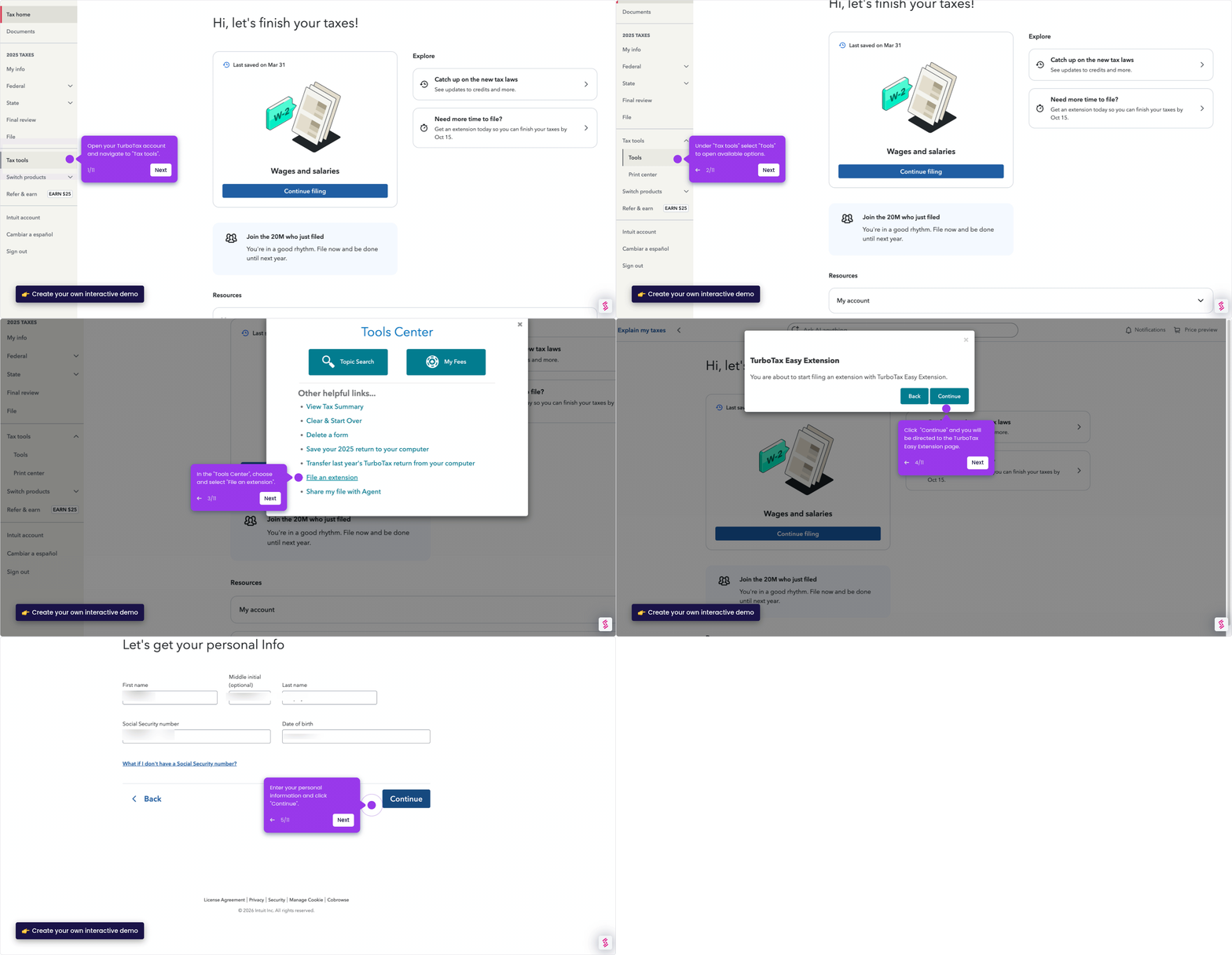
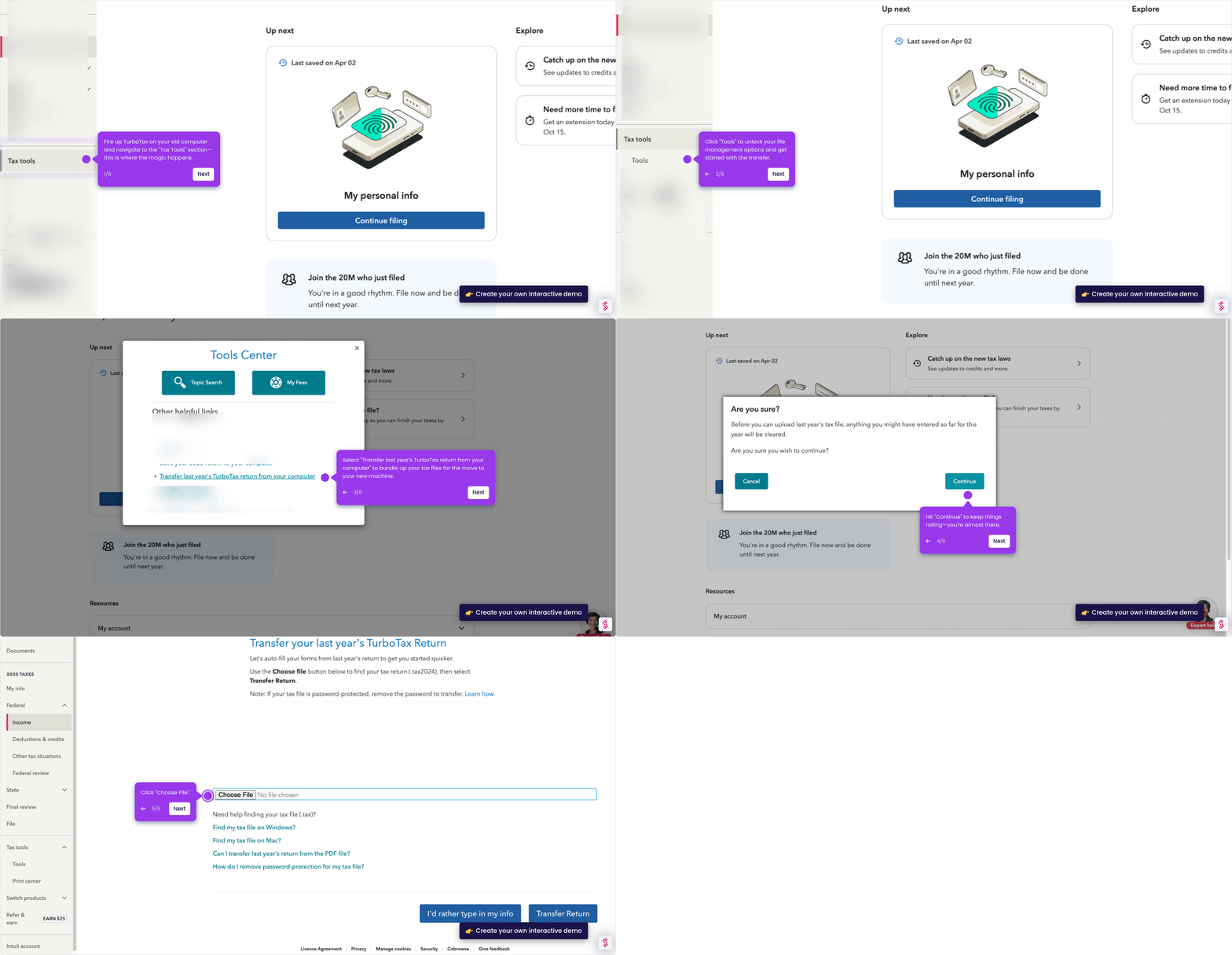
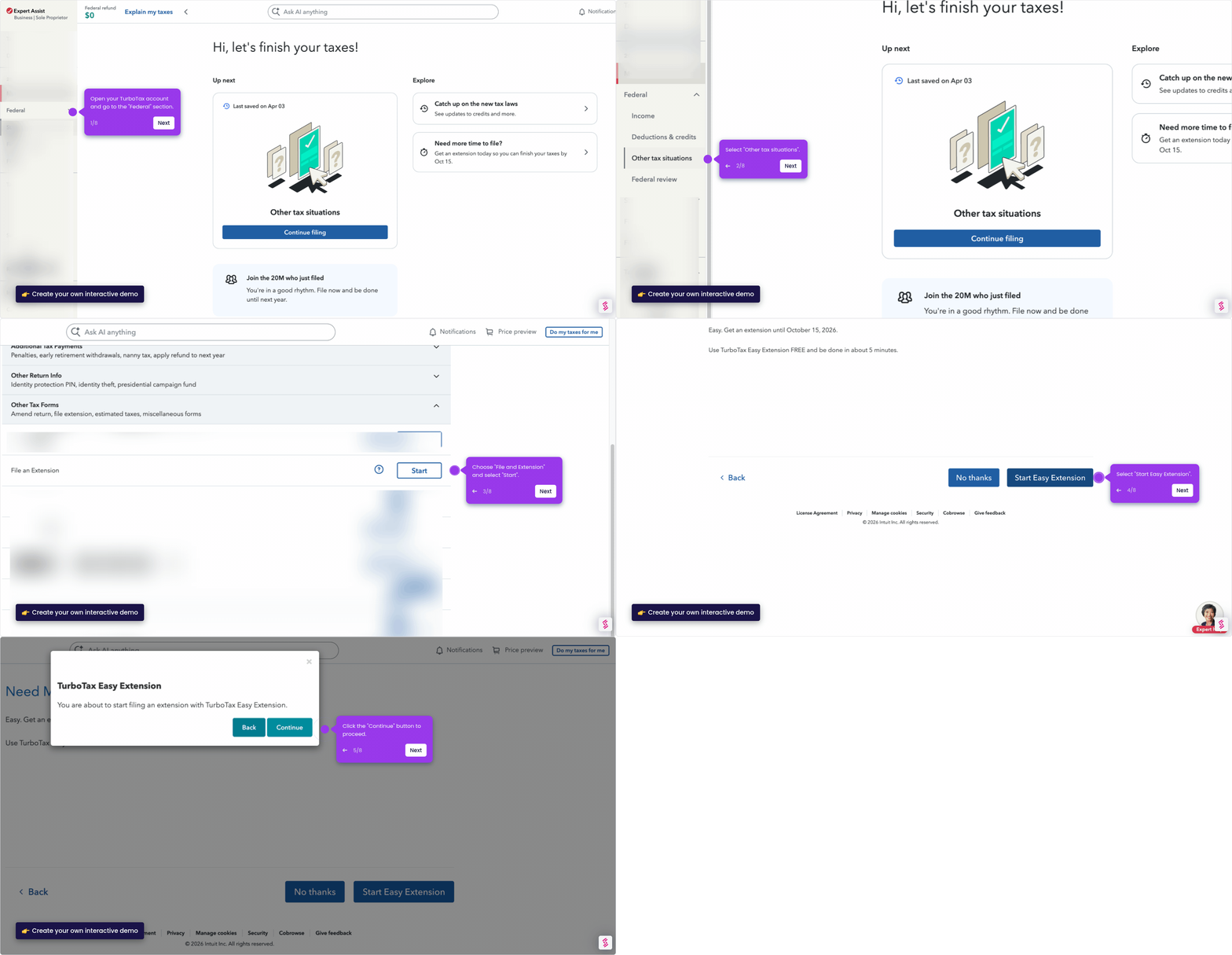
This demo shows how to file your taxes and receive your refund using TurboTax Online in just a few steps. You can choose direct deposit or mail, and set up your preferred refund method quickly from your Tax Home dashboard.
Steps
- Head to Tax Home on your TurboTax account.
- Navigate to 2025 Taxes and select File.
- Once you are ready to file, tap Continue.
- Choose which tax return you want to mail by clicking Change.
- Select how you want to file — choose E-file or File by mail.
- Hit Save to confirm your filing method changes.
- Choose your preferred refund method.
- Enter your bank name, routing number, and account number to complete direct deposit setup.