.svg)
.svg)
.gif)


Quick summary
This demo shows how to enter your IRS Identity Protection PIN in TurboTax Online step by step. The IP PIN is a 6-digit code issued by the IRS each year to protect your tax return from fraud.
Steps
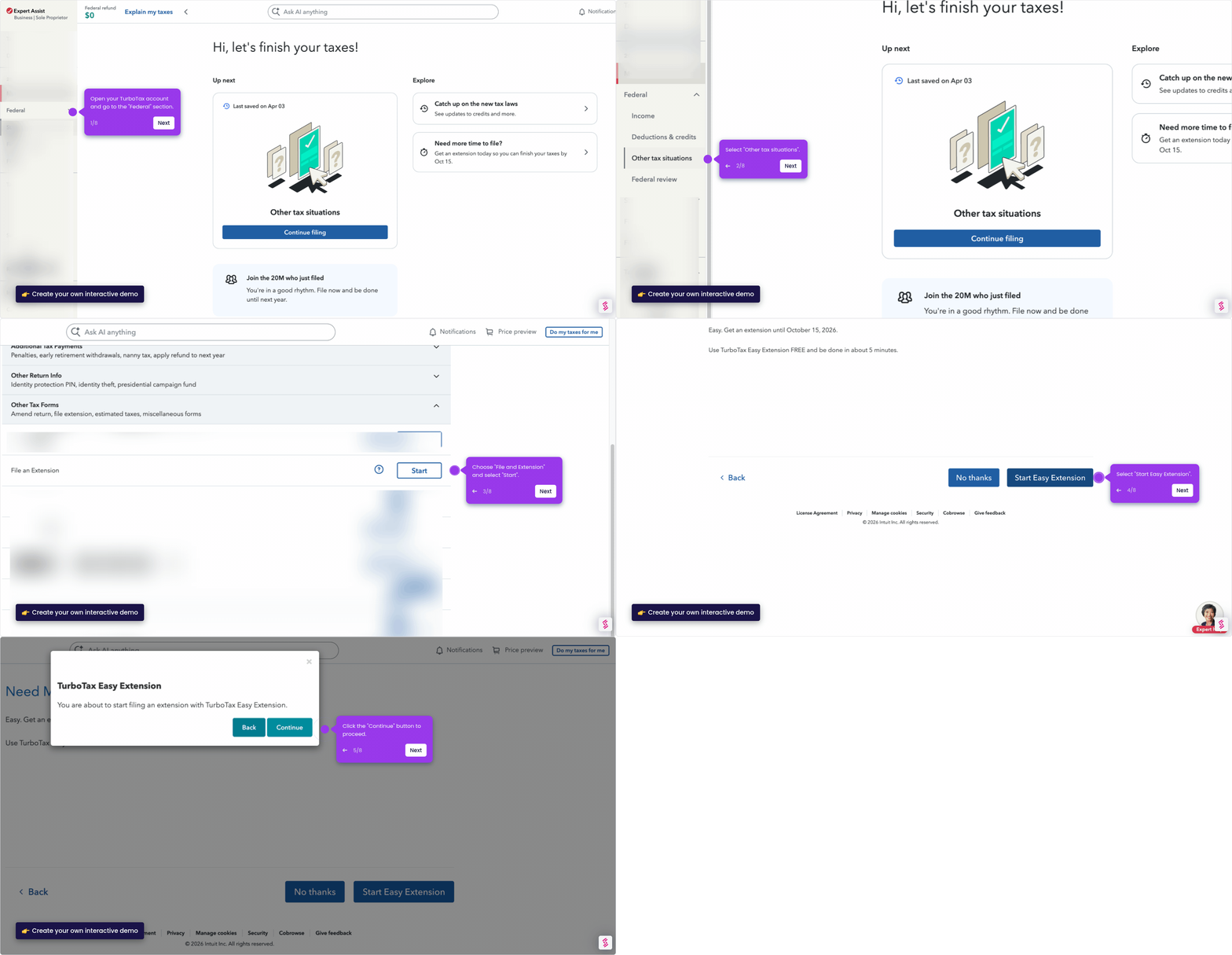
- Head to the sidebar and click "Federal" to get started.
- Navigate to "Other tax situations" from the menu.
- Expand the "Other Return Info" section by clicking the dropdown arrow.
- Click "Start" to begin entering your PIN details.
- On the "Identity Protection PIN" screen, select "Yes" to proceed.
- Hit "Add" to continue to the next step.
- Enter your 6-digit IP PIN in the field provided—this is sent by the IRS each year.
- Click "Save" to confirm—your PIN is now secured.