Quick summary
Screaming Frog SEO Spider lets you crawl any website and instantly surface broken links by filtering response codes for 4xx errors. Once identified, you can pinpoint the exact source pages using the built-in Inlinks view, making broken-link remediation fast and precise.
Steps
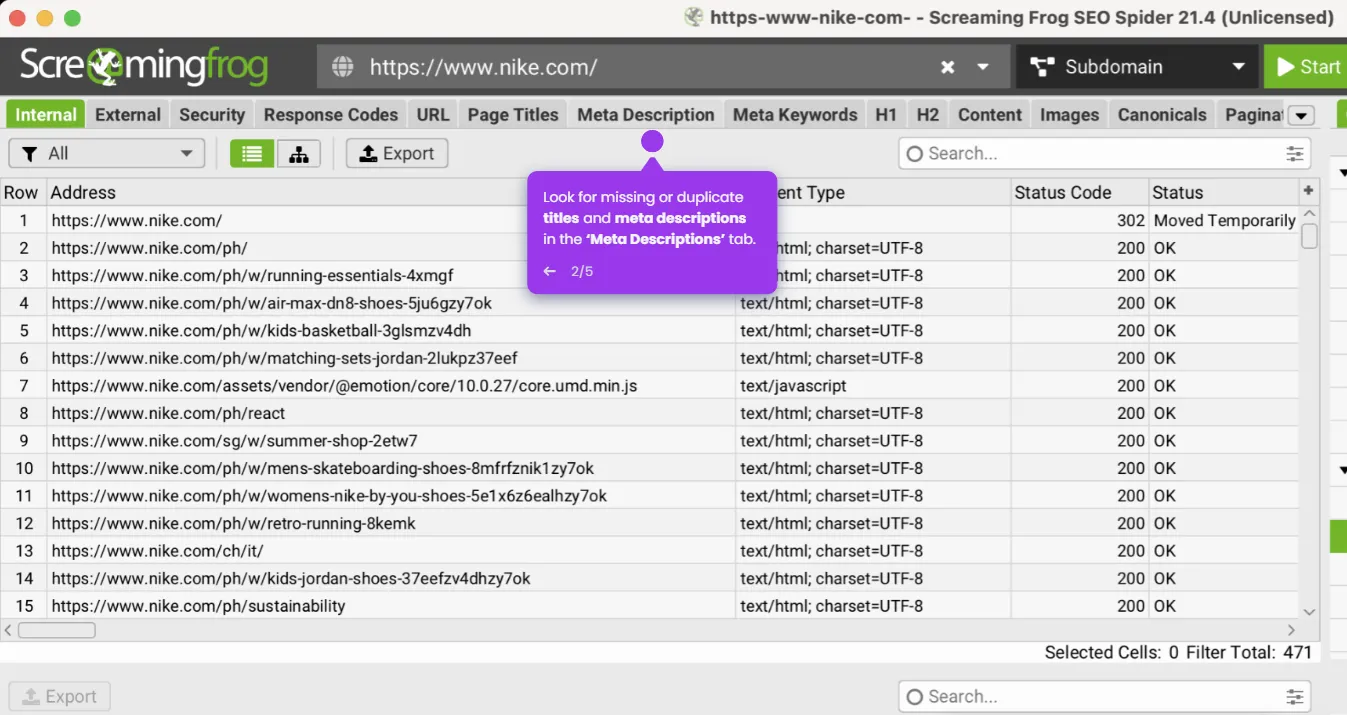
- In the main interface, enter the website URL you want to scan in the field at the top of the screen.
- Click the Start button (the play button) to begin crawling the website.
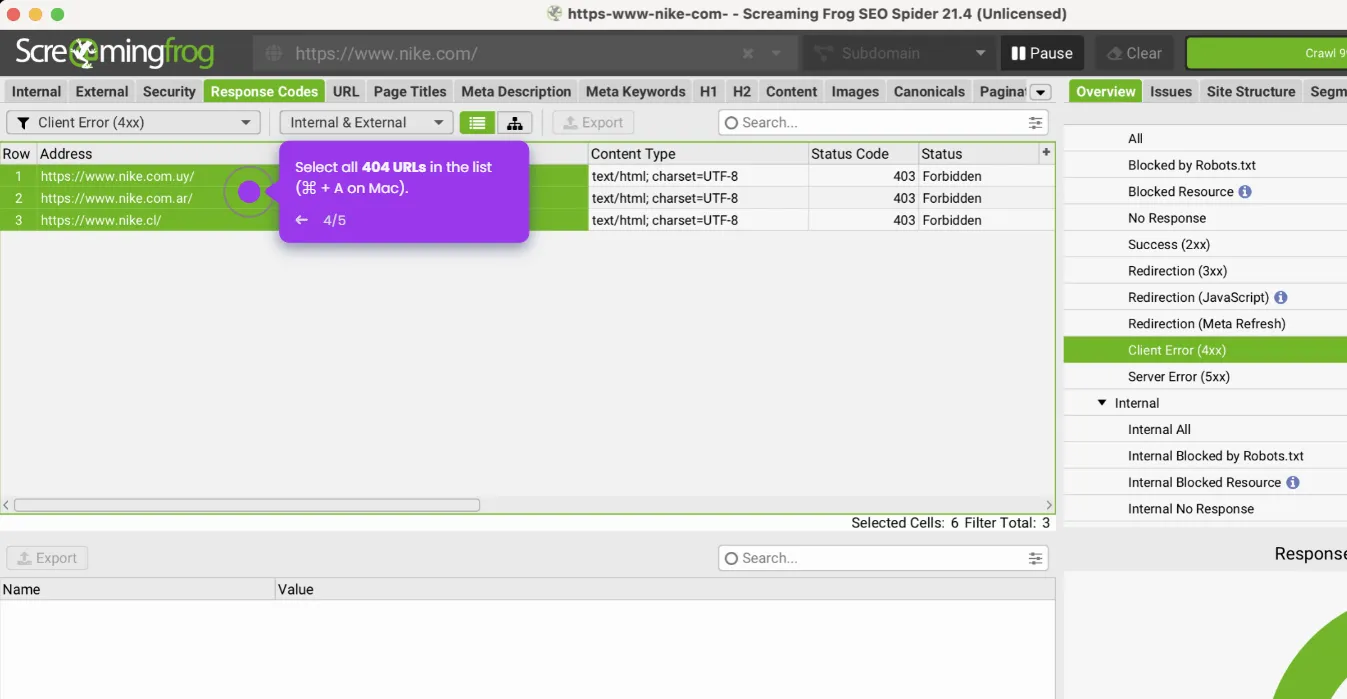
- Once the crawl is finished, click on the Response Codes tab in the bottom panel.
- In the filter dropdown, select Client Error (4xx) to display all broken links with 404 status codes.
- To see which pages contain these broken links, right-click on any URL and select Inlinks.