This interactive demo was created free with Storylane in 2 minutes. Create your own demo
Start free
All Tutorials /Screaming Frog

How to Find API Connection in Screaming Frog

Updated on:
May 12, 2026
By:
Madhav Bhandari
Use this interactive demo to learn how to locate and set up API Access in Screaming Frog.

Quick summary

Screaming Frog's API Access feature lets you connect external accounts — such as Google Analytics — directly within the tool's Configuration menu, enabling richer data integration for SEO audits. This step-by-step walkthrough shows exactly how to find the API connection settings and link a new account in just a few clicks.


Steps

  1. Click on Configuration in the top menu bar, then look for API Access in the dropdown menu.
  2. Click "Connect a New Account" to proceed with adding an API connection.
  3. Select the desired account, property, view, and segments you want to connect under the Account section.
  4. Click "OK" to complete the API connection setup.
📌 Why this matters

Connecting external data sources via the Screaming Frog API Access feature allows SEO professionals to enrich their crawl data with metrics from platforms like Google Analytics, delivering deeper, more actionable site audits in a single workflow. Without this integration, teams must manually cross-reference data across multiple tools, wasting time and increasing the risk of missed insights. By configuring API connections directly inside Screaming Frog's Configuration menu, users can map account properties and segments to their crawl projects instantly. This makes Screaming Frog a more powerful, centralized hub for technical SEO analysis and reporting.
Your product deserves an interactive demo
Start free
Similar Articles
Screaming Frog

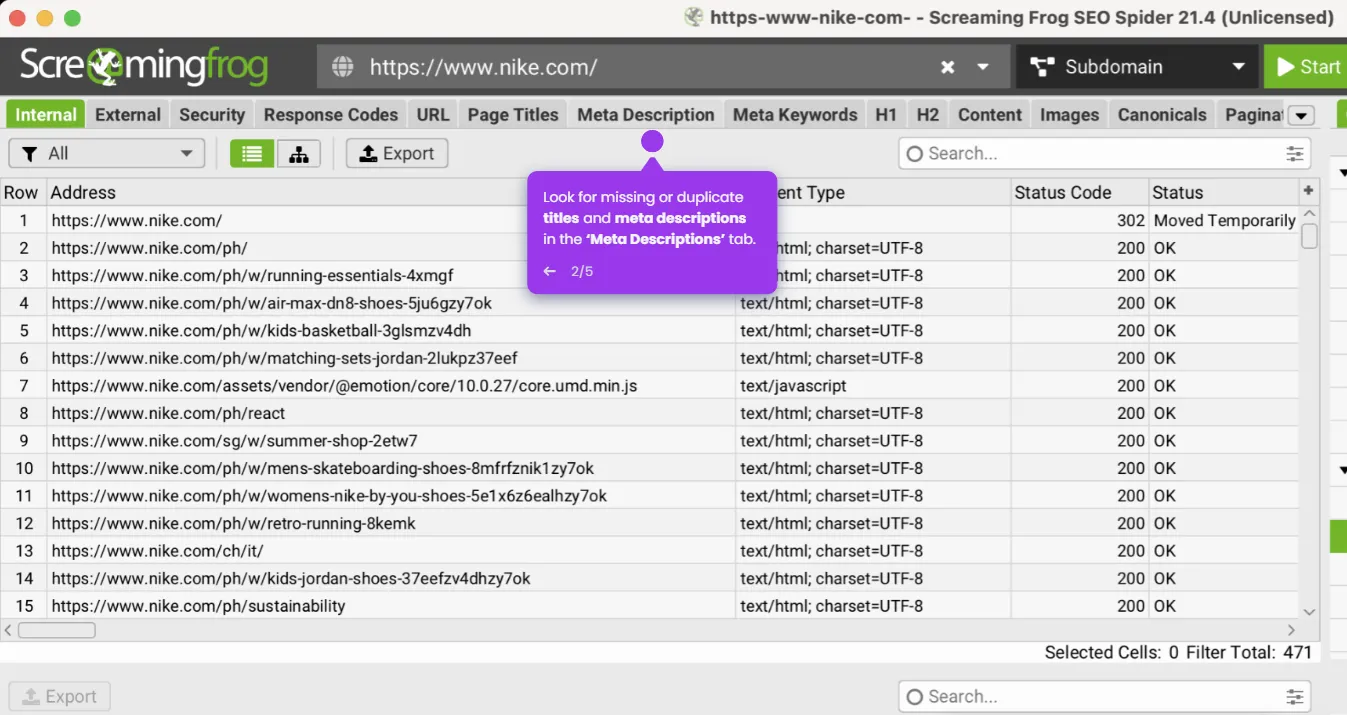
How to Use Screaming Frog to Improve on Page SEO

Madhav Bhandari
Director of Marketing @ Storylane
Screaming Frog

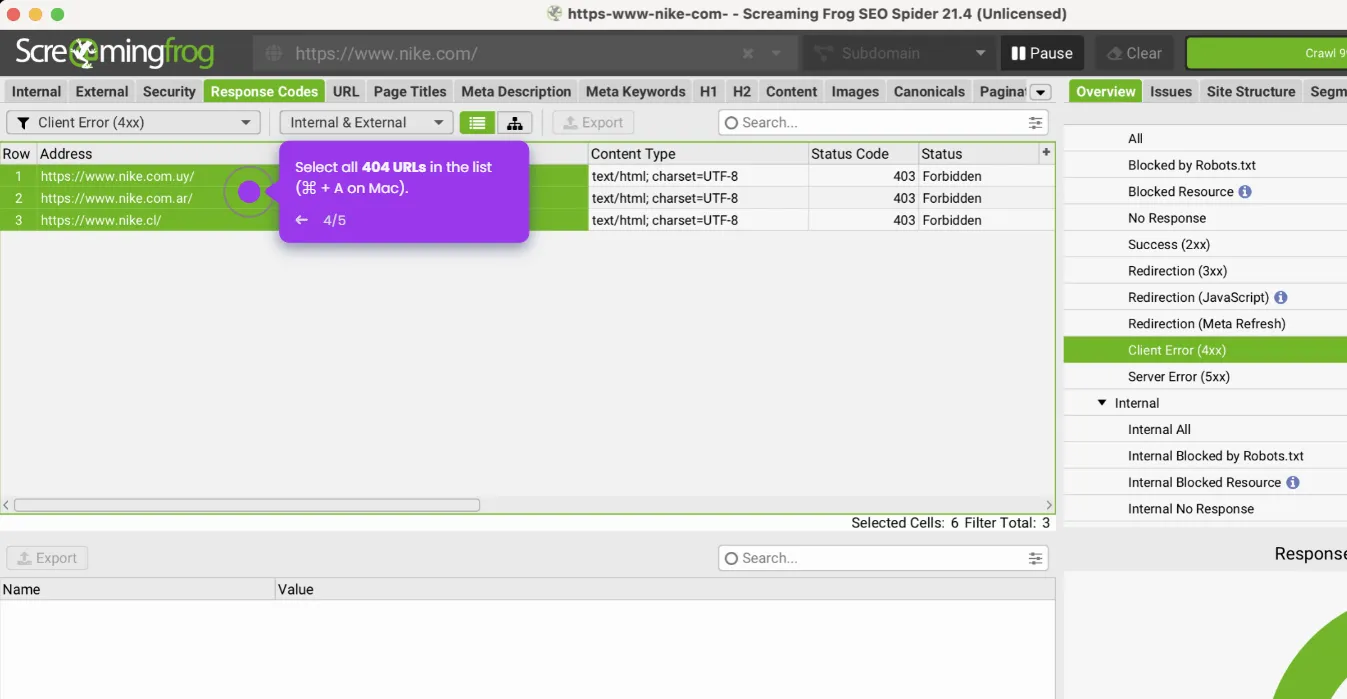
How to Remove 404 Pages Screaming Frog

Madhav Bhandari
Director of Marketing @ Storylane
Screaming Frog

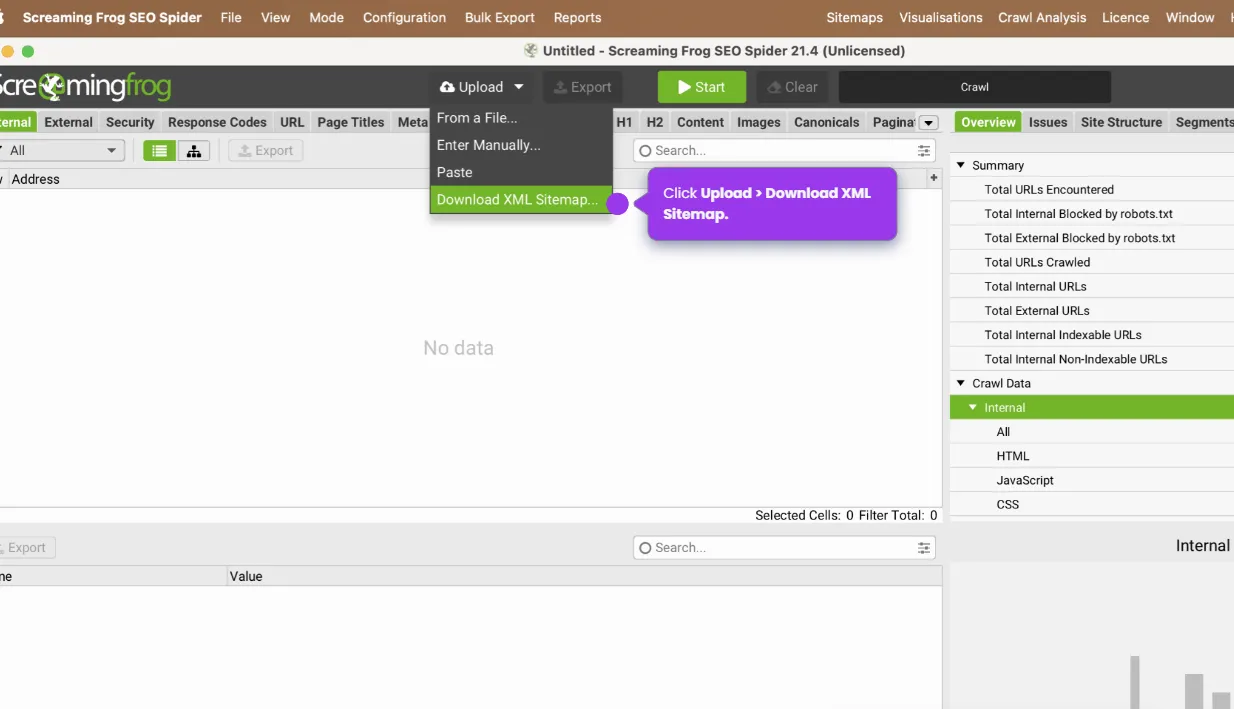
How to Crawl a Sitemap in Screaming Frog

Madhav Bhandari
Director of Marketing @ Storylane
No items found.
Platform
Interactive Demos
Sandbox Demos
Buyer Hub
RepX
Integrations
Solutions
Product Marketers
Growth & Demand Gen
Sales Reps & AEs
Presales & SEs
Customer Success
Product Managers
Customers
Demo Showcase
Customer Stories
Finer Demos Club
Features
Demo Signals
Personalization
Deal Intelligence
Resources
Blog
The Plot
Tutorials
Events & webinars
Help Docs
What’s New
Demo Dundies
Company
Careers
Pricing
Partners
Contact
Trust Center
Backed by
Chrome Extension Icon
Chrome extension
Download
Desktop app
Download
Built in San Francisco Bay Area - ©2026 Storylane
Privacy PolicyTerms & Conditions
X Corp (formerly Twitter)LinkedIn
This website uses cookies to ensure you get the best experience on our website. Learn More
Got it
This website uses cookies to ensure you get the best experience on our website. Learn More
Got it