.svg)
.svg)
.gif)


Quick summary
This demo shows eBay sellers how to report self-employment income and deduct eBay expenses using TurboTax Online in a few guided steps. It walks through the Federal > Income > Self-employment flow so you can file accurately and reduce your tax bill.
Steps
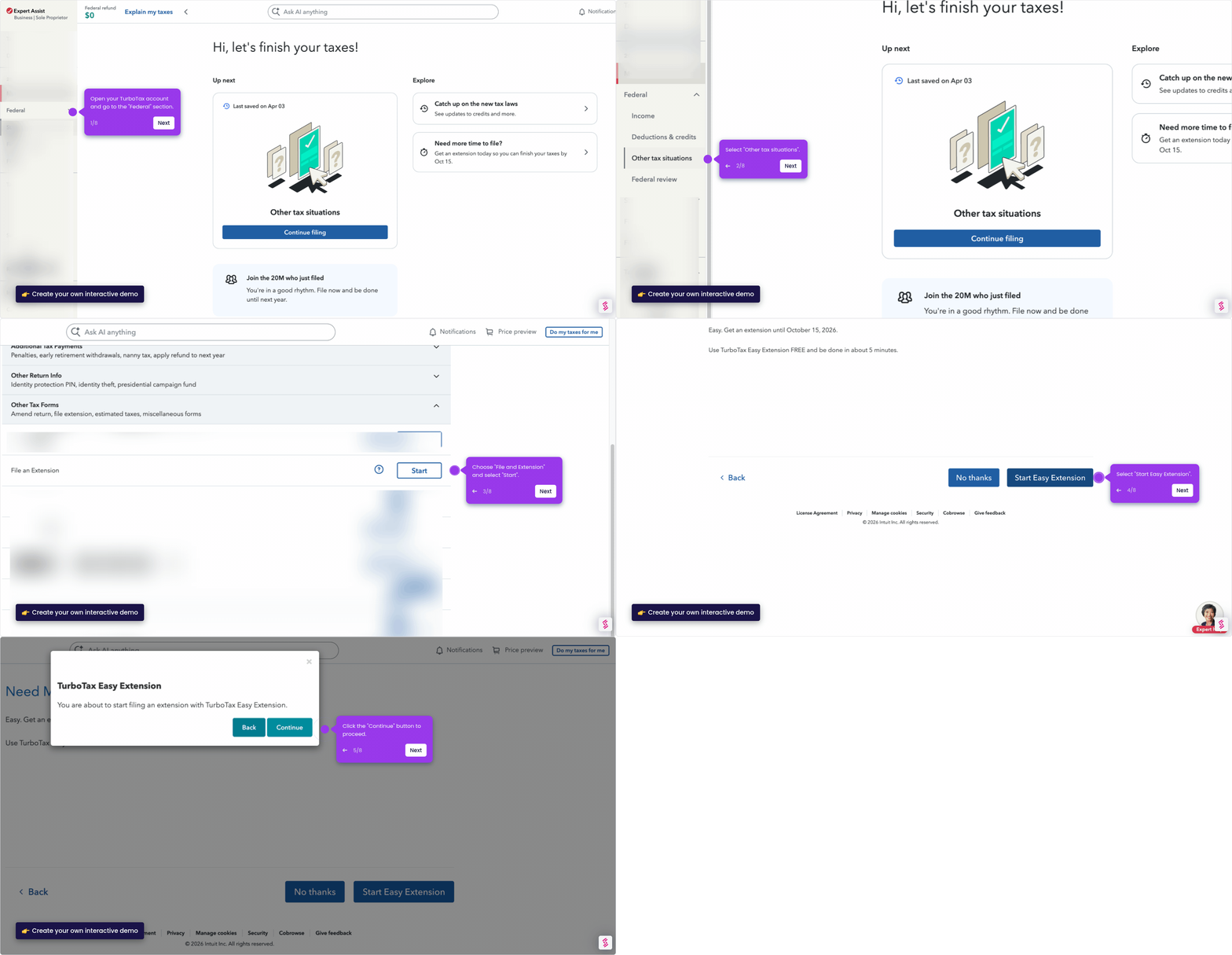
- Open your TurboTax account and go to the Federal section in the sidebar menu.
- Click Income from the left-hand list.
- Go to Self-employment and click Start to begin the self-employment income section.
- Click "Add another line of work" to add your eBay selling activity.
- Enter the type of self-employment work you do and proceed.
- Select the best description for your work and click Continue.
- Classify your work and click Continue.
- In the text field, type your business name.
- Enter the date you started your business.
- Add your business expenses by selecting "Enter manually".
- Choose and select your eBay expenses to reduce your taxes.
- Once you have selected your expenses, click Done to move forward.