.svg)
.svg)
.gif)


Quick summary
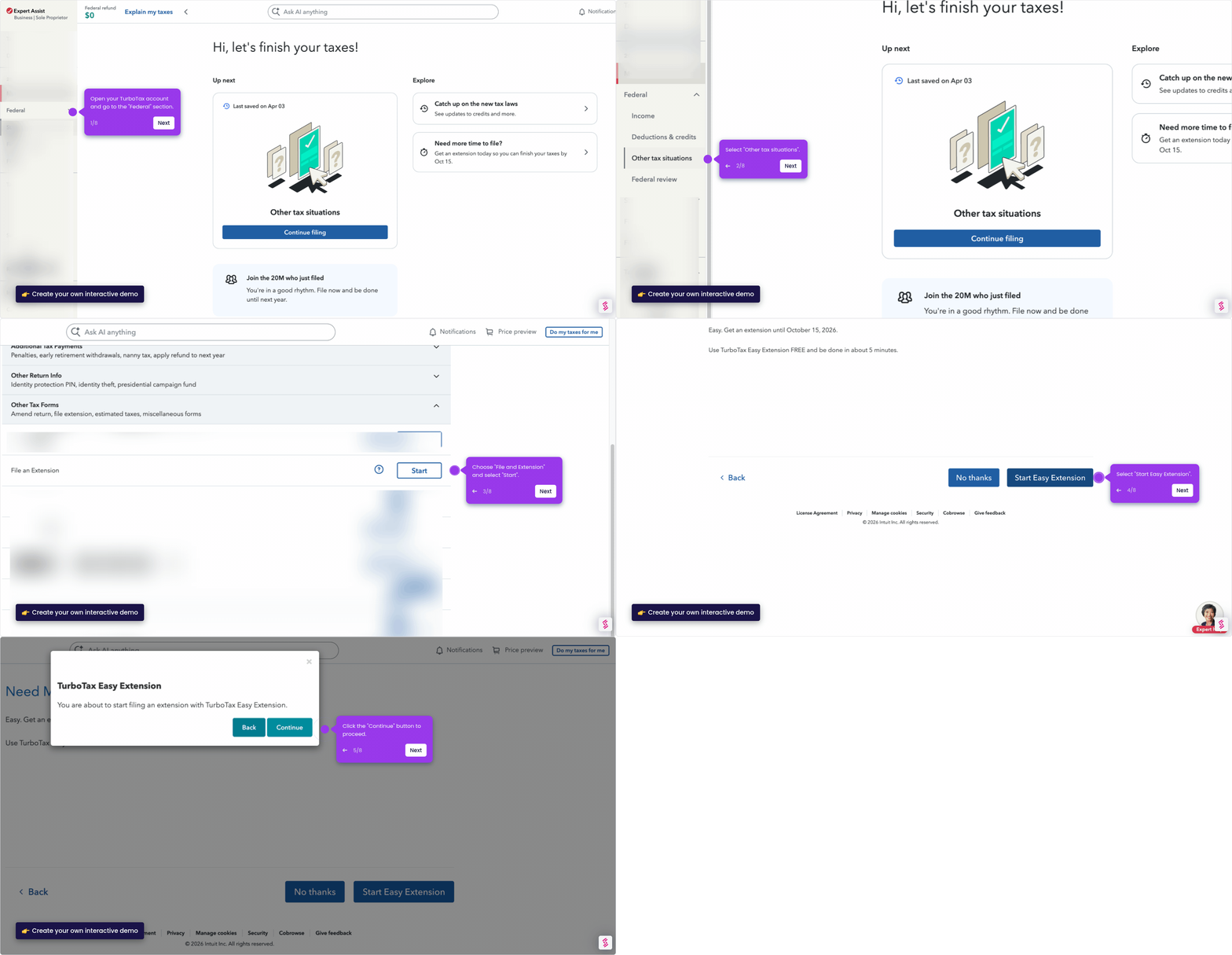
This demo shows how to file a tax extension in TurboTax Online using the built-in Easy Extension tool, giving you more time to complete your federal return. You can complete the entire process in minutes by navigating through Tax tools, entering basic information, and transmitting your extension electronically.
Steps
- Log into your TurboTax account and navigate to Tax tools in the menu.
- Select Tools under Tax tools to access additional options.
- In the Tools Center, locate and click File an extension to get started.
- Click Continue to proceed to the Easy Extension page.
- On the Federal Return page, click Continue to move forward.
- Enter your personal information in the required fields and click Continue.
- Enter an estimate of what you owe in taxes.
- Click Continue with extension to proceed with your deadline extension.
- Review your information to confirm accuracy, then click Continue.
- Create a 5-digit signature PIN — make it memorable but secure.
- Check the I'm not a robot box to complete verification.
- Click Transmit my returns now to submit your extension and secure more time to file.