.svg)
.svg)
.gif)


Quick summary
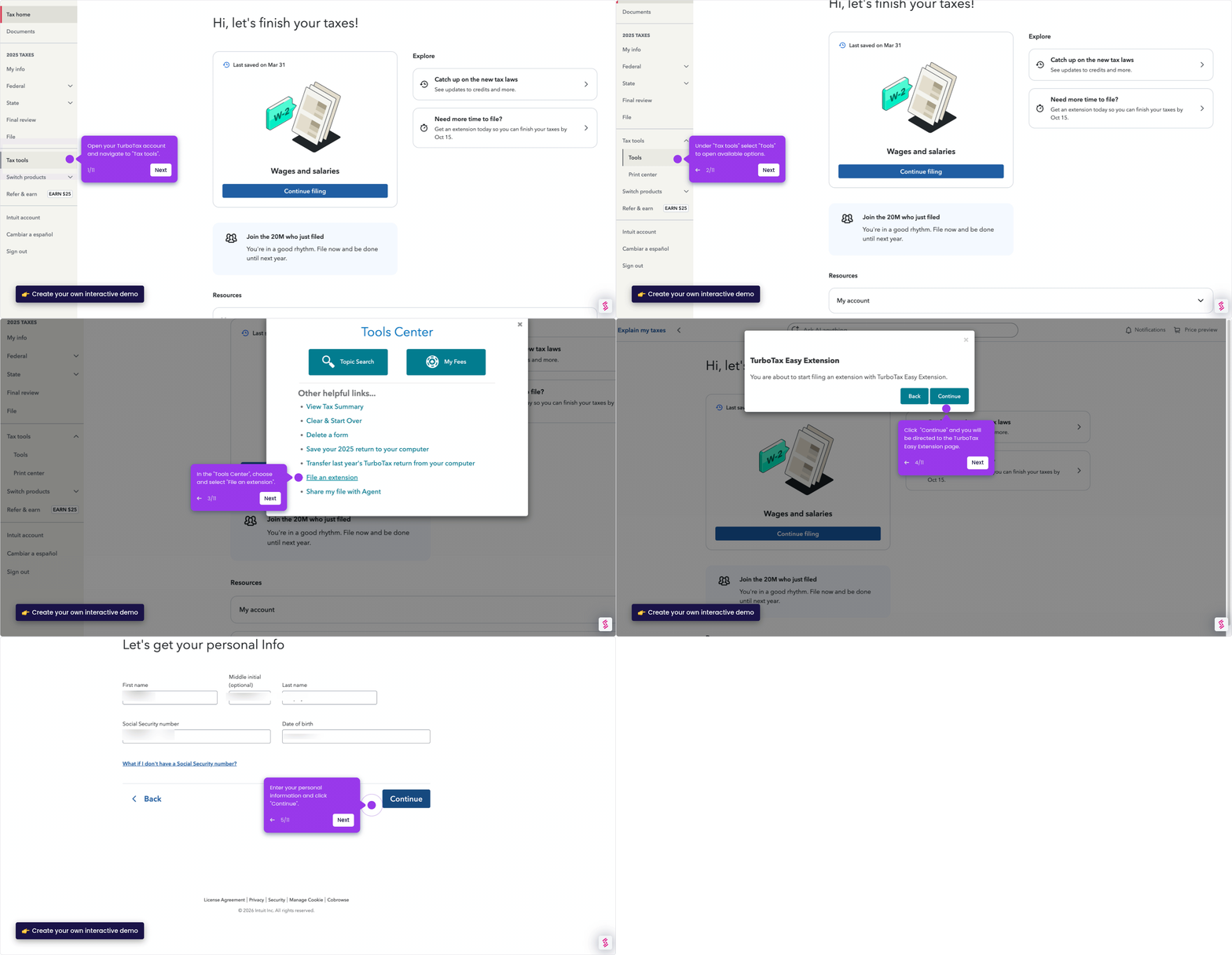
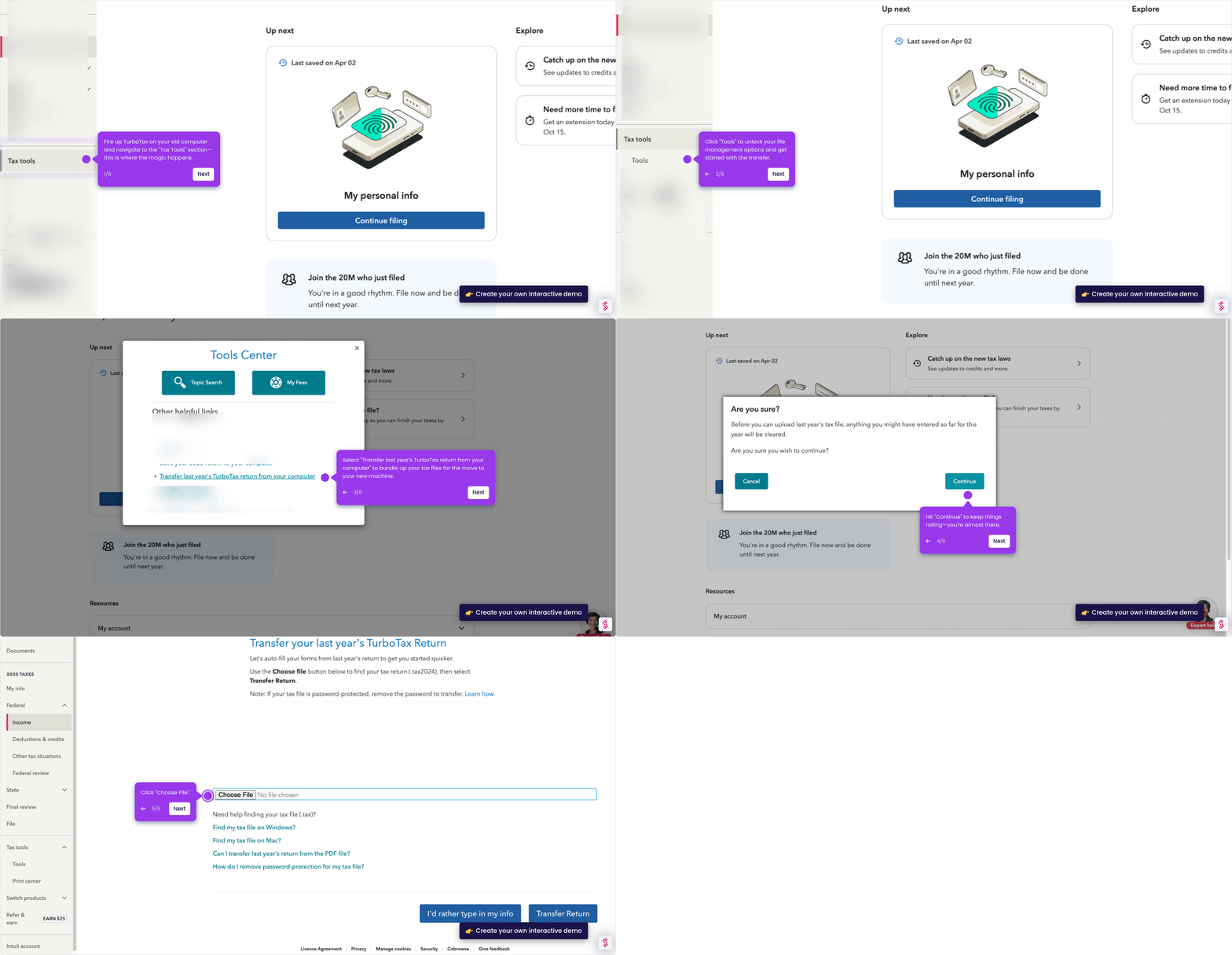
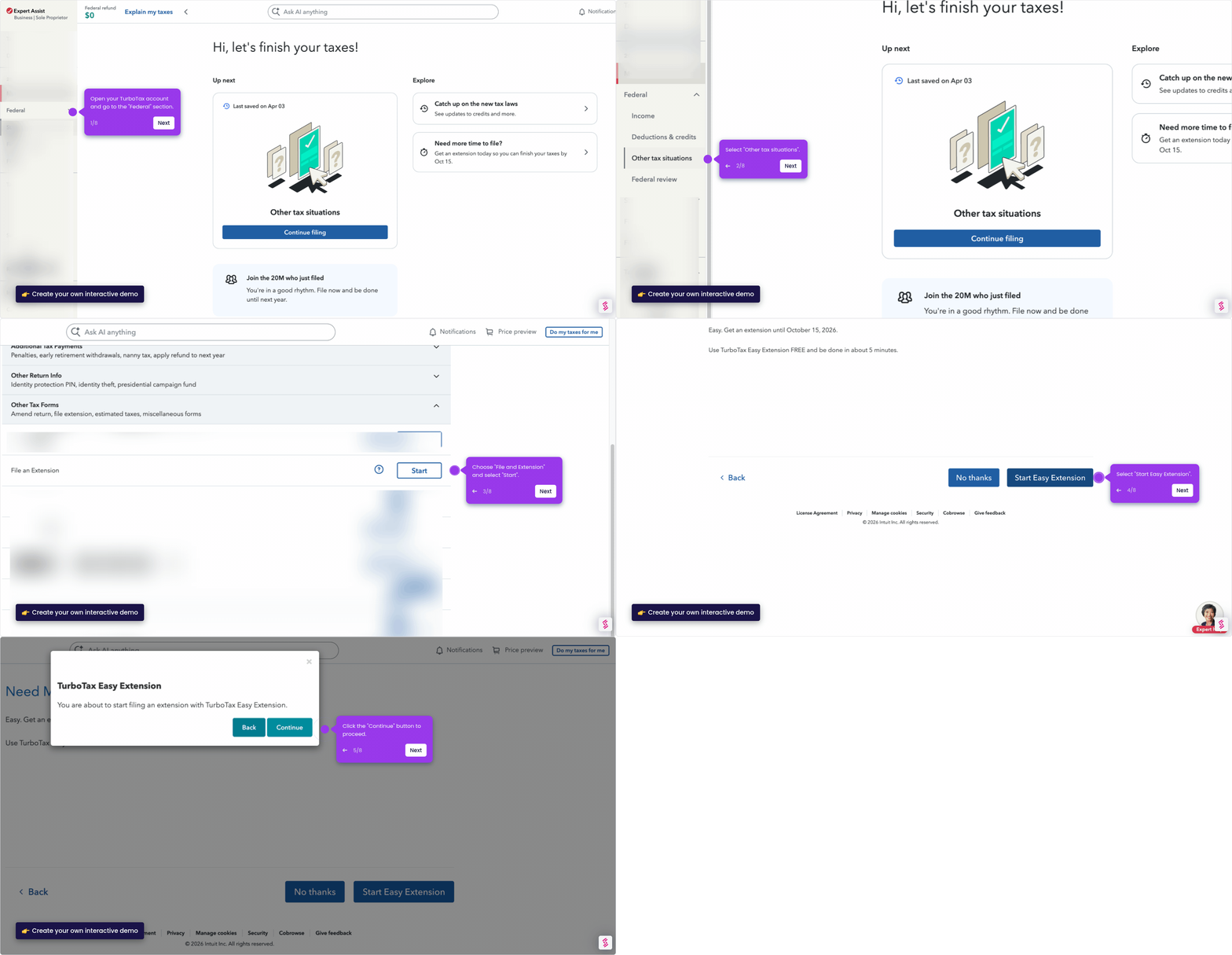
This demo shows how to edit a tax form in TurboTax by navigating to the Federal section, selecting your form, and making direct field-level edits in just a few clicks.
Steps
- Log in to TurboTax and navigate to the Federal section.
- Click Income from the left-side menu.
- In the left panel, select the form you want to edit and click Add/Edit.
- Click Edit to confirm your form selection.
- Click into any field and edit the value directly.
- Select Continue to save your changes and move forward.