.svg)
.svg)
.gif)


Quick summary
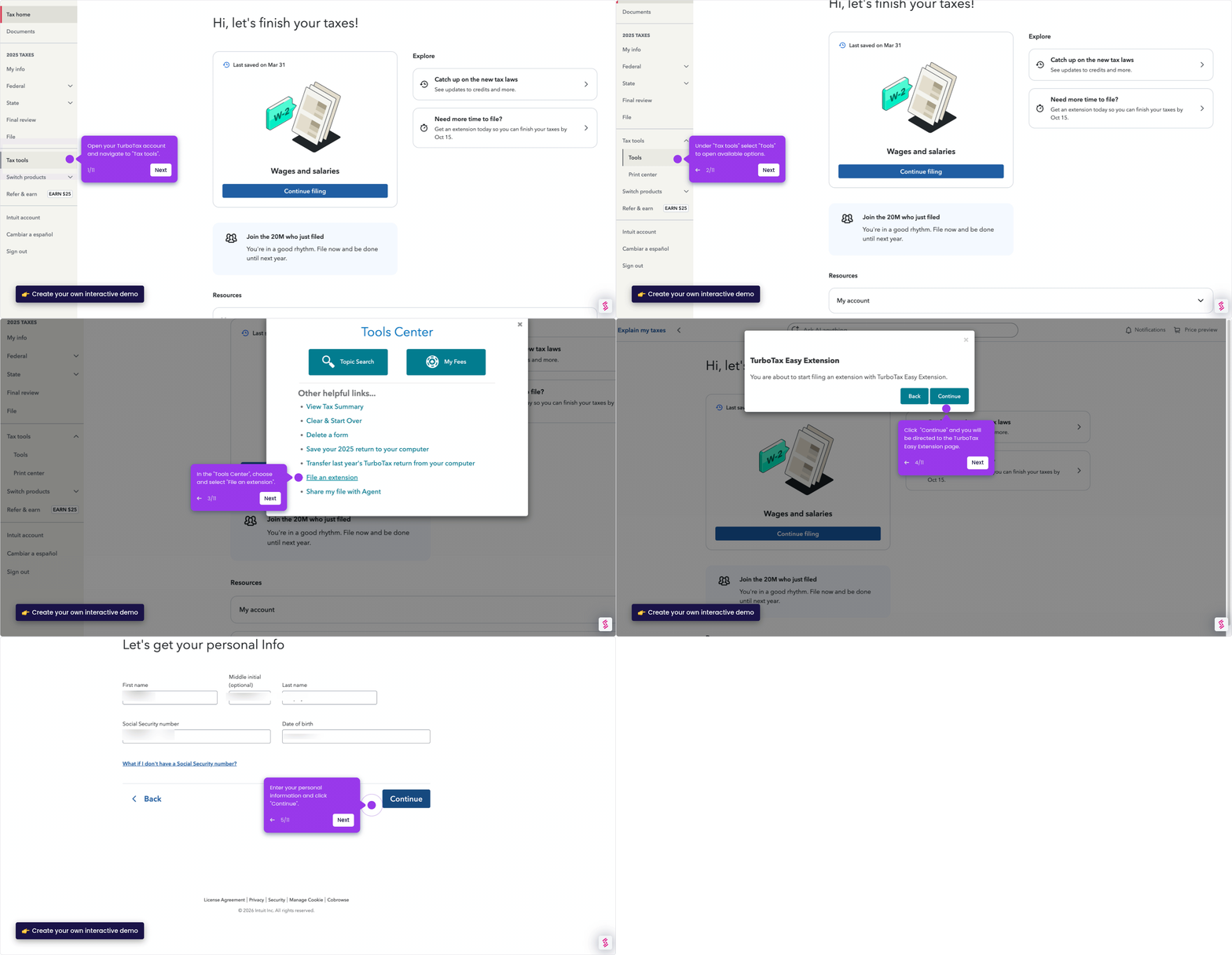
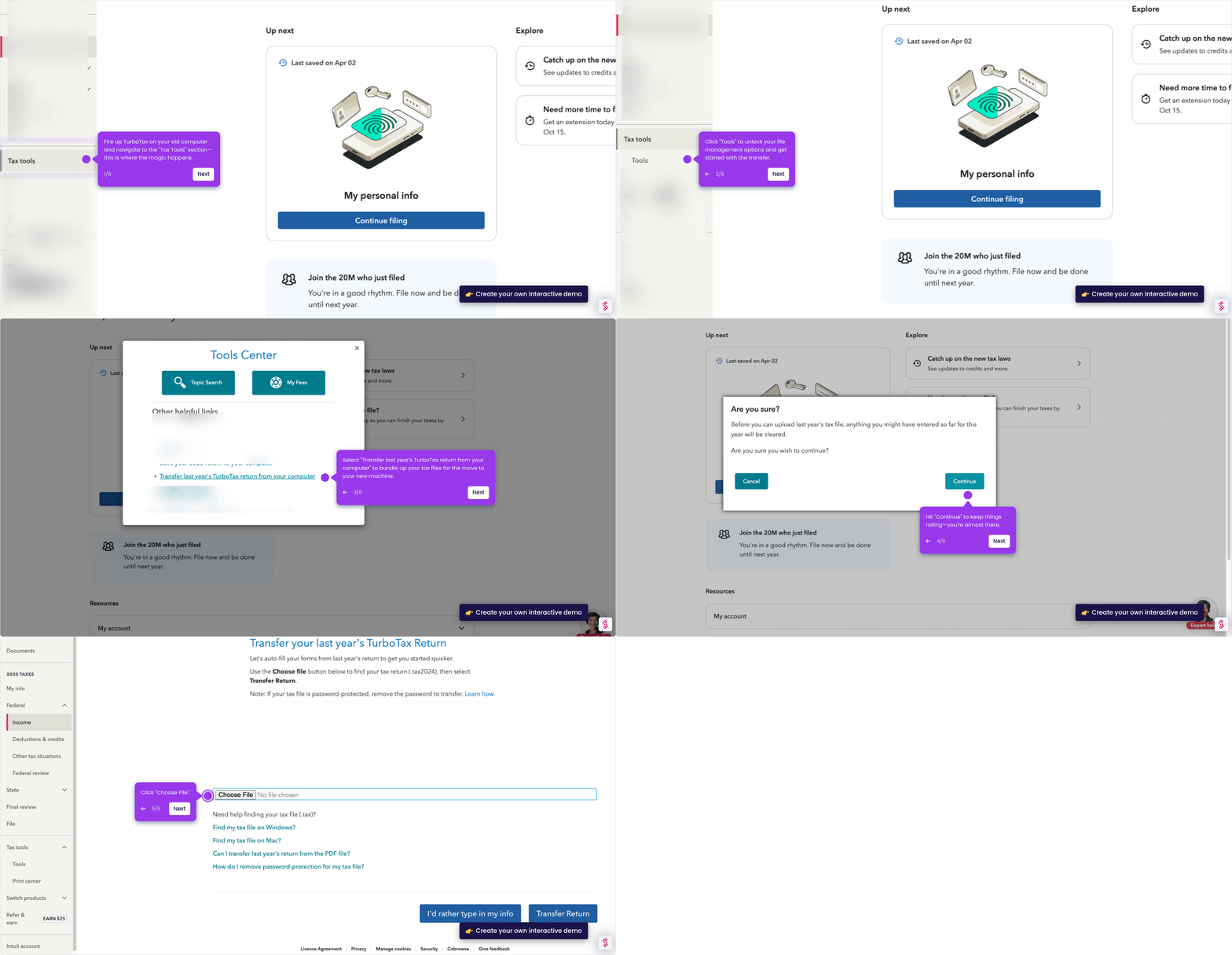
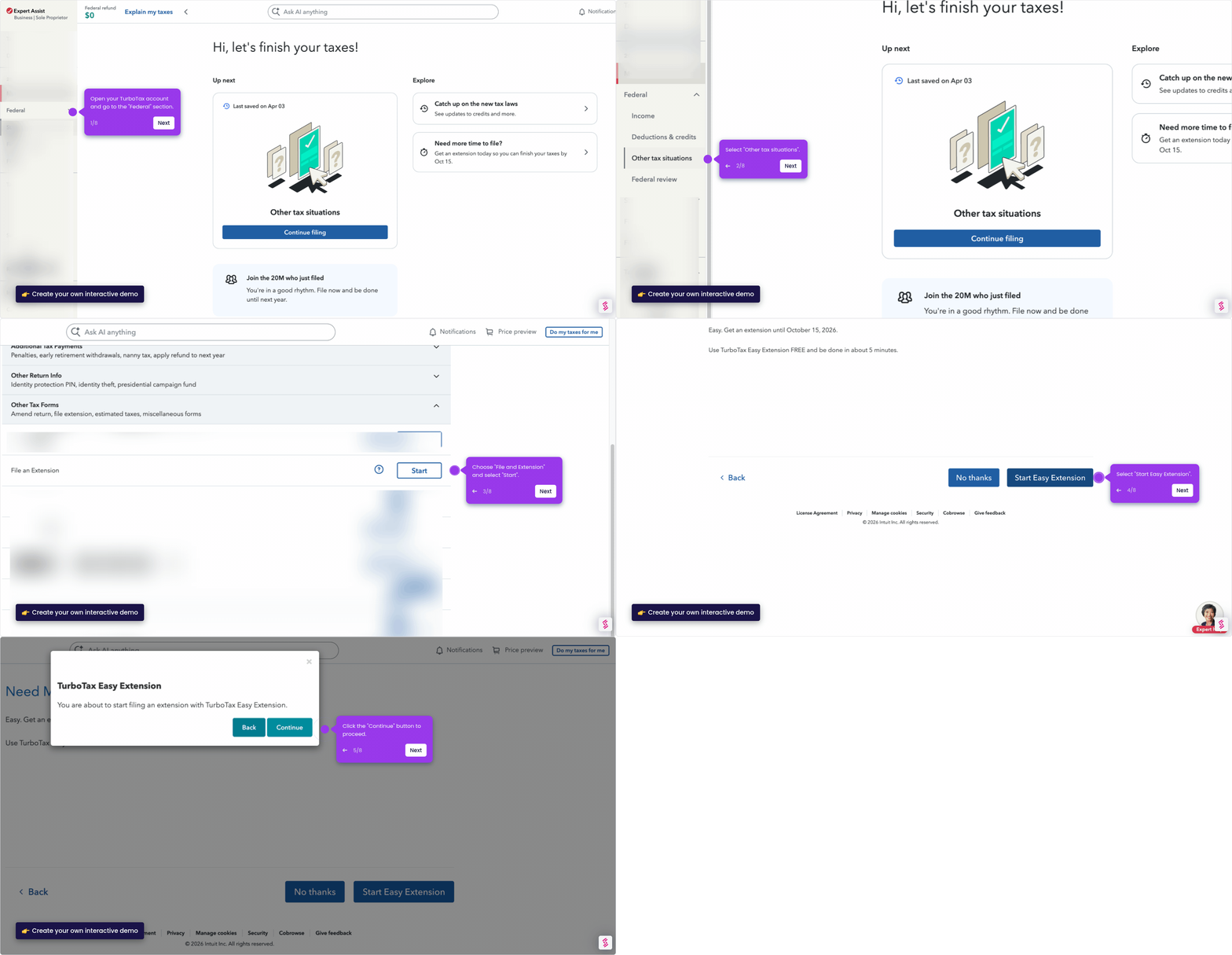
This demo shows how to download your W-2 from TurboTax Online using the Print Center in just three steps. You can save or preview your full tax return as a PDF that includes all your W-2 data.
Steps
- Navigate to Tax Tools in the left-side menu of your TurboTax dashboard.
- Click Print Center from the available options under Tax Tools.
- Select "Print, save, or preview full return" to download a PDF that contains your W-2 data.