This interactive demo was created free with Storylane in 2 minutes. Create your own demo
Start free
All Tutorials /Screaming Frog

How to Crawl a Website in Screaming Frog

Updated on:
May 12, 2026
By:
Madhav Bhandari
Use this interactive demo to learn how to crawl any website using Screaming Frog SEO Spider.

Quick summary

This tutorial shows how to crawl a website in Screaming Frog SEO Spider using Spider mode to audit URLs, titles, and headers. Once the crawl is complete, you can export results in your preferred format for further SEO analysis.


Steps

  1. Open Screaming Frog once it is installed on your computer.
  2. In the top bar, locate the Mode selector and confirm it is set to Spider mode for website crawling.
  3. Enter the URL you want to crawl in the field at the top of the window, including the full address (e.g., https://example.com).
  4. Click the Start button to begin the crawl.
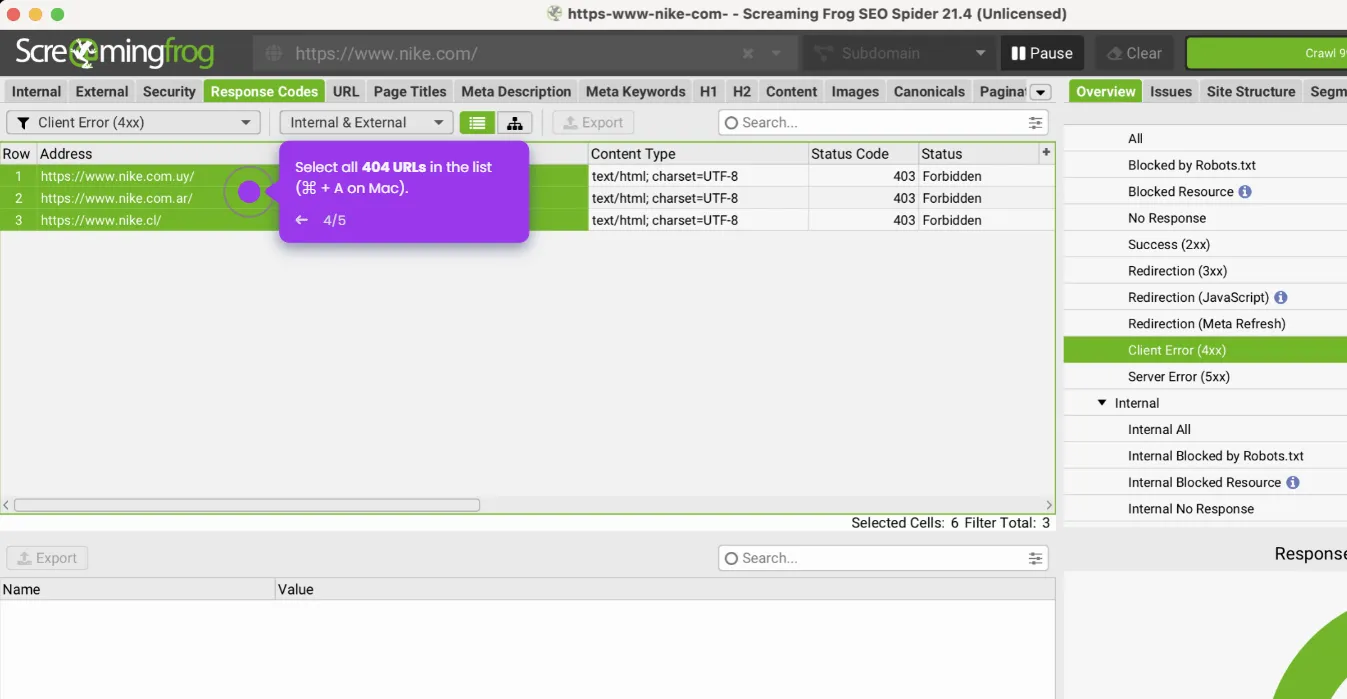
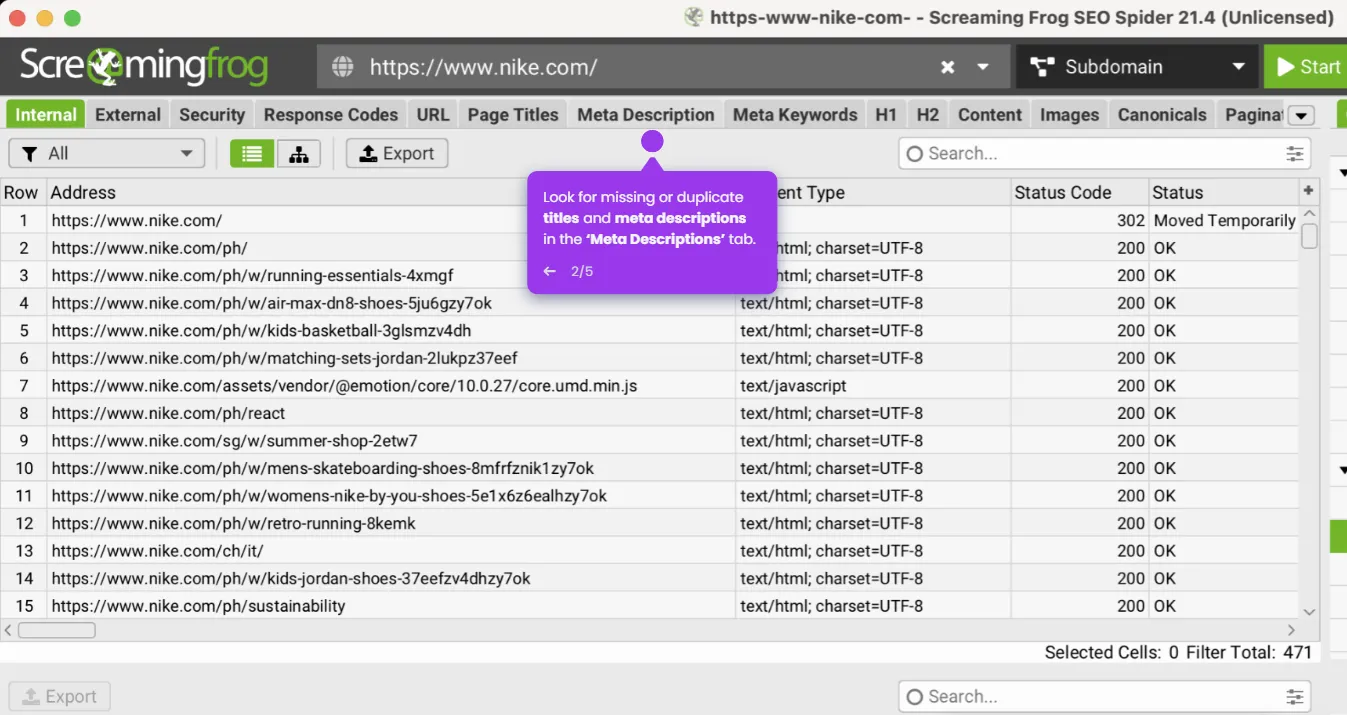
  5. Once the crawl is complete, navigate through the different tabs to analyze URLs, titles, headers, and other site data.
  6. To save your results, go to File > Export and choose your preferred format.
📌 Why this matters

Screaming Frog SEO Spider is the industry-standard tool for technical SEO audits, allowing marketers and SEO professionals to crawl any website and instantly surface issues with URLs, meta titles, headers, and broken links. Running a website crawl in Screaming Frog gives teams a complete structural view of a site, making it easier to identify on-page SEO problems at scale. The ability to export crawl data into multiple formats means findings can be shared directly with developers or integrated into broader SEO reporting workflows. For anyone serious about improving organic search performance, knowing how to configure and run a Screaming Frog crawl is an essential skill.
Your product deserves an interactive demo
Start free
Similar Articles
Screaming Frog

How to Use Screaming Frog to Improve on Page SEO

Madhav Bhandari
Director of Marketing @ Storylane
Screaming Frog

How to Remove 404 Pages Screaming Frog

Madhav Bhandari
Director of Marketing @ Storylane
Screaming Frog

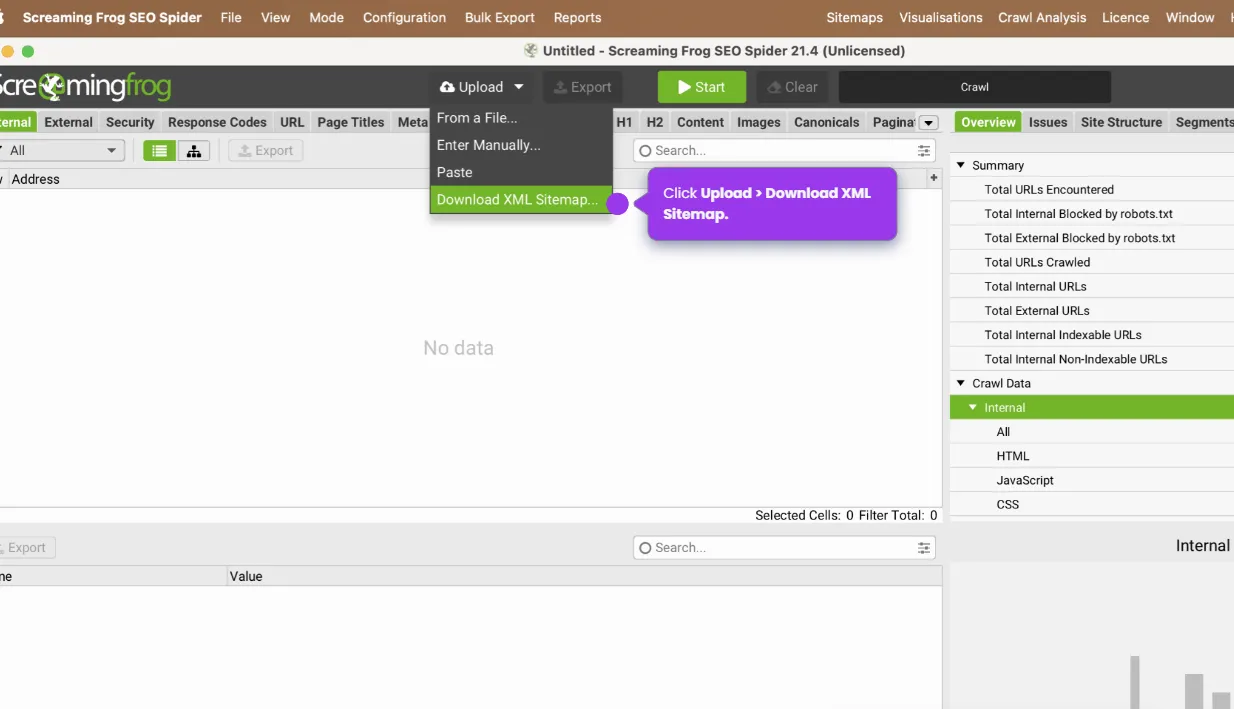
How to Crawl a Sitemap in Screaming Frog

Madhav Bhandari
Director of Marketing @ Storylane
No items found.
Platform
Interactive Demos
Sandbox Demos
Buyer Hub
RepX
Integrations
Solutions
Product Marketers
Growth & Demand Gen
Sales Reps & AEs
Presales & SEs
Customer Success
Product Managers
Customers
Demo Showcase
Customer Stories
Finer Demos Club
Features
Demo Signals
Personalization
Deal Intelligence
Resources
Blog
The Plot
Tutorials
Events & webinars
Help Docs
What’s New
Demo Dundies
Company
Careers
Pricing
Partners
Contact
Trust Center
Backed by
Chrome Extension Icon
Chrome extension
Download
Desktop app
Download
Built in San Francisco Bay Area - ©2026 Storylane
Privacy PolicyTerms & Conditions
X Corp (formerly Twitter)LinkedIn
This website uses cookies to ensure you get the best experience on our website. Learn More
Got it
This website uses cookies to ensure you get the best experience on our website. Learn More
Got it