Quick summary
Connecting Dialogflow to Google Assistant lets you deploy conversational AI agents that respond directly through Google's voice platform. This integration is configured inside the Dialogflow agent editor by adding a Google Assistant response to an existing intent.
Steps
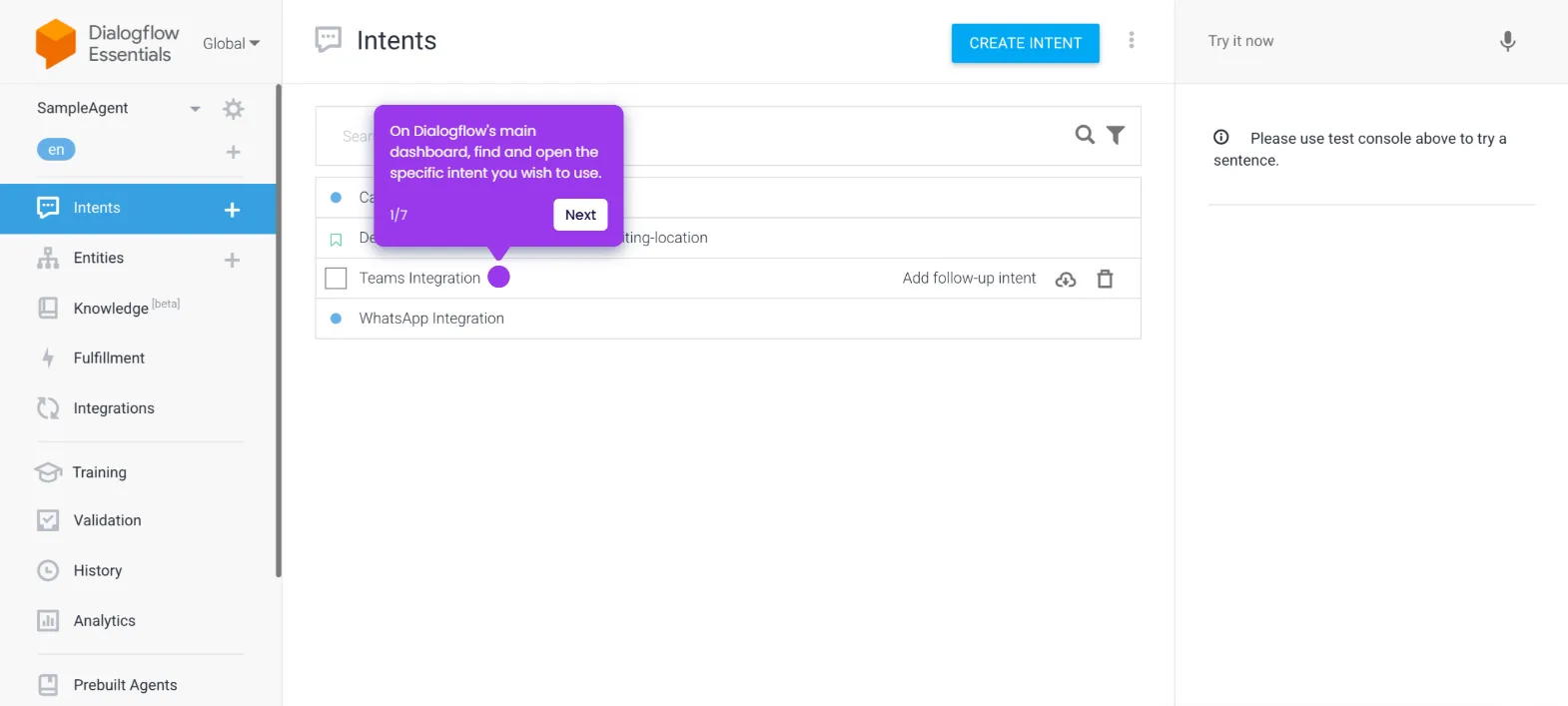
- Inside the agent editor, find and select the intent you want to edit.
- Scroll down to the Responses section and tap the Add button.
- Pick Google Assistant from the list of platform options.
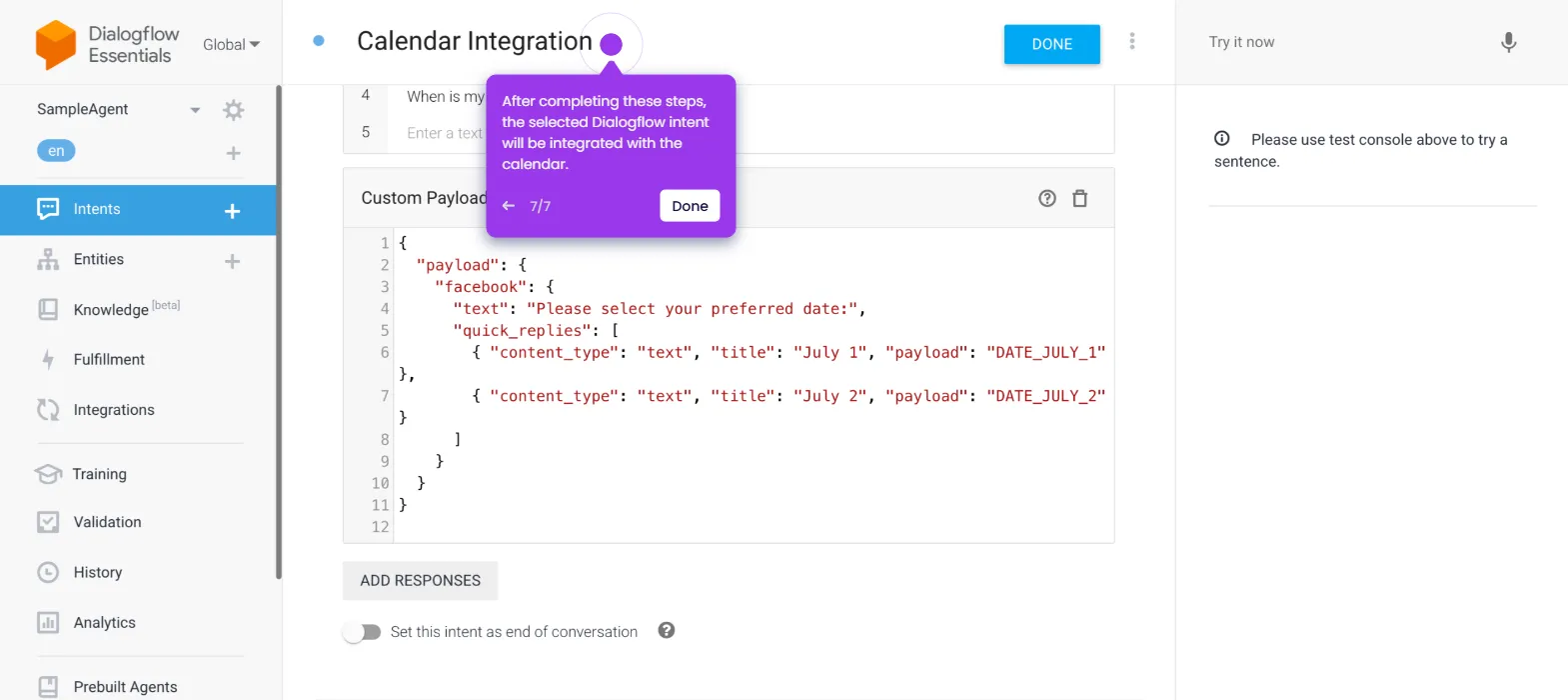
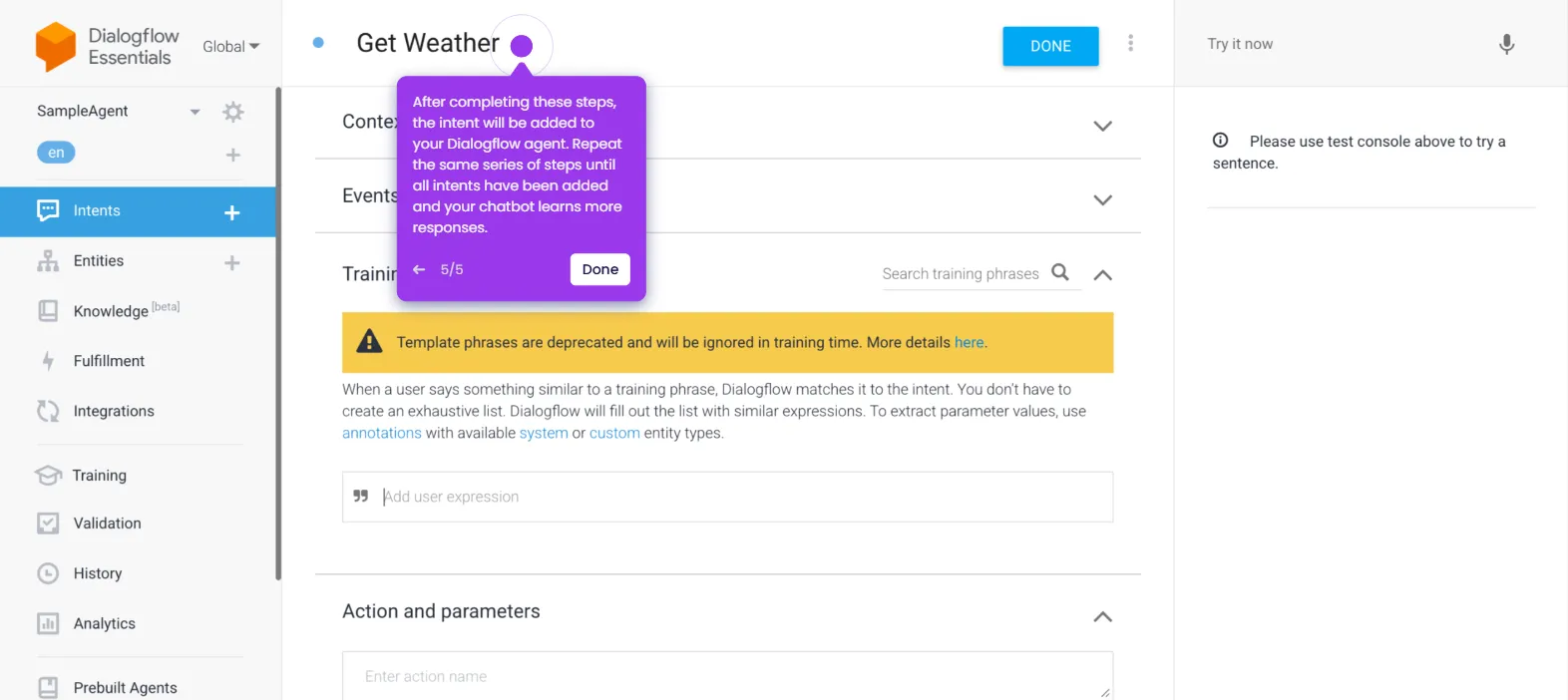
- Once complete, your Dialogflow account will be integrated with Google Assistant, and you can begin configuring responses using the tool.