Quick summary
Canceling or downgrading a Klaviyo subscription is done through the Billing section of your account dashboard. Users can change their plan to a lower tier or free starter option by following a short review-and-payment flow.
Steps
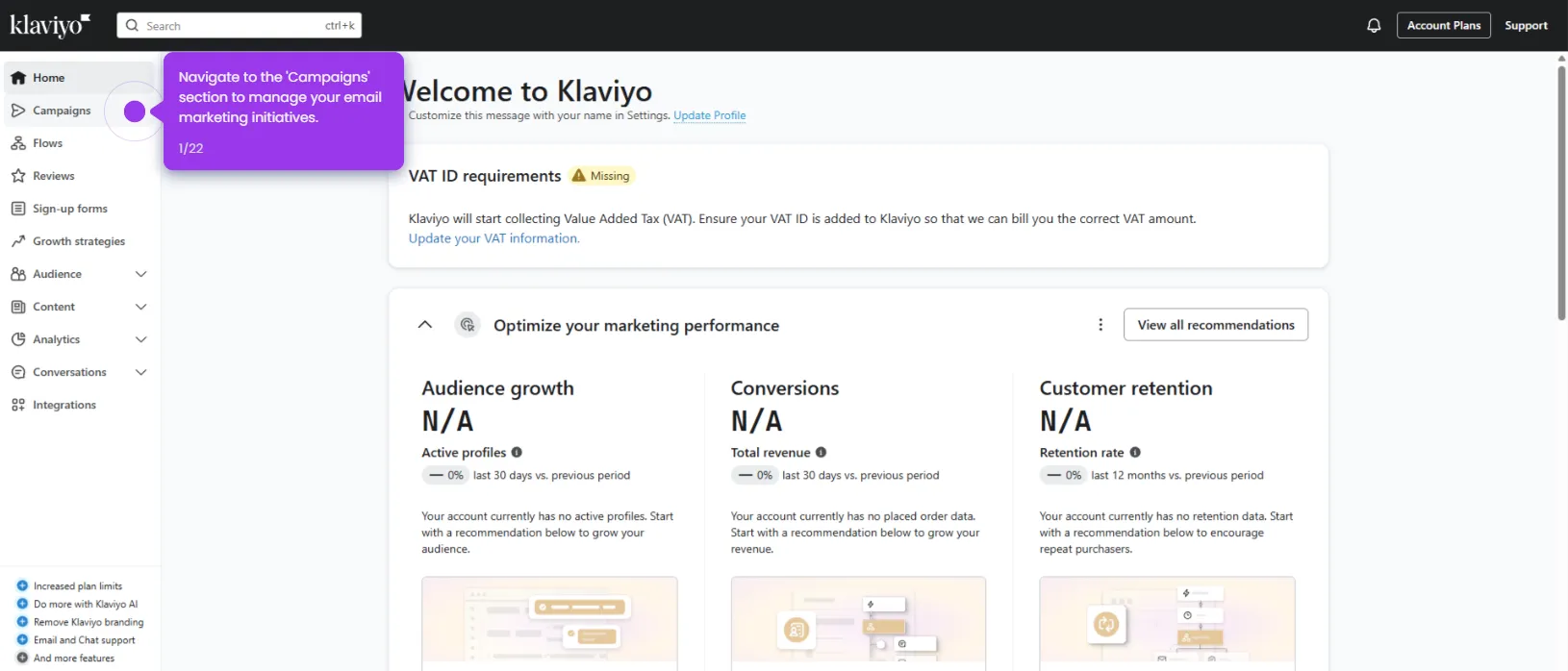
- Log in to your Klaviyo account and access your profile.
- Navigate to the Billing section to manage your subscription.
- Click Change plan to begin canceling or adjusting your current plan.
- Proceed to the Review step to evaluate your available plan options before finalizing.
- Select the starter plan (250 active profiles and 500 email sends) if it better fits your current needs.
- Click Continue to payment to complete your plan selection and finalize the change.