
.svg)
Demo Suite
.svg)
Hubs
Generate digital sales rooms for every deal
Demos, videos, case studies, pricing, PDFs, and more. All in one link, personalized to every prospect.

.webp)
.webp)

Trusted by 5,000+ Teams

Made for today's B2B buyers
One demo is never enough. Buying committees want to see it all by themselves, on their own terms.
92%
of buyers want options. Access to multiple resources eases the buying process.
80%
higher engagement when your demo is tailored to the buyer's specific needs.
7+
on average, buyers interact with 7 to 10 enablement resources prior to finalizing a purchase.
What makes these deal rooms different
Hubs are generated in seconds, tailored per deal, tracked per person.
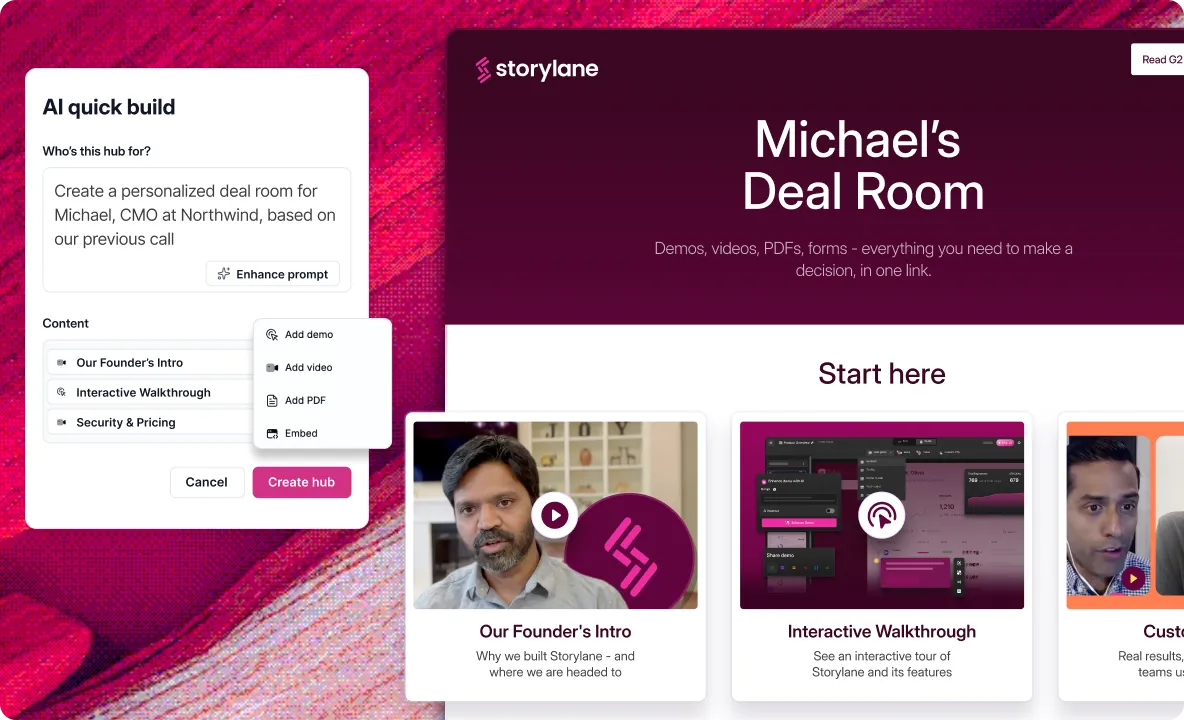
Describe the deal,
AI builds the room
Attach demos, videos and PDFs once, say who the room is for, and AI sorts the sections and lays it out.
Build with AI then edit or reorder as needed
Personalize names, logos, currencies, etc.
Match every room to brand fonts and colors
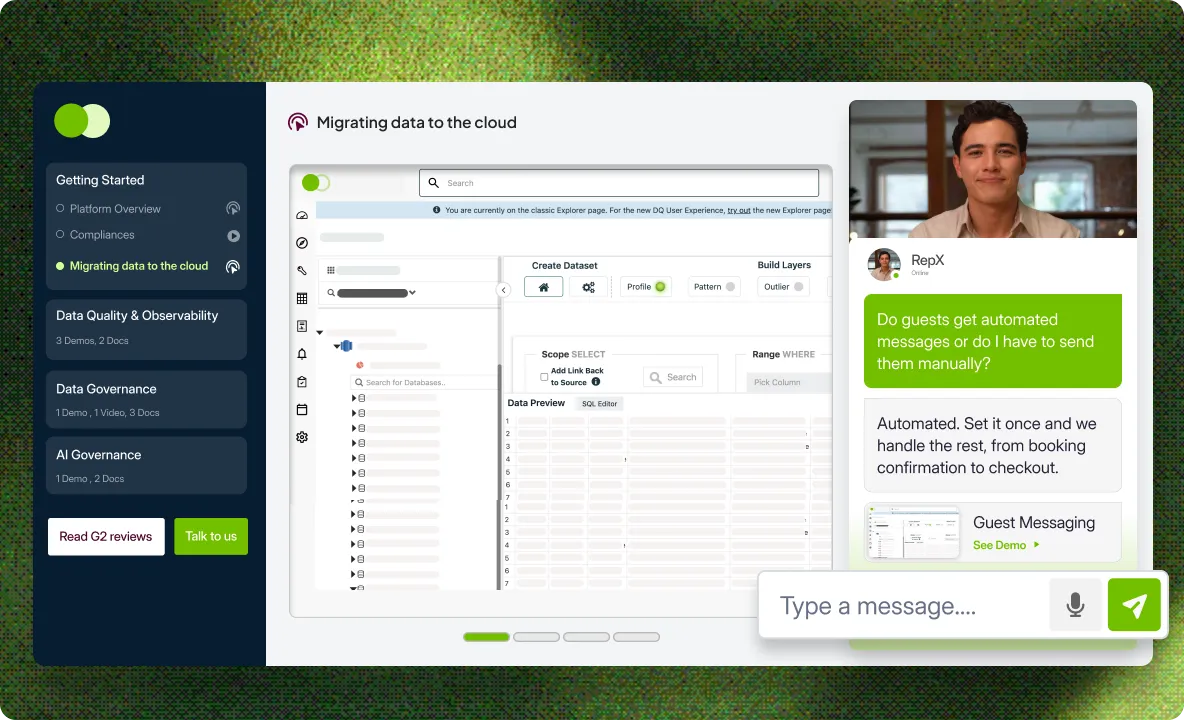
Add a RepX sales agent inside every deal room
Your RepX AI sales agent answers questions in the room, pulls up the right demo, and encourages buyers to take next steps.
Answer buyer questions 24/7, no human reps needed
RepX navigates the Hub and surfaces the right resources
See what buyers ask about and what they engage with
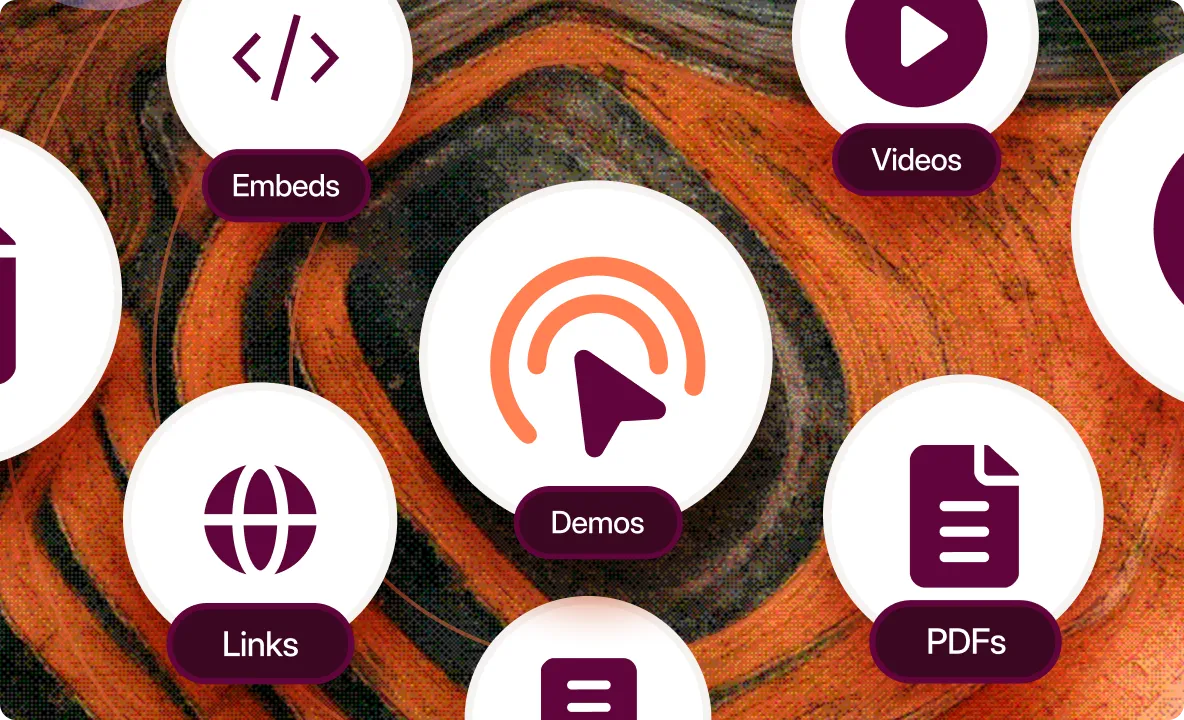
Organize your demos, videos, PDFs, and decks all in one place
One library holds every asset your reps send. Update a demo once and it changes in every room it sits in. The rest is your call.
Pick and choose which resources to include
Download a whole room and run it offline
Translate demos and Hubs in a single click
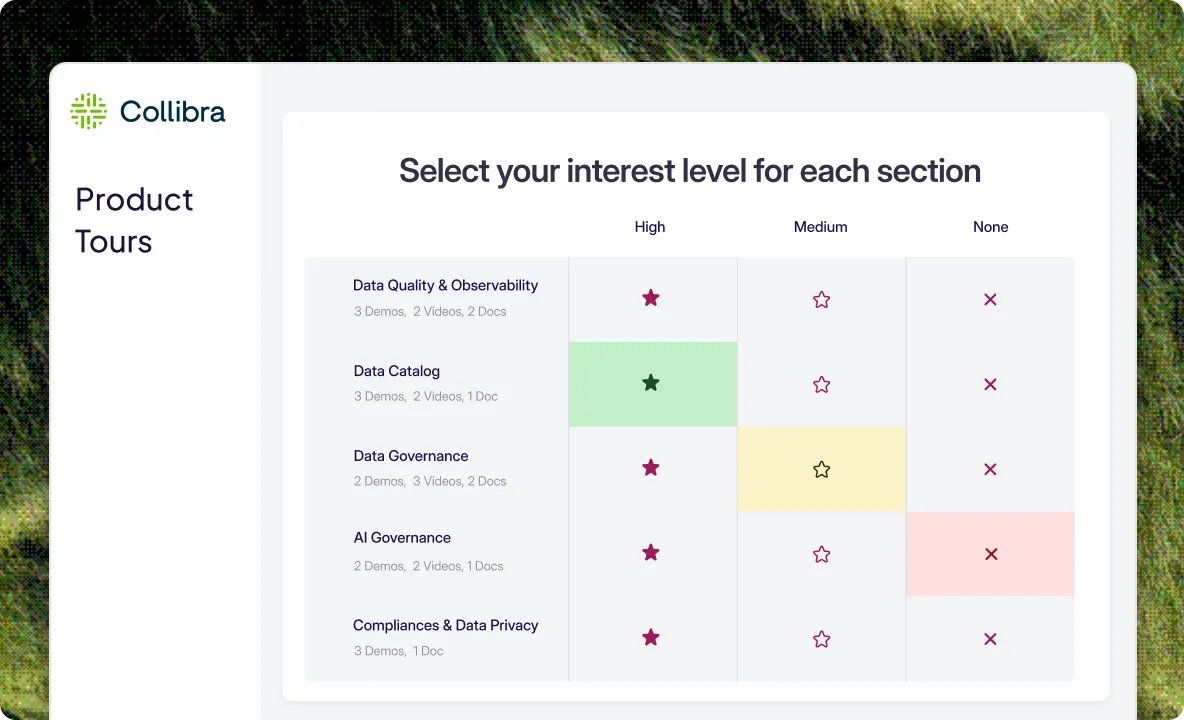
Let buyers pick what they want. Run discovery with interest screens
Prospects rank topics from most to least important before they open anything, so you walk into the next call already briefed.
Segment your content by role, pain point, or persona
See how each stakeholder ranked, not just the account
Works the same in Gallery and Playlist rooms
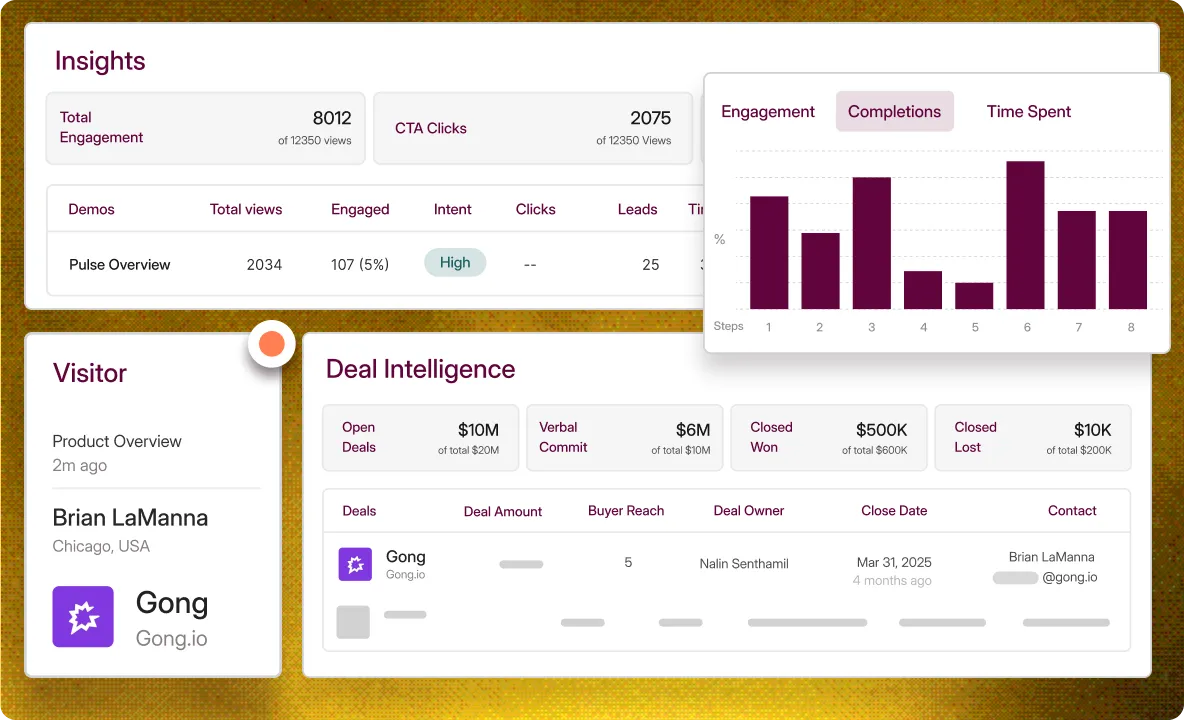
Know who viewed what before your next call
See which stakeholder opened the room, what they watched, and how long they stayed on it.
Drop in a Calendar link or embed to encourage next steps
Get a Slack/Teams alert the moment stakeholders engage
See time spent and completion per asset, not just a link click
Unlock enterprise excellence
Ensure industry-standard security practices, professional services, and privacy compliance
Custom Domain URL for your demos
Single-Sign On (SSO) and Universal Login
Demo Whitelabel for branding
SOC2 compliant
Used by fortune 1000 companies
Hear from our customers
#1 Demo Automation Software
The UX is fantastic — but what really drew us was the innovation
.svg)
.webp)
Intuitive, powerful, and easy to use platform.
Matt Slotten
Marketing
The interactive demo influenced our biggest deal yet!

.webp)
It’s actually kind of shocking how fast it was for us.
Edward Smith
Sr. Solutions Consultant
35%
increase in pipeline
Tom Josephson
Solutions Consulting
.svg)
Revolutionized our demo process. The AI tools are incredibly powerful.
Edward Smith
Sr. Solutions Consultant
The UX is fantastic — but what really drew us was the innovation
Intuitive, powerful, and easy to use platform.
Matt Slotten
Marketing
The interactive demo influenced our biggest deal yet!
It’s actually kind of shocking how fast it was for us.
Edward Smith
Sr. Solutions Consultant
35%
increase in pipeline
Tom Josephson
Solutions Consulting
Revolutionized our demo process. The AI tools are incredibly powerful.
Edward Smith
Sr. Solutions Consultant
Storylane's by far the easiest and most reliable out of other competitors.
Martin Kurowski
Product Marketing Manager

Great and super easy to use for quick shareable demo's
Tamar S.
Marketing
$1.3M
Pipeline directly attributed to the interactive demo
.svg)

Our executive team continues to rave about how well Storylane visualizes our own tool!
Emily Elizabeth
VP Marketing
My Go-To Tool for showing how our platform works — so simple to use!
Christion Parker
Sales Manager
35
demos in 3 weeks
Michael DeMarco
Product Marketing Manager
Storylane's by far the easiest and most reliable out of other competitors.
Martin Kurowski
Product Marketing Manager
Great and super easy to use for quick shareable demo's
Tamar S.
Marketing
$1.3M
Pipeline directly attributed to the interactive demo
Our executive team continues to rave about how well Storylane visualizes our own tool!
Emily Elizabeth
VP Marketing
My Go-To Tool for showing how our platform works — so simple to use!
Christion Parker
Sales Manager
35
demos in 3 weeks
Michael DeMarco
Product Marketing Manager
Over 200k demos created on Storylane
.png)
Demos and AI SDRs for the modern buying journey
Frequently asked questions
What is a digital sales room?
What can I put in a Hub?
Can I see which stakeholders viewed what?
What are interest screens?
Can Hubs be personalized per account?
How does AI assemble deal rooms?


