Quick summary
The Statuspage Jira integration lets teams link Jira projects to Statuspage so incidents can be tracked and communicated from a single workflow. Once connected, your team can manage incident reporting across selected Jira project environments without switching between tools.
Steps
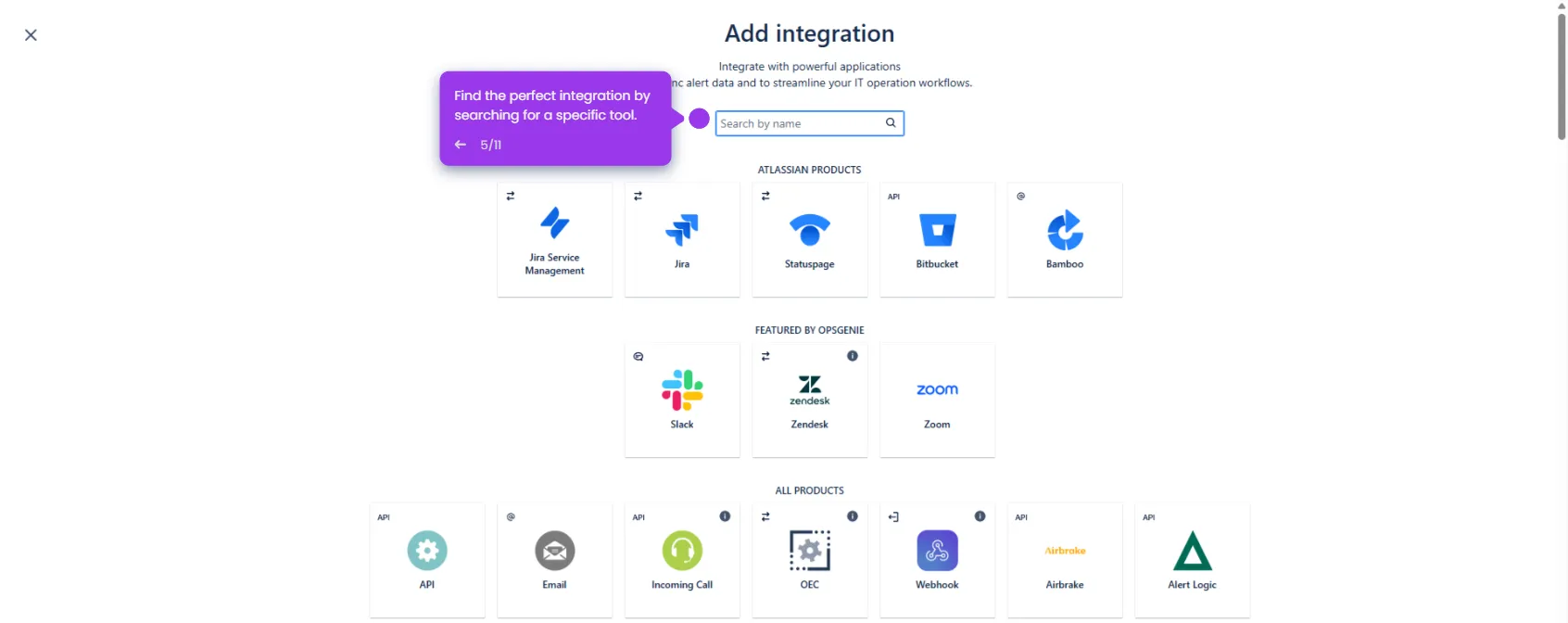
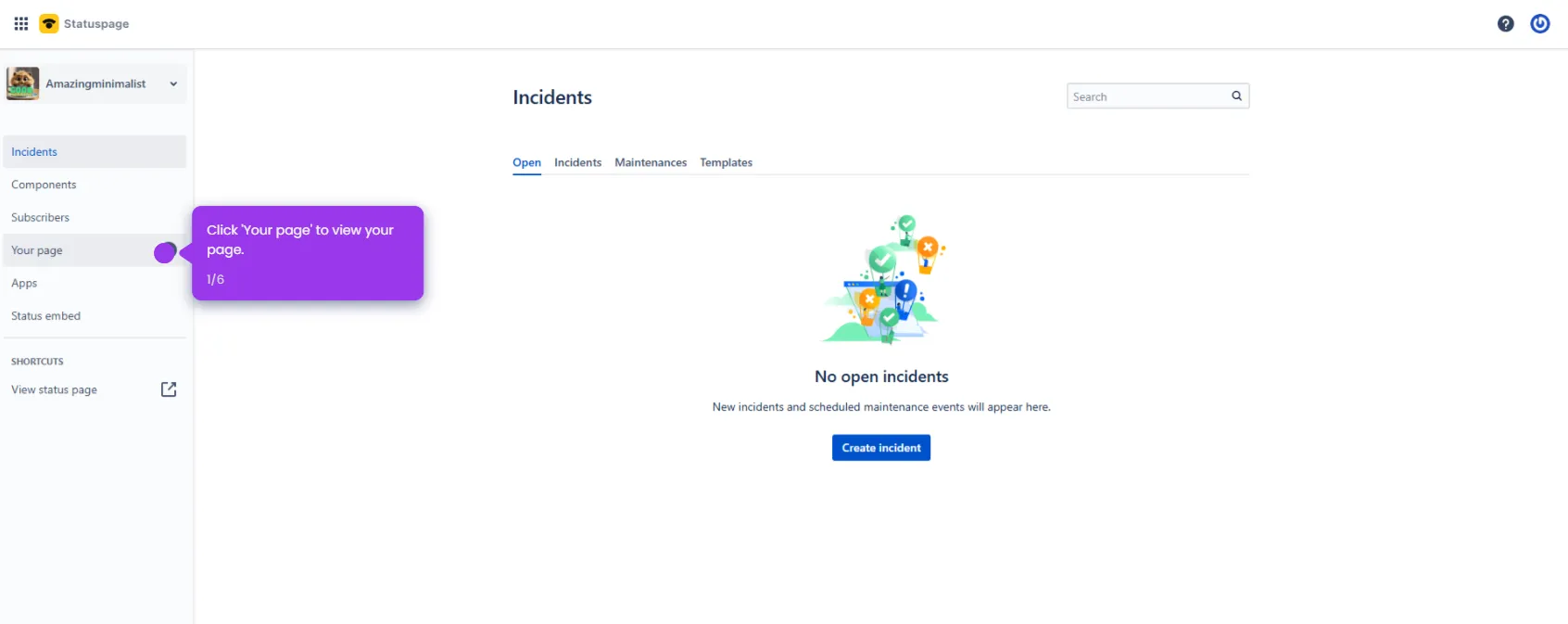
- Navigate to the Apps marketplace in Statuspage to discover available integration options.
- Choose Jira from the apps list and click Add to enable the Statuspage integration with your project environments.
- Explore the available Jira projects and select the ones you want to integrate with Statuspage.
- Select your specific Jira project (e.g., KANBAN) to configure incident reporting for that workflow.
- Confirm the connection — Statuspage is now enabled on your selected projects, allowing your team to communicate incidents seamlessly.