Quick summary
This demo shows how to use ChatGPT to generate a cover letter by writing a clear prompt, reviewing the AI-drafted output, and copying the polished result into your job application. It is a fast, repeatable workflow that helps job seekers produce professional, tailored cover letters in minutes.
Steps
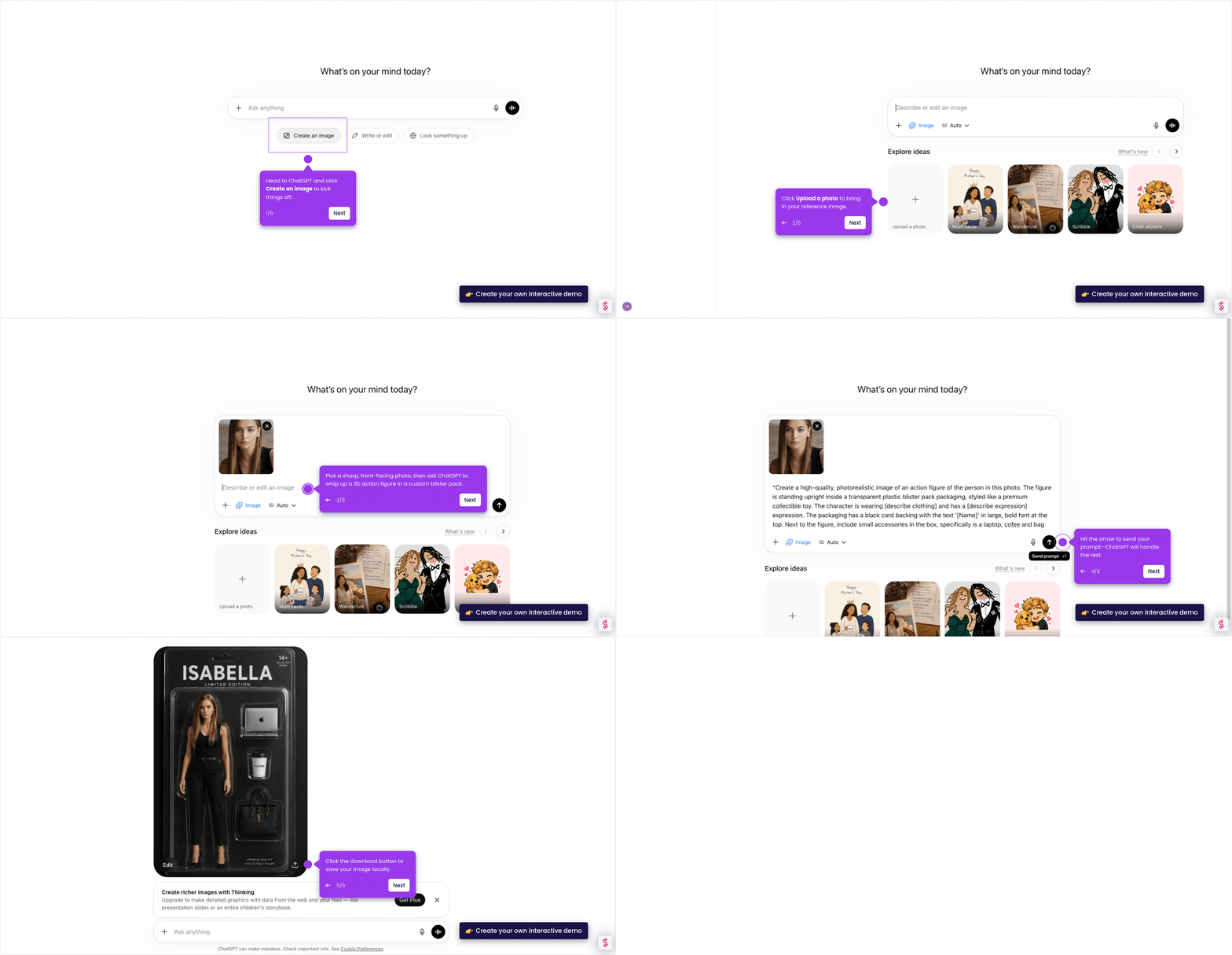
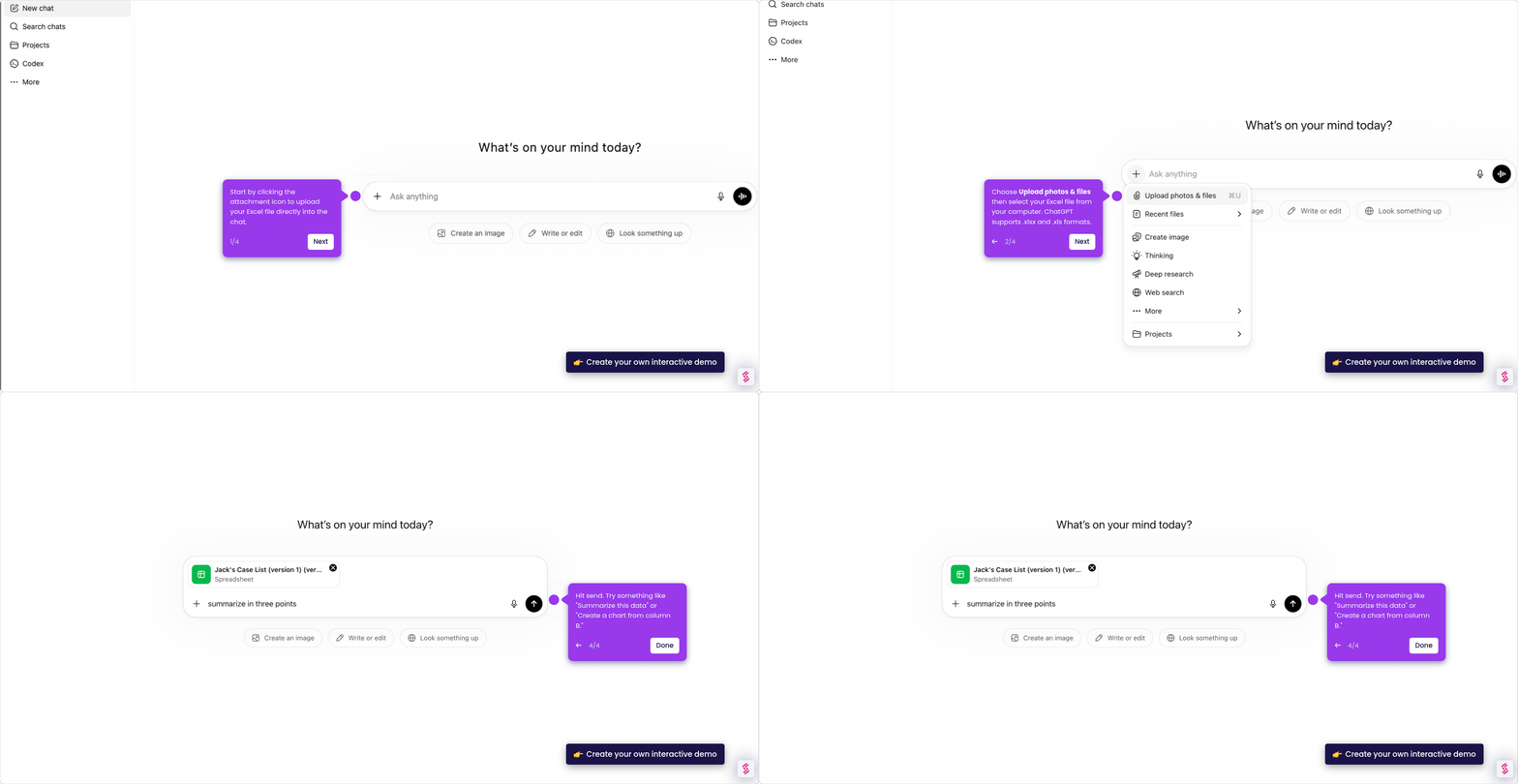
- Open ChatGPT and navigate to the prompt bar to get started.
- Type a clear, detailed prompt describing the role and desired tone, then hit the send button.
- Carefully review the generated draft to ensure it matches your experience and the job requirements.
- Copy the polished cover letter and paste it into your application, then do a final proofread before submitting.