Quick summary
ChatGPT's image upload feature lets you attach photos directly in the chat so the AI can analyze, describe, and interpret visual content in seconds. Use the paperclip icon to upload any image and ask ChatGPT questions about what it sees.
Steps
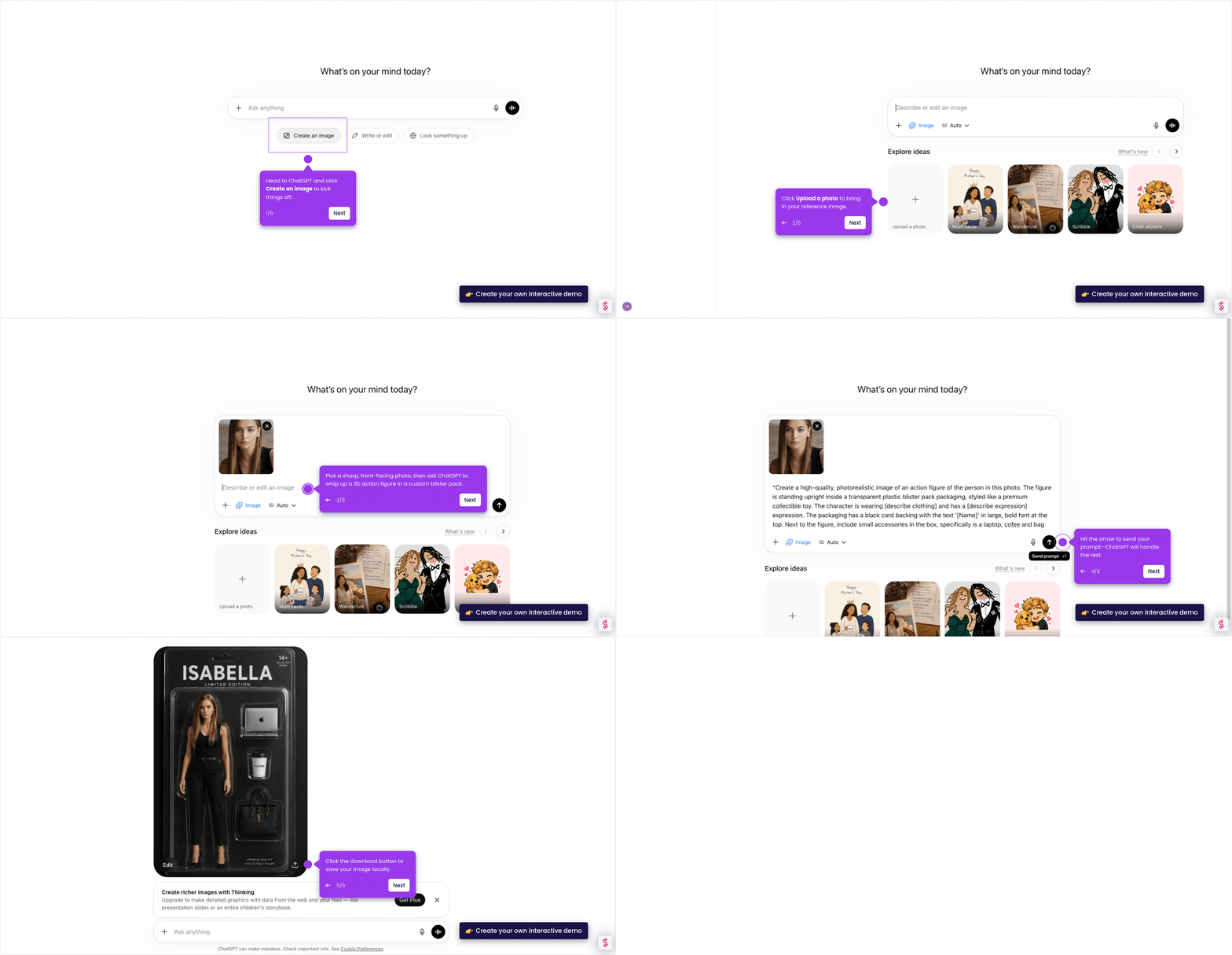
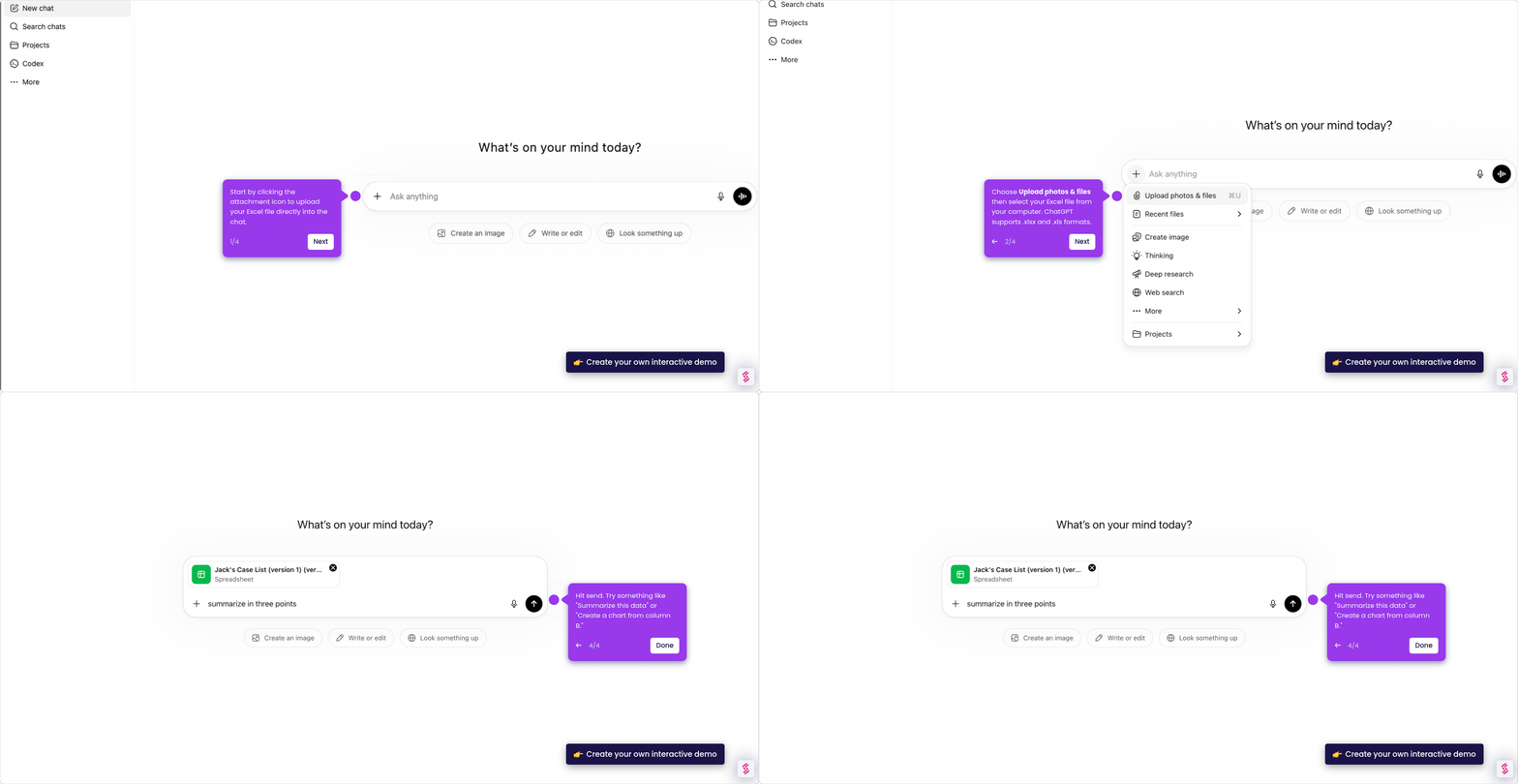
- Click the attachment icon (paperclip) next to the text box to begin uploading your image.
- Select Upload photos & files from the menu and pick an image from your device.
- Confirm your image is attached — ChatGPT can now see it and help you analyze, describe, or interpret its contents.
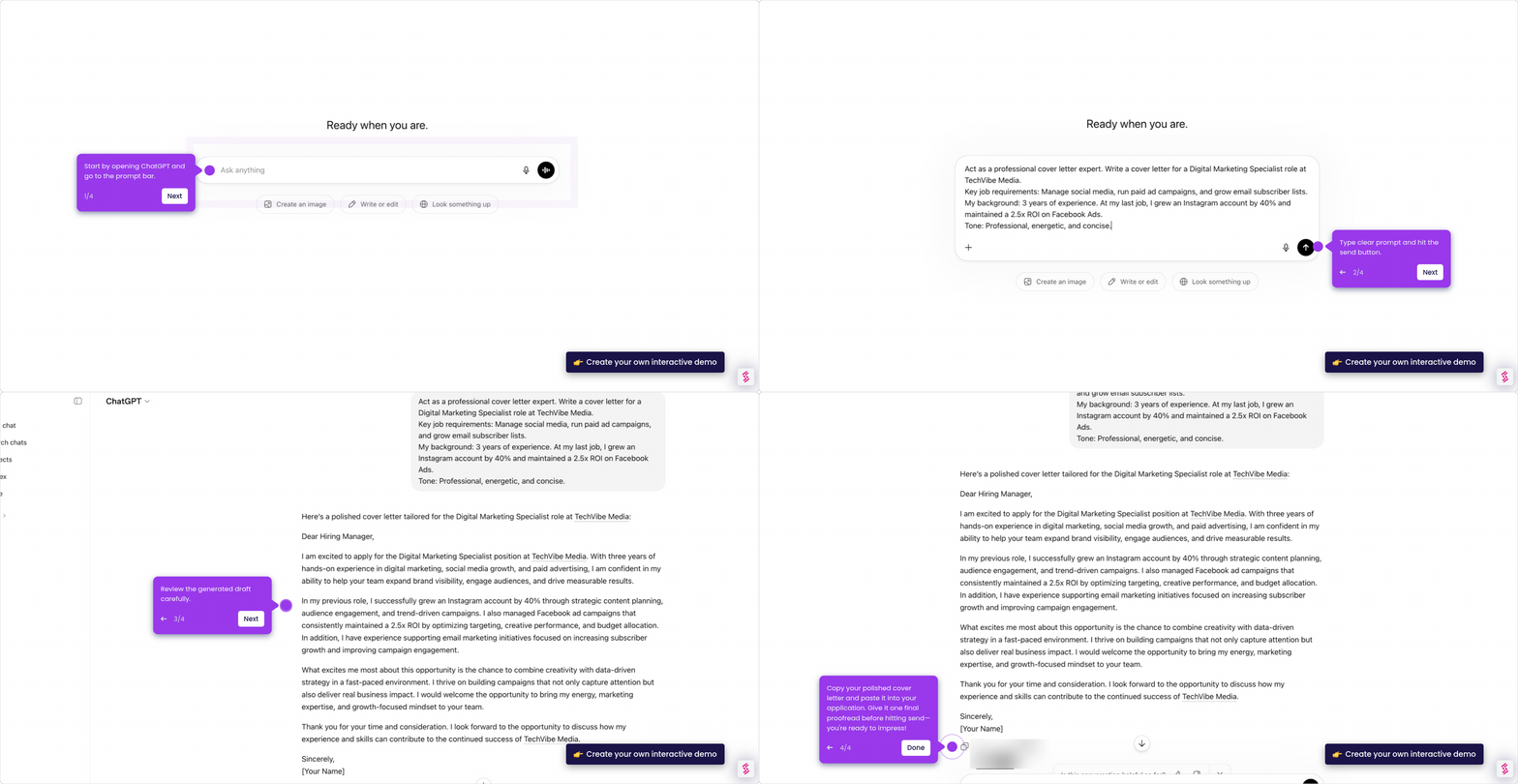
- Type a question asking ChatGPT to identify objects, read text, or explain what's happening in the image.
- Hit Send and ChatGPT will process your image and return insights in seconds.