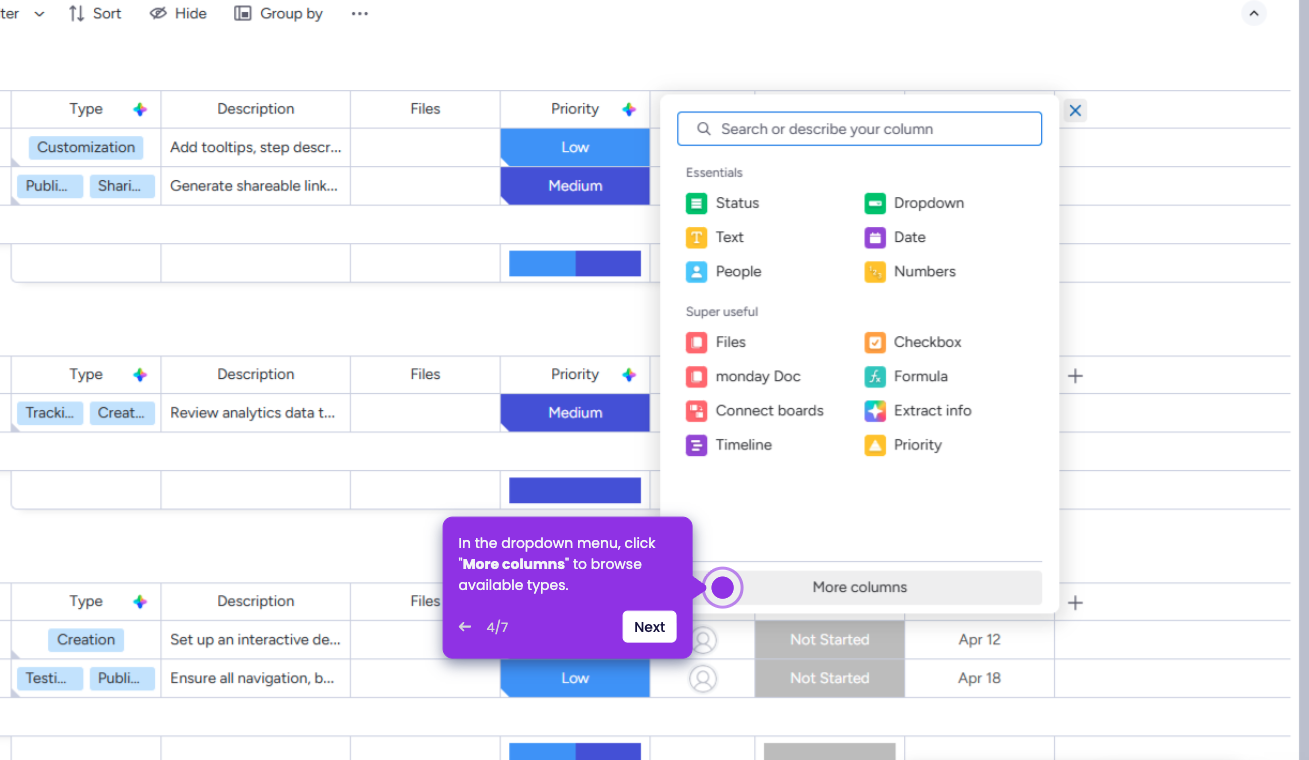
Wrapping text in Monday.com allows you to view long text entries within a column without cutting them off or needing to expand the item manually.
- Log in to your Monday.com account and open your workspace dashboard.
- Open the board where you want to wrap the text.
- Locate the column that contains the long text you want to display fully.
- Click the three-dot menu (⋯) on the column header.
- Select Wrap Text from the dropdown options.
- The text in that column will now automatically wrap, allowing you to read longer entries directly in the board.