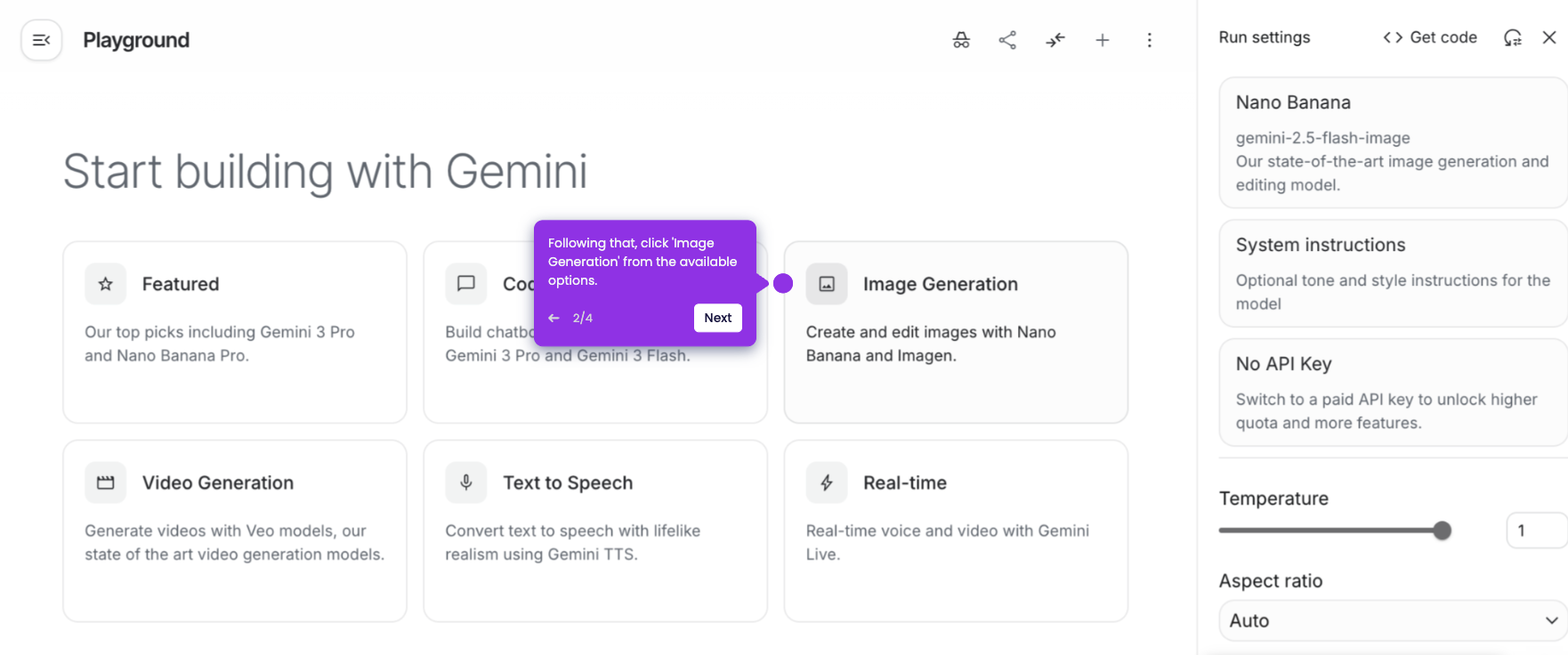
The easiest way to use Nano Banana for free is to try it on Google AI Studio. Here’s a short guide on how to do it:
- On Google AI Studio's main dashboard, go to the left-side panel and click 'Playground'.
- After that, choose 'Image Generation' from the available options.
- Click 'Nano Banana' to proceed.
- Now, prepare your prompt and type it into the chat box.
- You may add some media files as a reference to personalize your prompt further. Simply click the 'Add' button and choose the files from your local storage.
- Once done, click 'Run'.
- Finally, Nano Banana will generate an image based on the provided prompt.