.svg)
.gif)
.svg)



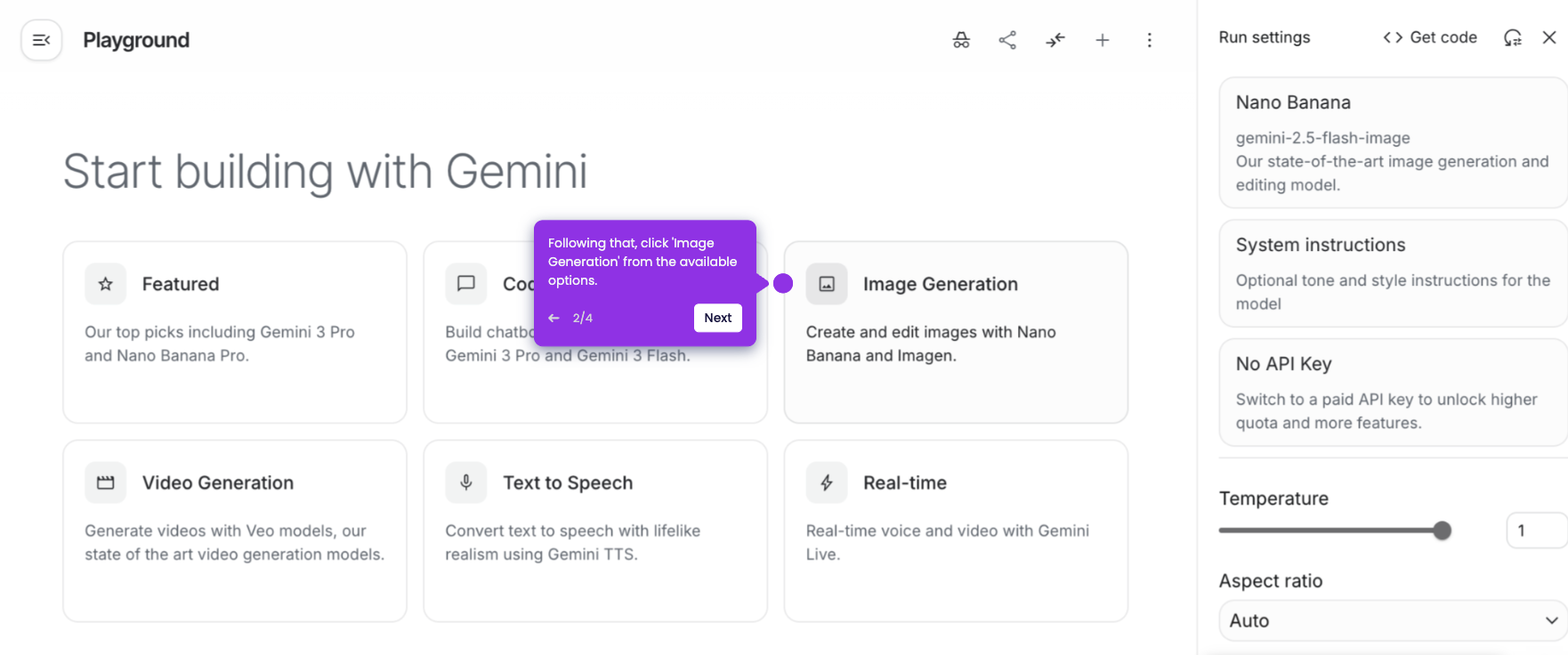
It is very easy to access Nano Banana Pro in Gemini Enterprise. Here’s a quick guide on how to do it:
- Inside the main dashboard of Gemini Enterprise, go to the chat box and click the 'Tools' option.
- From there, find and select 'Generate Images'. As indicated, it uses the Pro version of Banana.
- Finally, you're now given access to Nano Banana Pro in Gemini Enterprise. Prepare your prompt and start generating images.