Quick summary
This walkthrough shows you how to set up ManyChat on Facebook Messenger by connecting your Facebook business page and configuring your Messenger channel settings to enable automated chatbot messaging.
Steps
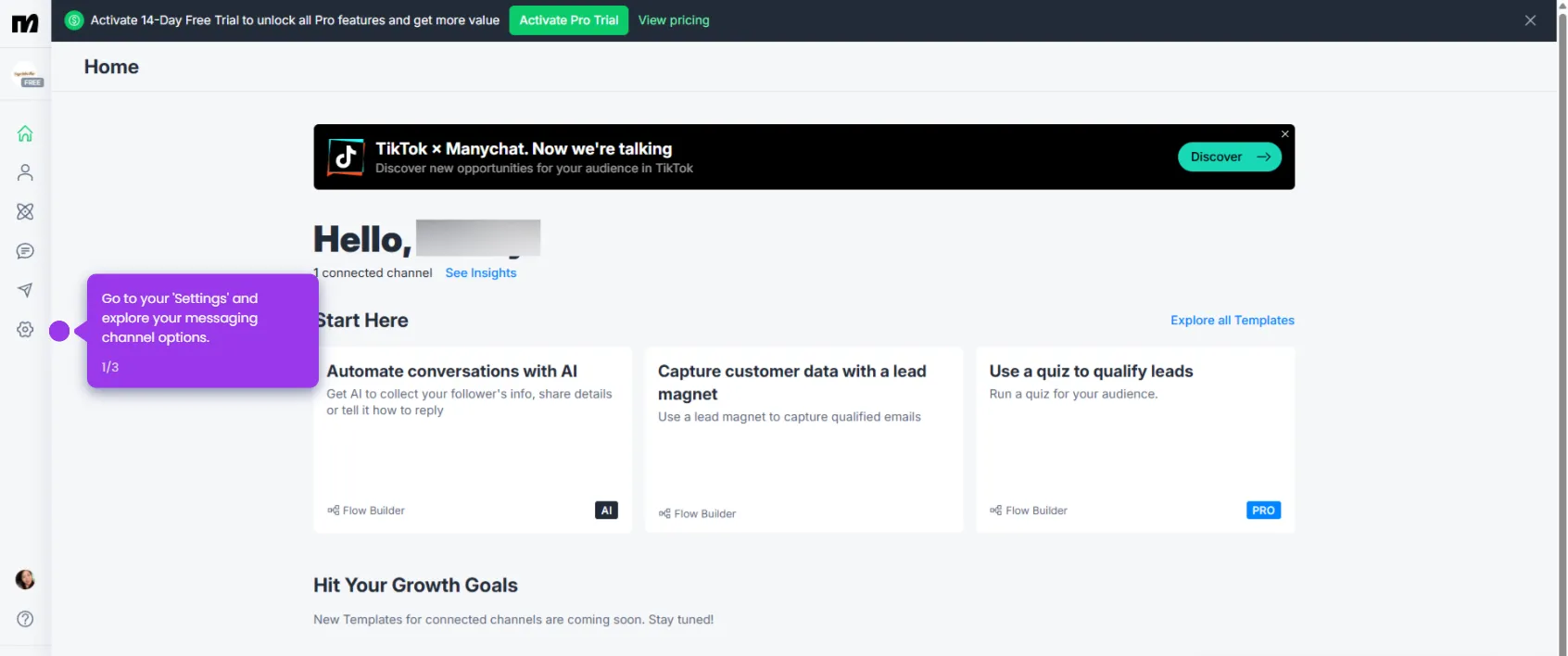
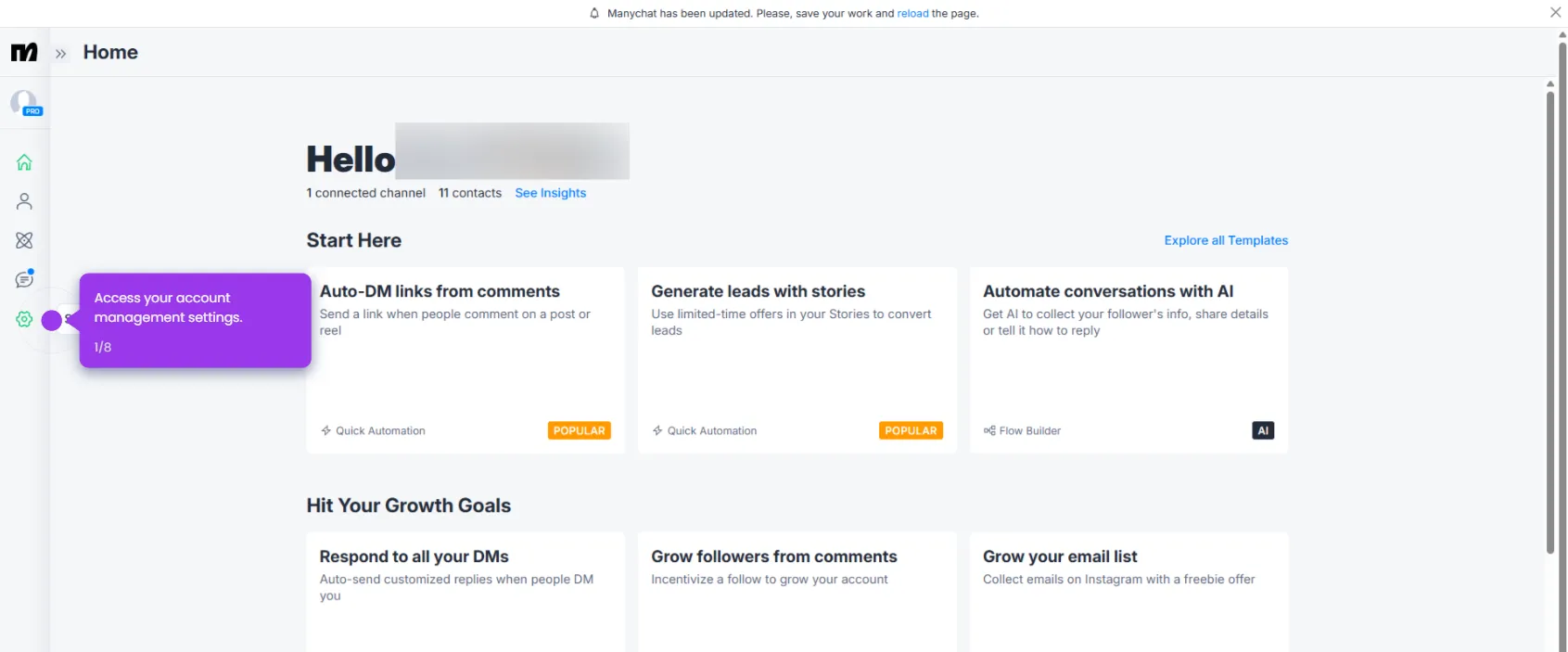
- Access Settings to customize your chatbot's behavior and capabilities.
- Go to Channels and select Messenger to set up your Messenger channel and reach customers where they're most responsive.
- Click Connect to establish the connection and enable automated messaging for your business.
- Click Sign In With Facebook to link your Facebook account and leverage your business page for customer engagement.
- Authorize your account to begin building your chatbot.
- Select specific Facebook Pages for ManyChat to manage, giving you precise control over your messaging channels.
- Click Save to grant ManyChat permissions to your accounts for seamless future expansion.
- Confirm the successful account connection to proceed with your setup.
- Select your business page to begin building custom automations.
- Navigate to Settings to customize your automation preferences.
- Access Messenger settings to customize your chatbot experience.
- Explore the Messenger integration to engage with your audience in real-time conversations.