Quick summary
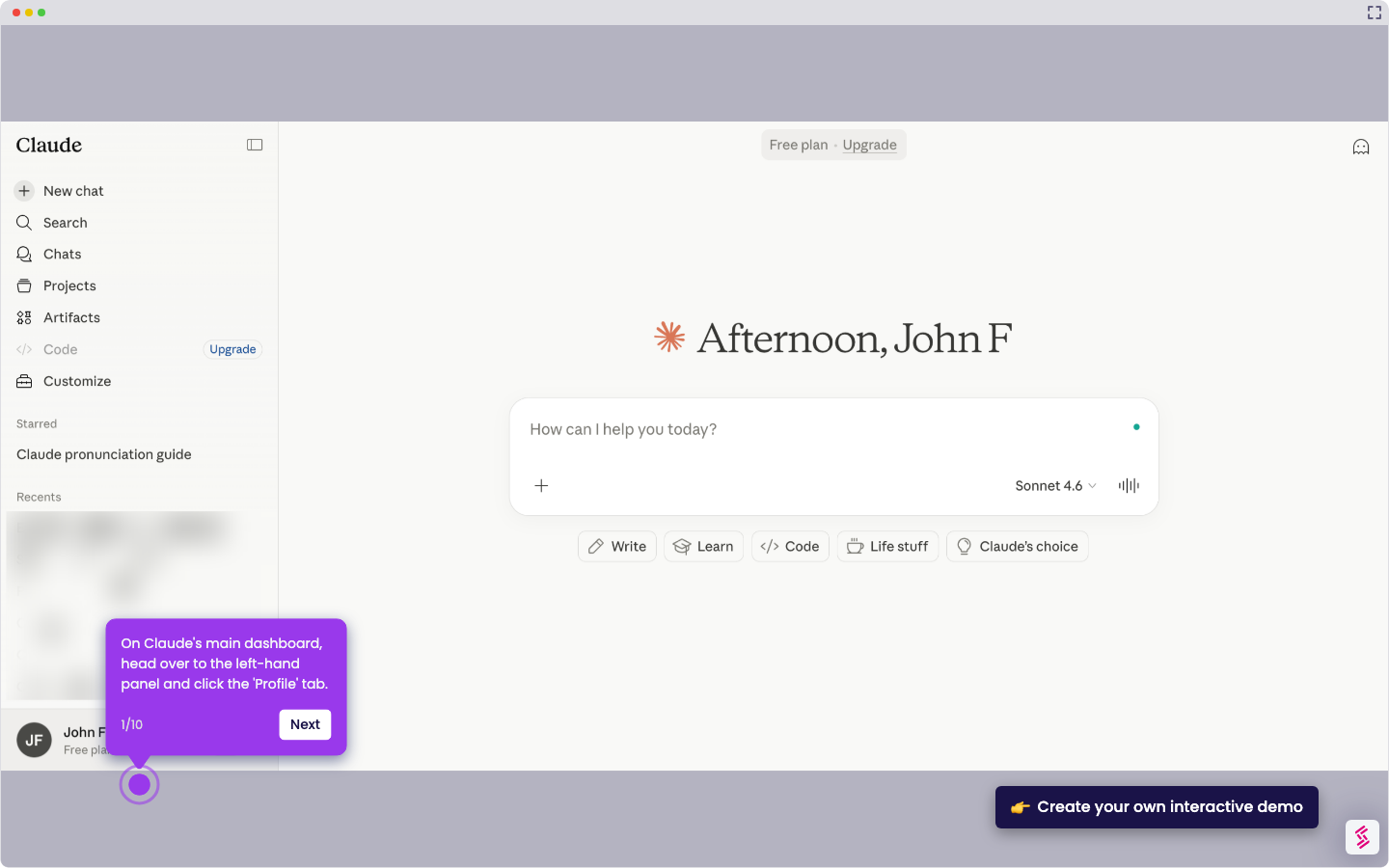
Claude Computer Use lets you submit prompts, receive AI-generated outputs like guides and scripts, and refine responses through follow-up clarifications — all within the Claude web interface. This walkthrough covers the full interaction loop from logging in to iterating on Claude's suggestions.
Steps
- Access your account through the Claude website or app to get started.
- Type your question or request concisely to help Claude understand what you need.
- If Claude asks for clarification, provide additional context to refine its answer.
- Review Claude's output — whether it's a guide, script, or troubleshooting steps — and use it in your workflow.
- If the result isn't perfect, ask Claude to adjust or improve its suggestions.