Quick summary
This tutorial shows how to train a Dialogflow chatbot by uploading a TXT file to expand its knowledge base through the agent's Training panel. Following these steps adds new conversation data to your Dialogflow agent without manually editing intents.
Steps
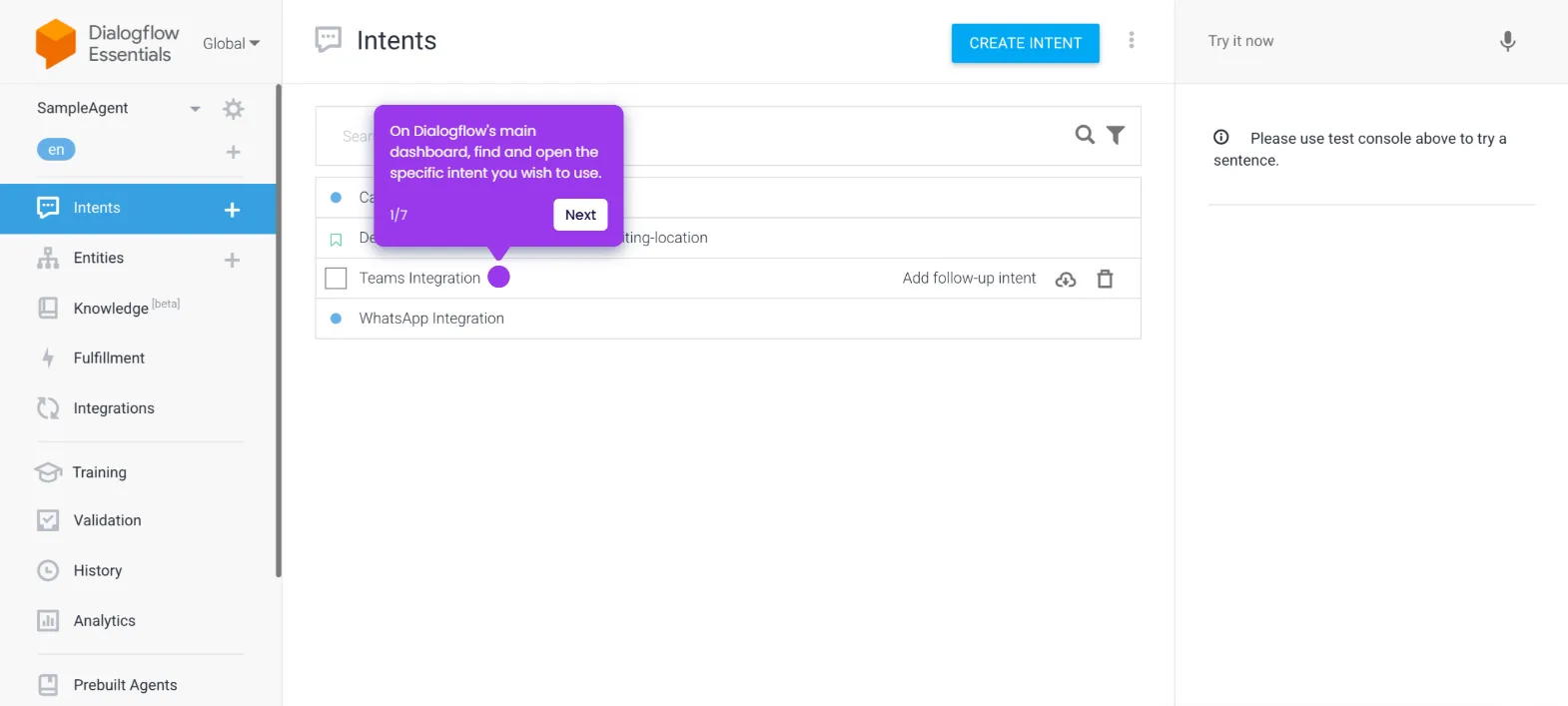
- Inside the Agent's main dashboard, go to the left-side panel and click 'Training'.
- After that, click 'Upload' in the top-right corner.
- Tap 'Choose File' and then select the TXT file that contains the information you want to input into your chatbot.
- After completing these steps, a new set of data will be added to the knowledge base of your Dialogflow chatbot.