Quick summary
Claude's chat search feature lets you quickly locate past conversations by typing a keyword or phrase into the search box. Use the Chats panel on the left sidebar to filter and open any previous chat in seconds.
Steps
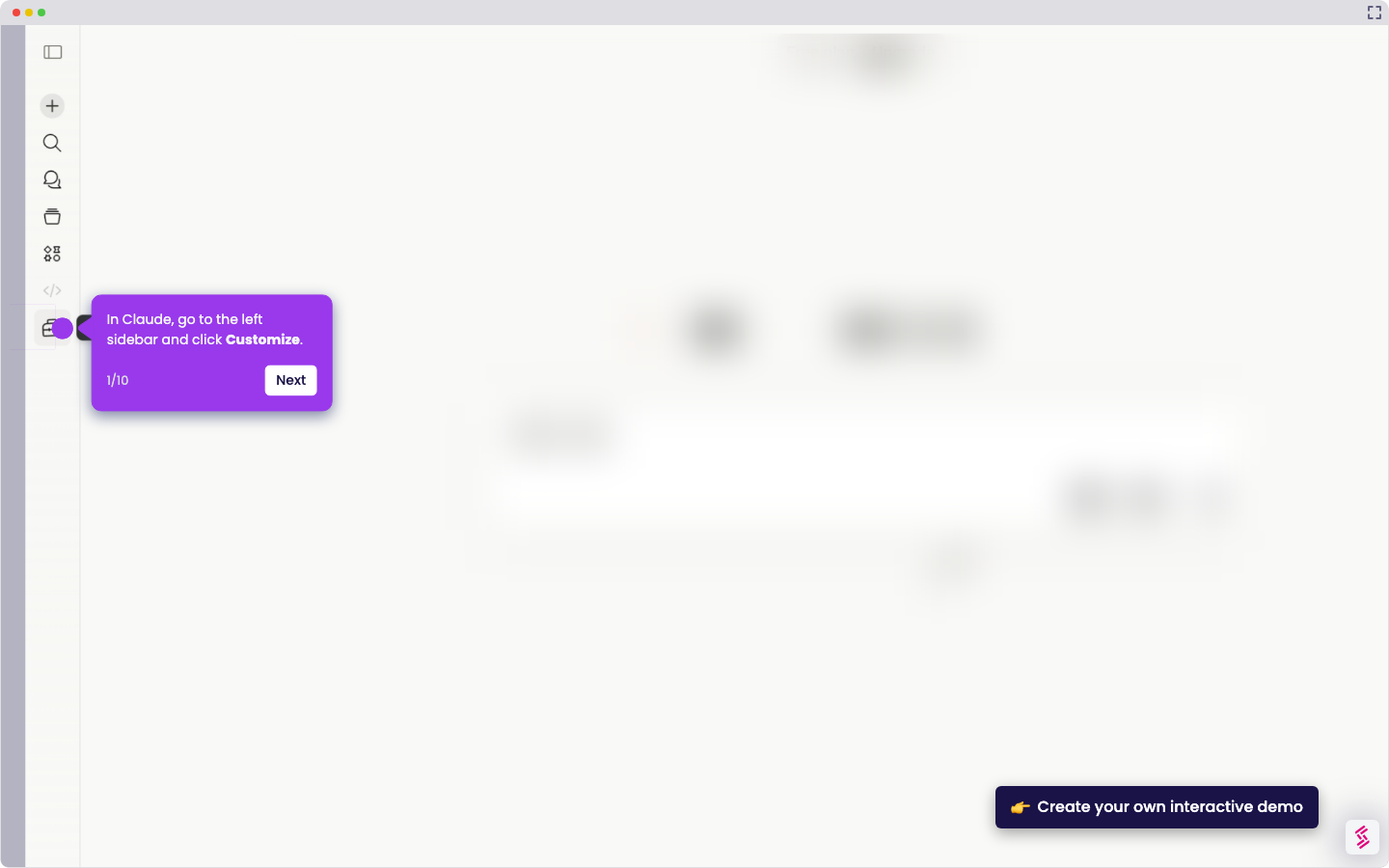
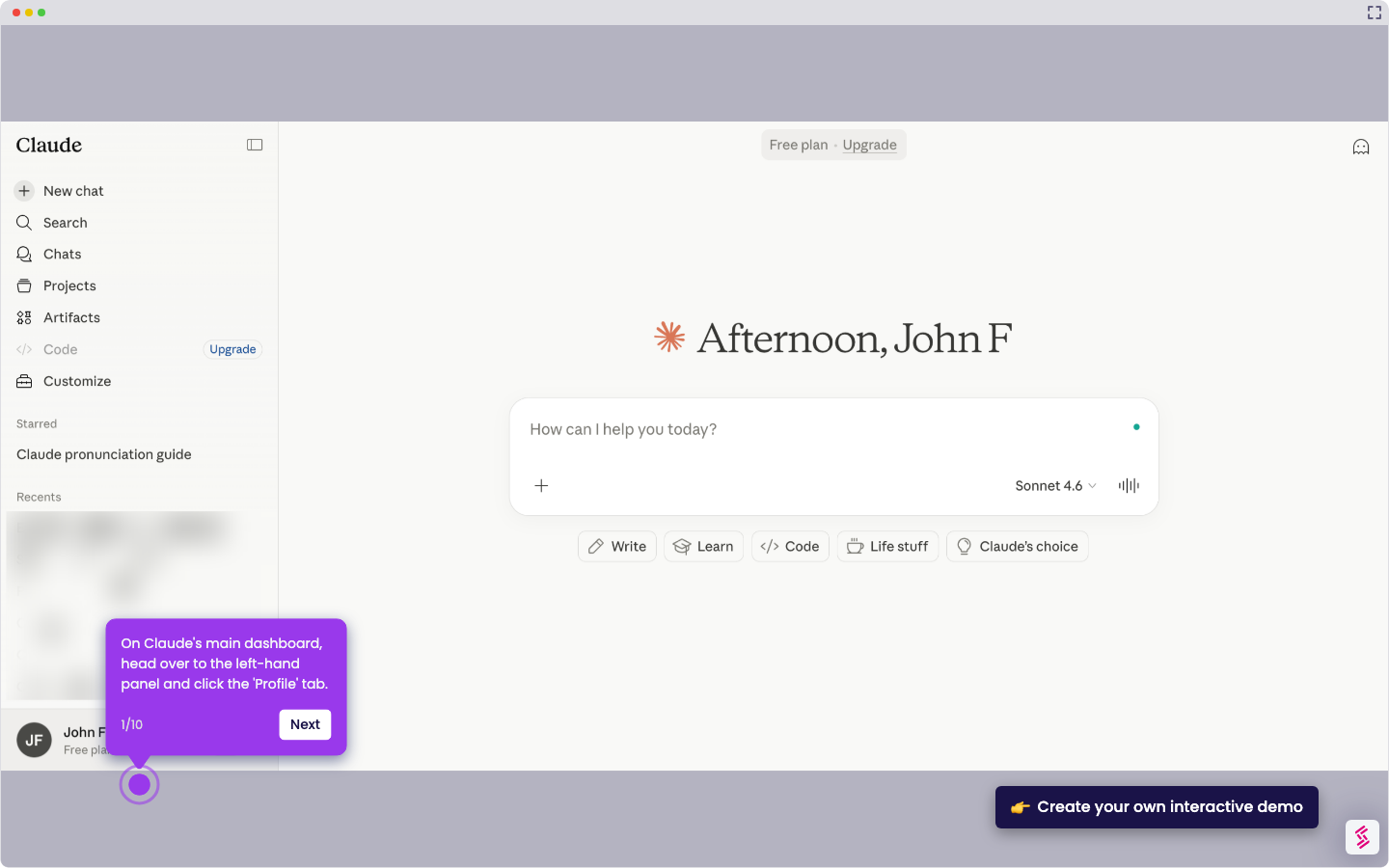
- On Claude's main dashboard, navigate to the left-side panel and click 'Chats'.
- Tap the search box at the top of the page and type a keyword or phrase associated with the chat you want to find.
- Review the search results and open the specific chat you're looking for.