.svg)
.svg)
.gif)


Quick summary
This interactive demo shows how to make an AI avatar talk in Synthesia by entering a script, choosing a voice, and generating a video — no camera or recording required. In under 8 steps, you can produce a polished AI avatar video directly from the Synthesia editor.
Steps
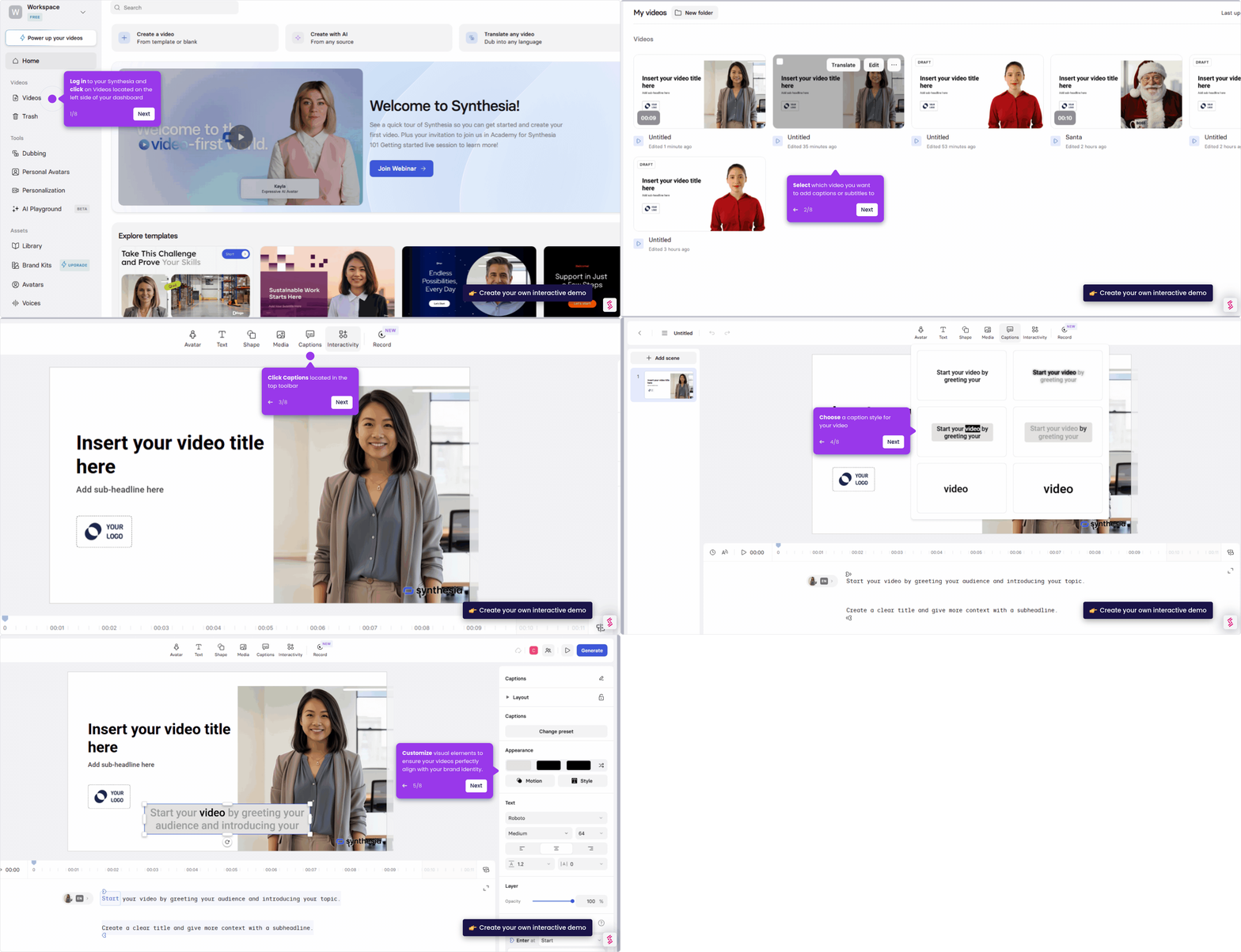
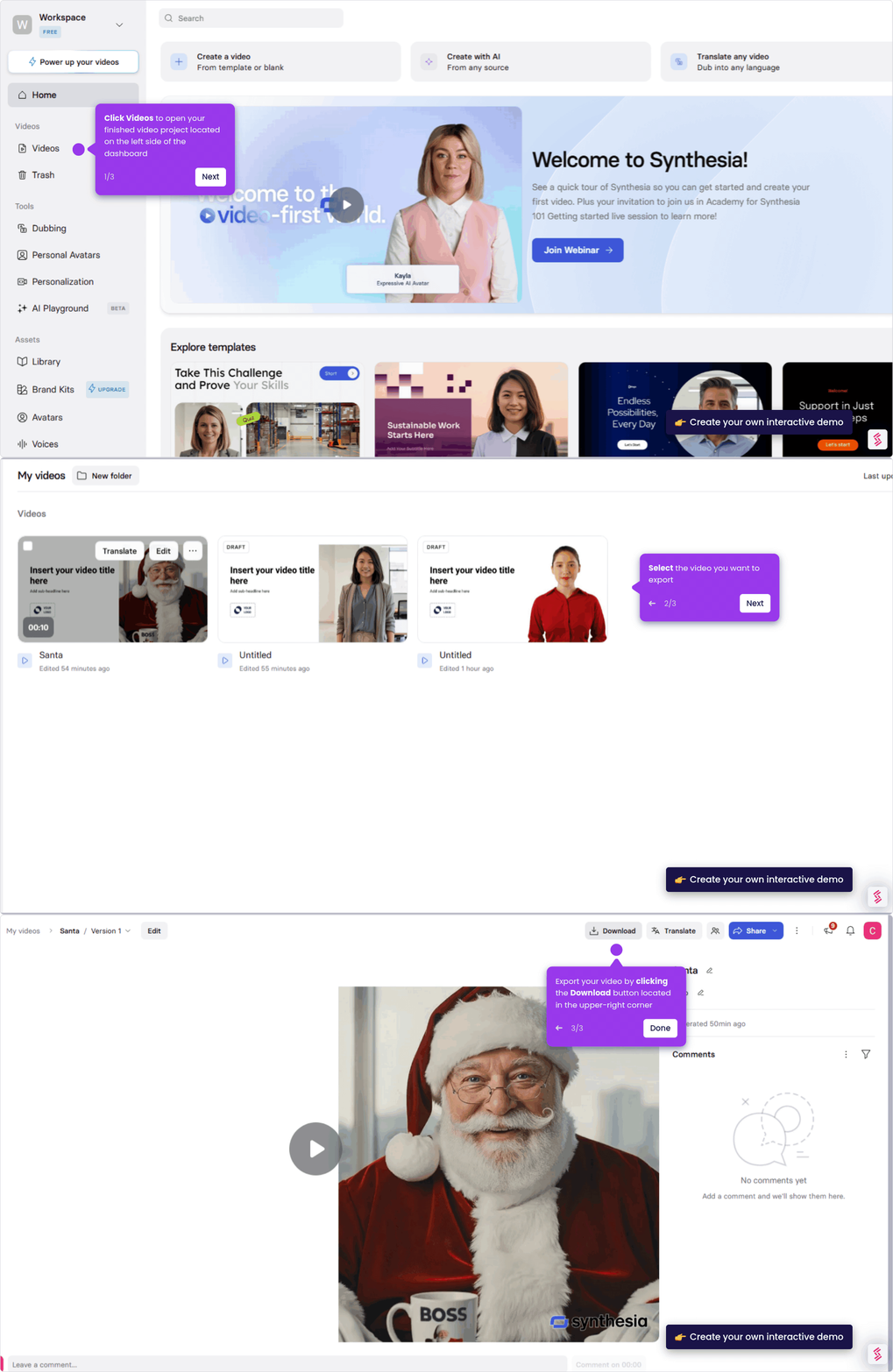
- Log in to your Synthesia account and click Videos located on the left side of the dashboard.
- Select your video from the list to open it.
- Click Edit to jump back into the editor and make changes.
- Enter the text you want the avatar to say in the script box.
- Open the Avatars panel to browse and edit your presenter.
- Select the language and voice for the avatar.
- Adjust pauses, speed, and emphasis if needed.
- Click Generate Video and wait for the avatar to speak your script.