.svg)
.svg)
.gif)


Quick summary
This demo shows how to export videos from Synthesia in just three steps using the built-in Download button. Users can quickly locate a finished video from the dashboard and download it directly without any complex configuration.
Steps
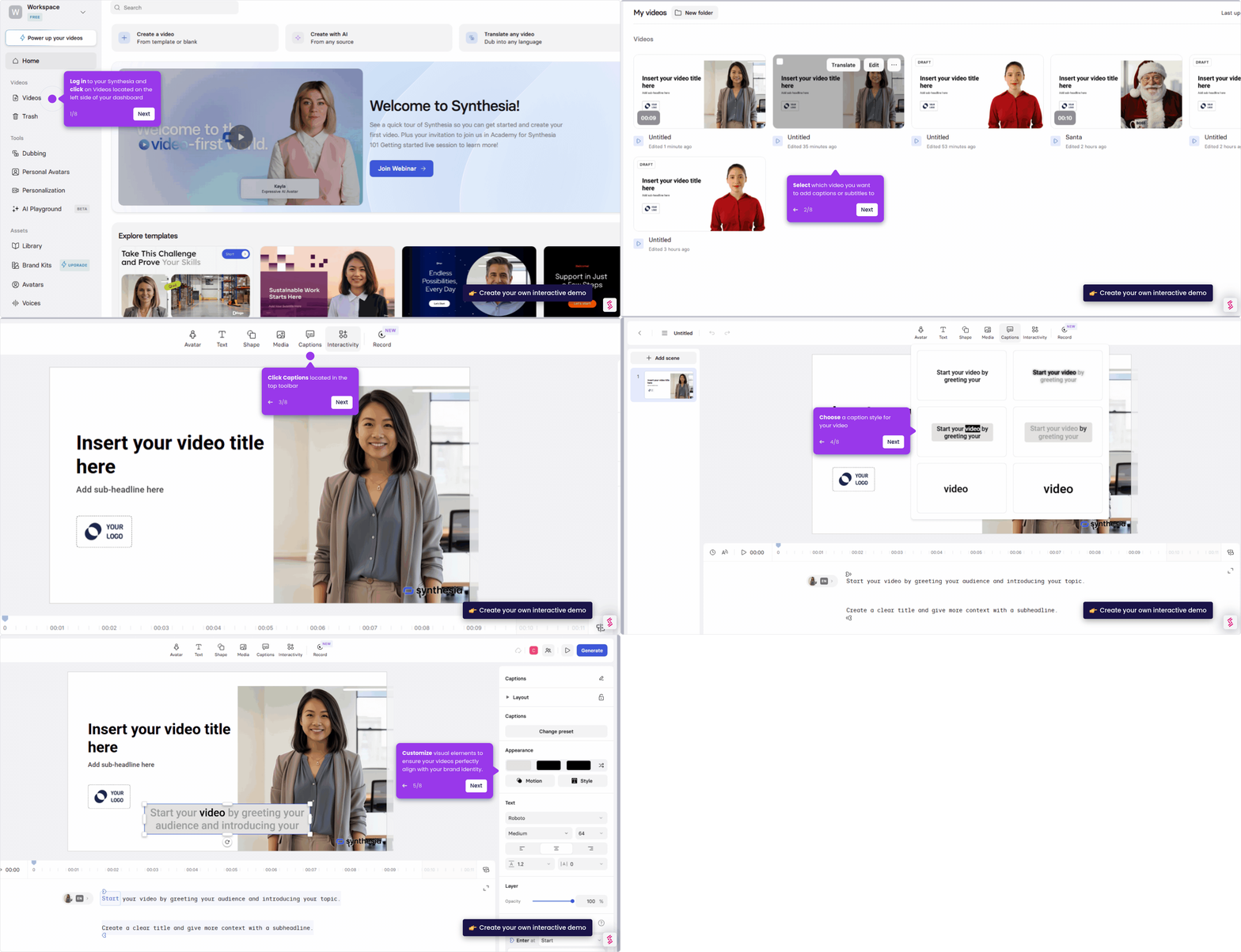
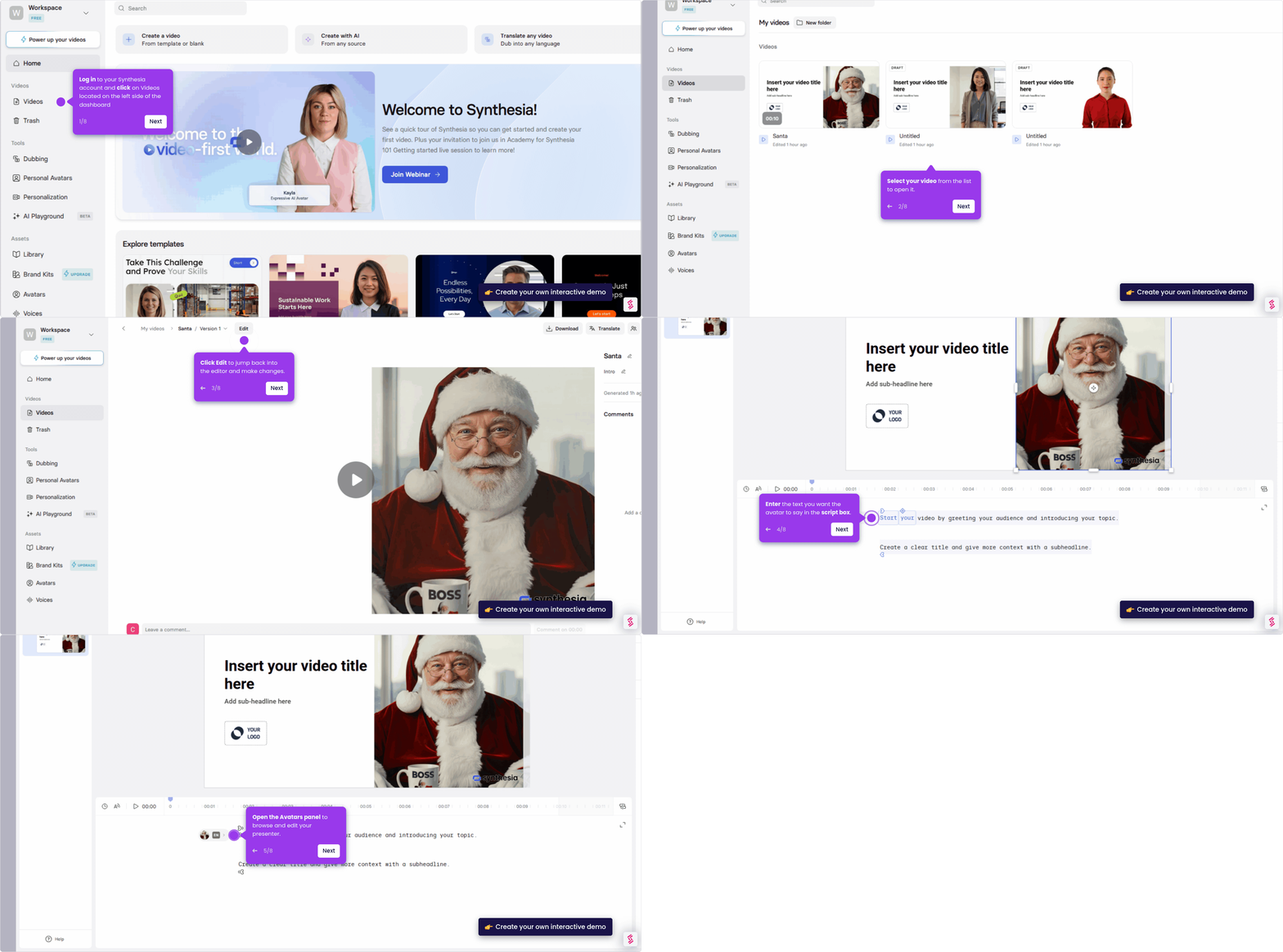
- Click Videos to open your finished video project located on the left side of the dashboard.
- Select the video you want to export from your video library.
- Export your video by clicking the Download button located in the upper-right corner.