Quick summary
Logging in to Claude via email is a quick process that involves entering your registered email, clicking Continue With Email, and verifying your identity through an authentication link sent by Anthropic. Once verified, you are redirected to the Claude dashboard where you can immediately start running prompts and projects.
Steps
- On Claude's login page, enter your registered email into the provided input field.
- Click Continue With Email to proceed.
- Check your inbox and open the authentication email sent by Anthropic.
- Click Sign in to Claude.ai inside the authentication email.
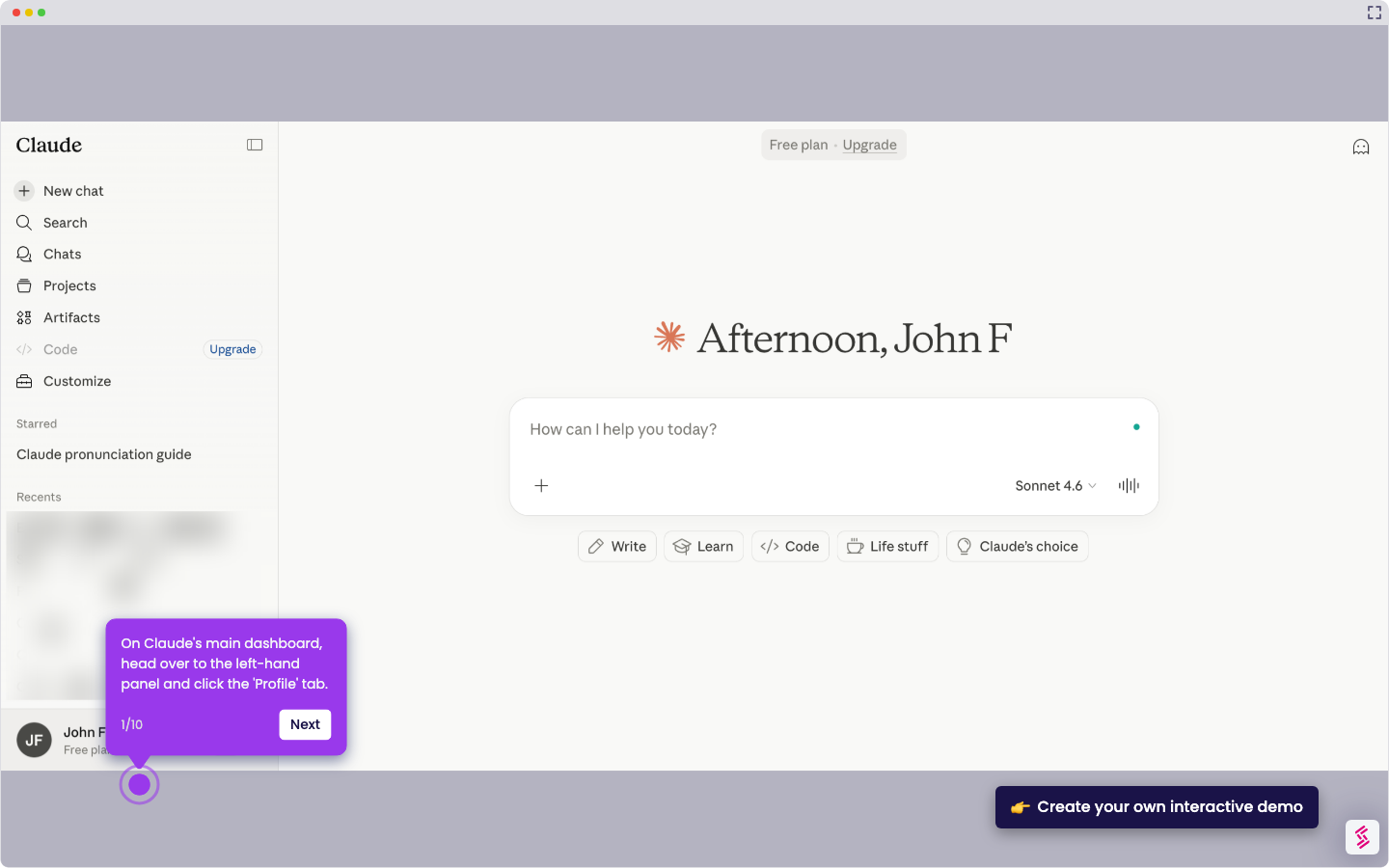
- You will be redirected to Claude's main dashboard, where you can start running prompts and begin a new project.