Quick summary
This tutorial shows how to integrate Notion with GitHub by connecting the two tools through Notion's Settings & members panel. Once authorized, the GitHub integration lets teams link repositories to Notion pages to streamline project management and development workflows.
Steps
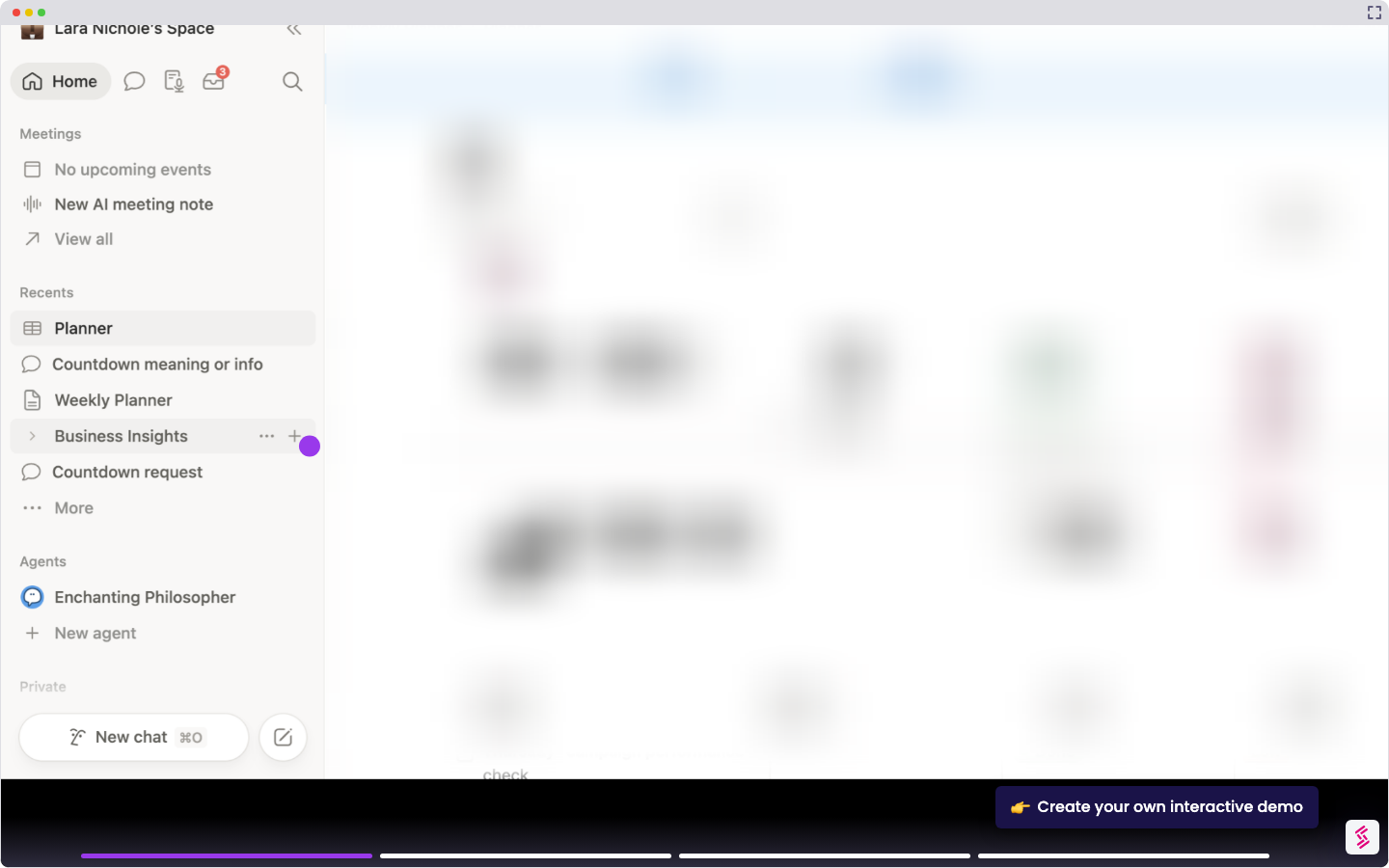
- Click 'Settings & members' in your Notion sidebar to open workspace settings.
- Select 'My connections' to view and manage your active integrations.
- Click 'See all' to browse all available connections and discover new integrations.
- Search for GitHub and click 'Connect' to begin the authorization process.
- Select 'Authorize integration-notion' on the GitHub OAuth screen to grant access.
- Your Notion and GitHub integration is now active, enabling streamlined project management and development workflows across both platforms.