Quick summary
Integrating Microsoft Planner with Microsoft Teams lets teams manage tasks and plans without leaving their collaboration hub. Once connected, all team members can view, create, and update tasks directly inside a Teams channel.
Steps
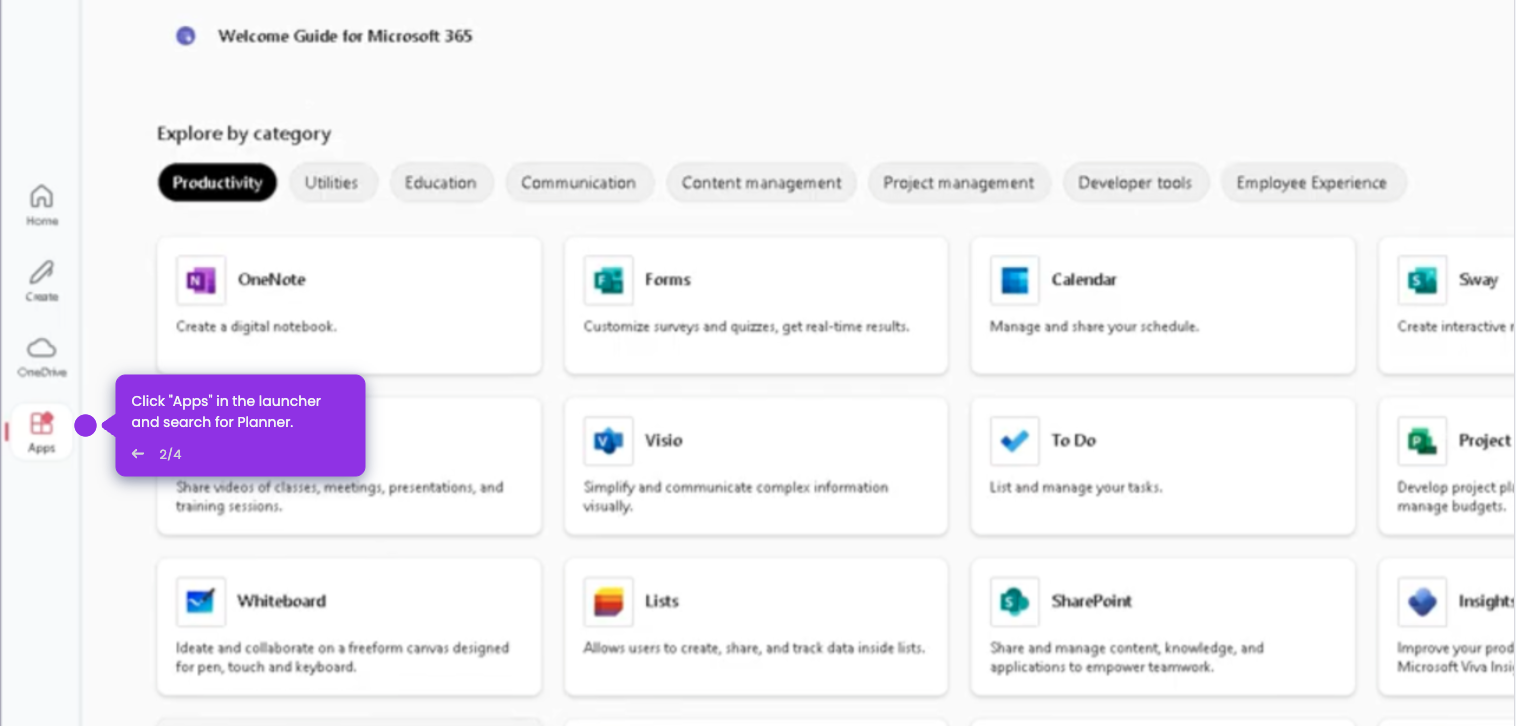
- Open your Microsoft Teams account and click the ellipsis icon in the sidebar to access more apps.
- Type "Planner" in the search bar to find the app.
- Select Planner from the results and click "Add" to install it.
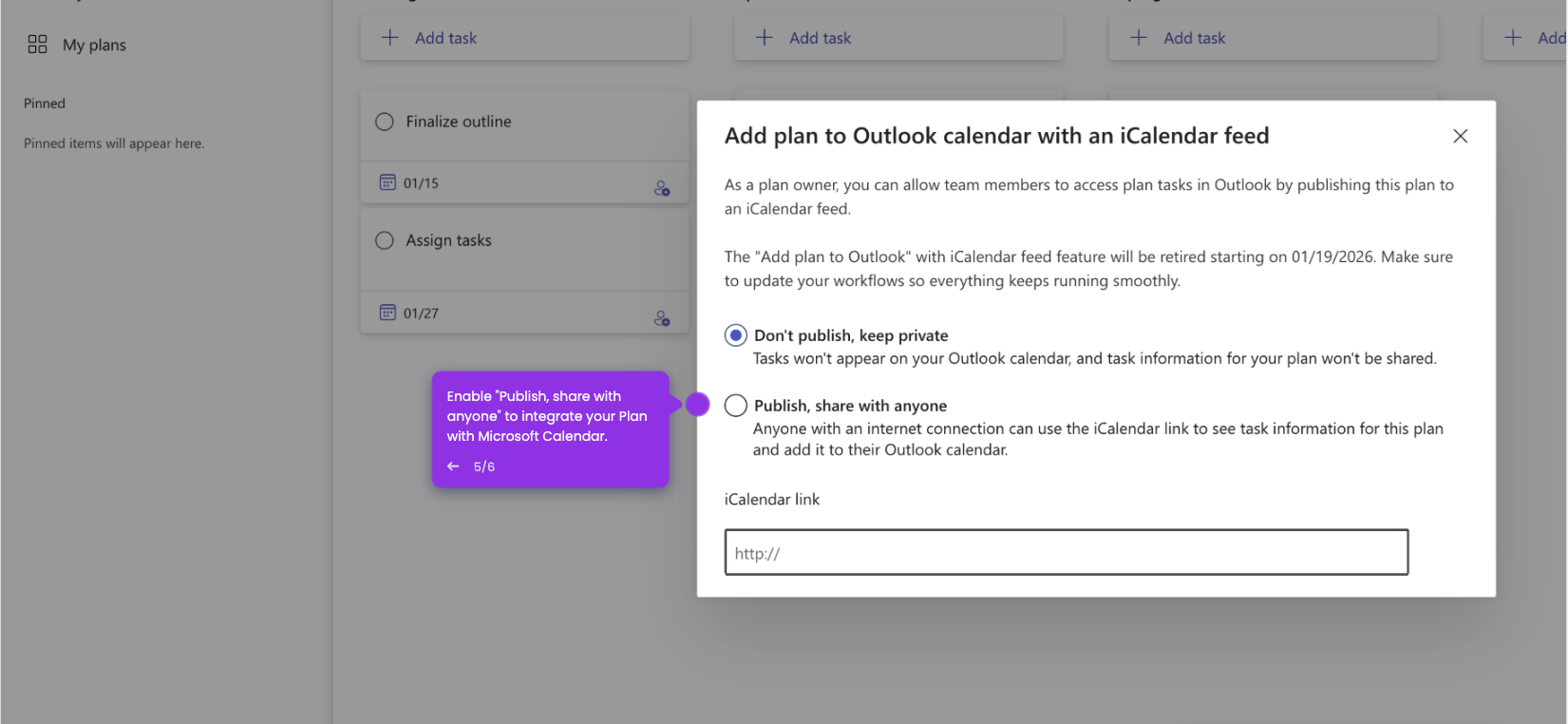
- Navigate to "My Plans" to view your existing plans.
- Click "+ New Plan" to create a plan linked to your Teams channel.
- Select a template for your new plan.
- Enter a descriptive plan name and click "Create".
- The Planner board is now embedded in the Teams channel, where all team members can view and update tasks.